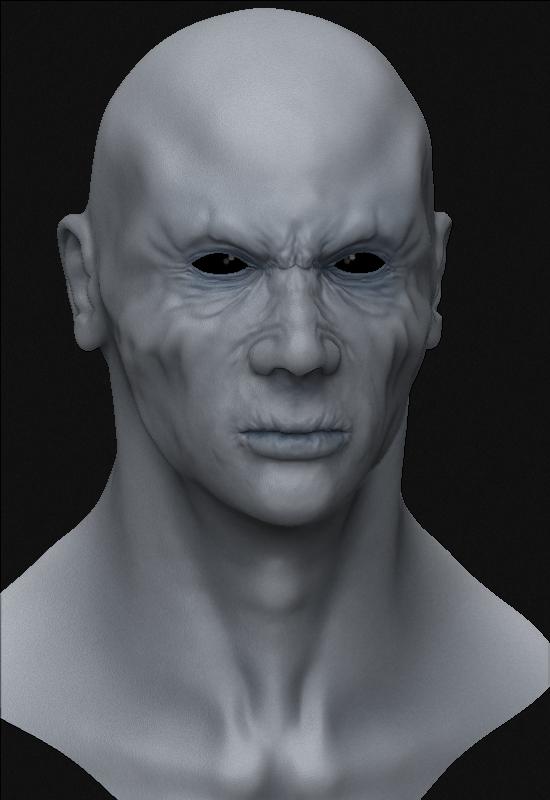
Get inspired by a monster from D&D monster manual II; I do’t know right now how close to the artwork I want to go…Anyway, hope u like it 
[ ]
]

wow  !!!
!!!
love the mouth ! go go go go !!!


Wow! Keep up the good work!
Great face model  keep posting, I want to see more
Yong
Iwas going to say give him a more defined jaw-line, but then I looked at your ref pic. 
The model looks fantastic, I like what you have done skin, it looks very natural, and that it should be like that. The only crit I can come up with right now is, the ear lobes should be more defined from the head, they should start earlier, if that makes any sense. They seem to be being pressed out through the skin on his head, rather than being a part of his head. I know it’s still early in your project, so you probably already knew about it, but just in case…
Great work though, very natural, and that (at least in my case) is pretty hard to pull off.
Many thanks for your comment!
I’m working on this dude right now, more updates soon!
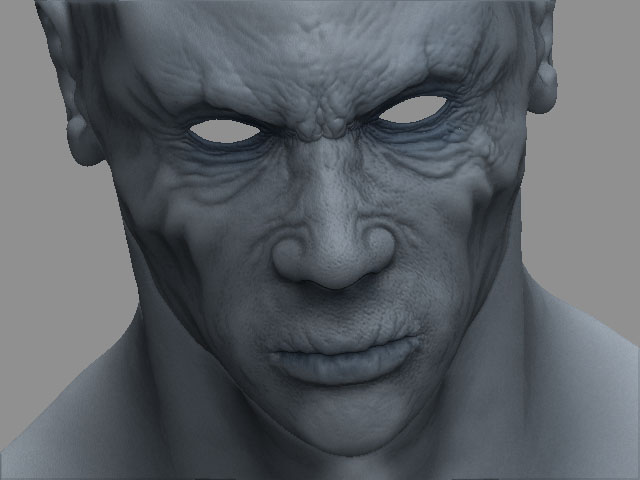
OOoooohh, the lighting and camera angle on that update make him look scaaarrryyyy!
Looking good. Awaiting updates 
great !! better and better 
Hi and thanks all!
I’m working on the details:
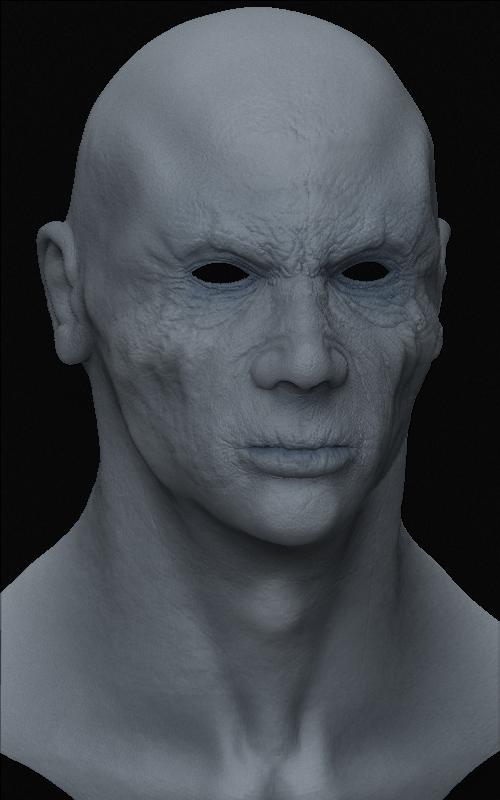
C&C are welcome, hope you like it!
mmm no comment so far…
Anyway here’s a minor update:
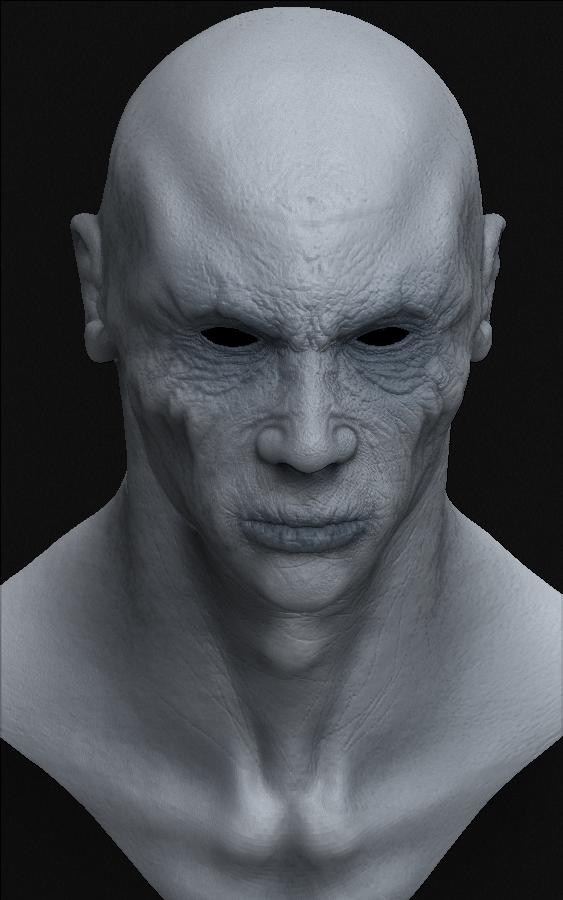
I think that soon I’ll move on the armor.
Bye
He’s looking very cool. The details are good, and not distracting, which is hard for me to do. And he’s still creepy. Do you plan on making the armor in ZB too, or will be making it in another 3d app?
Judging from the design, this is gonna be a very cool model. Waiting to see the armor.
can u post the alpha ur using to make those wrinkles plzzz
btw, it looks so cool
Actually I didn’t use any alphas to create the wrinkles, I did use deco brush with projection master with very low settings.The wrinkles in the forehead is modeling with hi-res mesh, nothing more! Anyway I suggest you to watch the video done by the great strike at his website demonstring how to create those wrinkles with a dino model.
Good luck
thnx, but can u tell me where can i find deco brush in zbrush ? maybe i look dumm, but i cant seem to find it in the brush palette
The deco brush is under the tool palette, tool number 14; First row, the second tool starting from the right.
Bye
Hi all!
Long time from the last update; I was quite busy with exams in the past month but now I’ve got some time to spent in the armor.
C&C are welcome as always!

Bye
Attachments
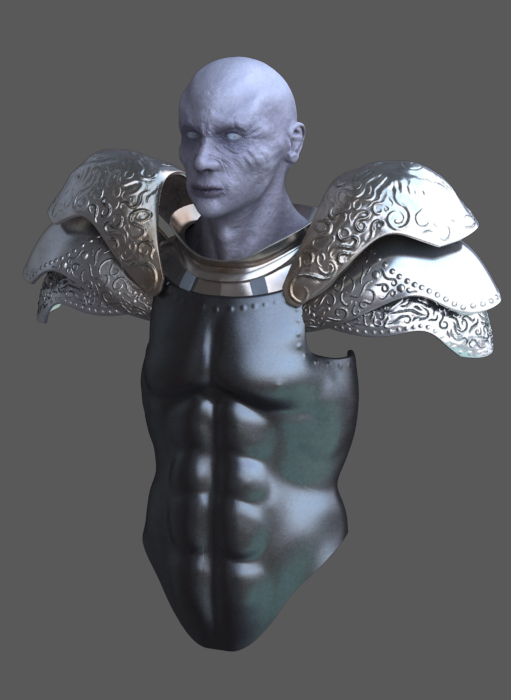
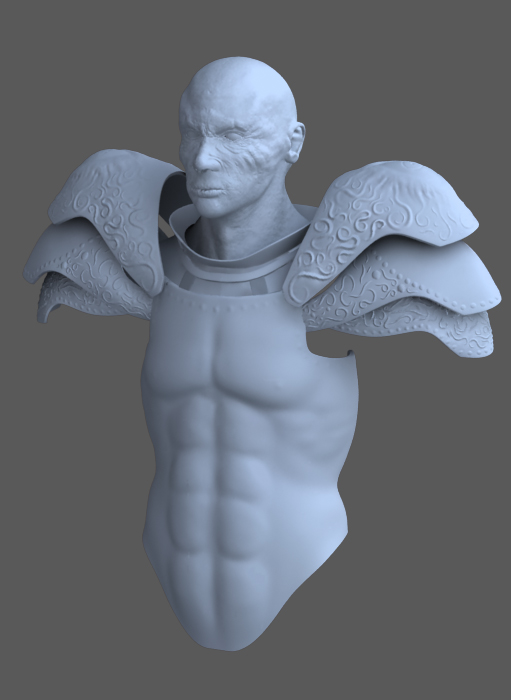
great work loden!! exspecially the armor, did u render it in Zbrush!?
I like it… seems like his abs are a lil to long though, and the material for the shoulder armor give the impression of aluminum or some cheap metal…a lil less reflective quality might make it look thicker… good clean model
WOW loden !!!
great!! you are getting better and better !!
very cool
…with trimed wings
Very cool modeling!
Pilou