Hi my name is Dean Deakyne, I thought I would re do this post with the guidelines of the zbrush post… So here I go again… Hope you like it!
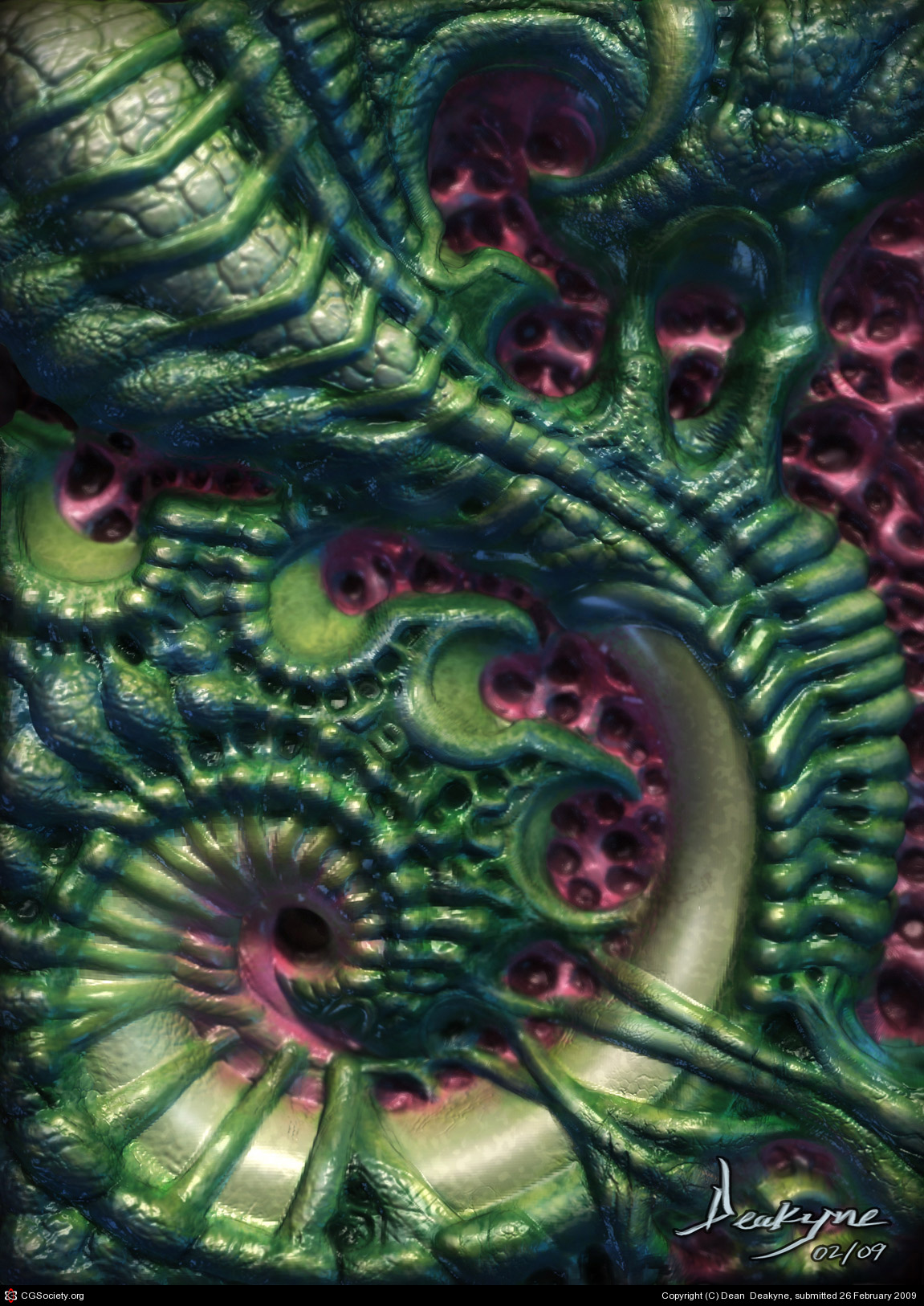
This was sculpted out of a poly plain…
I call it “What the S” Curve!
Attachments
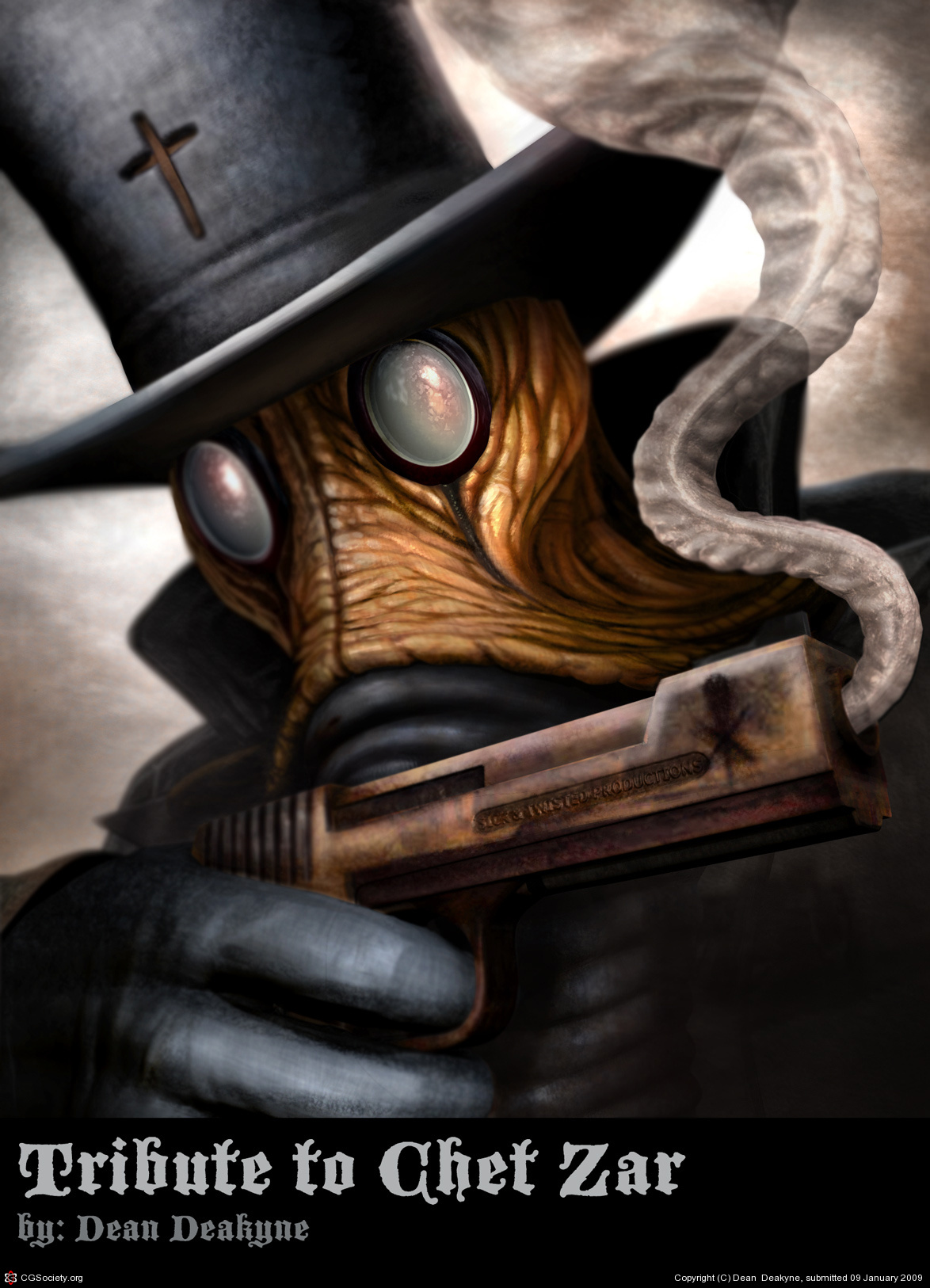
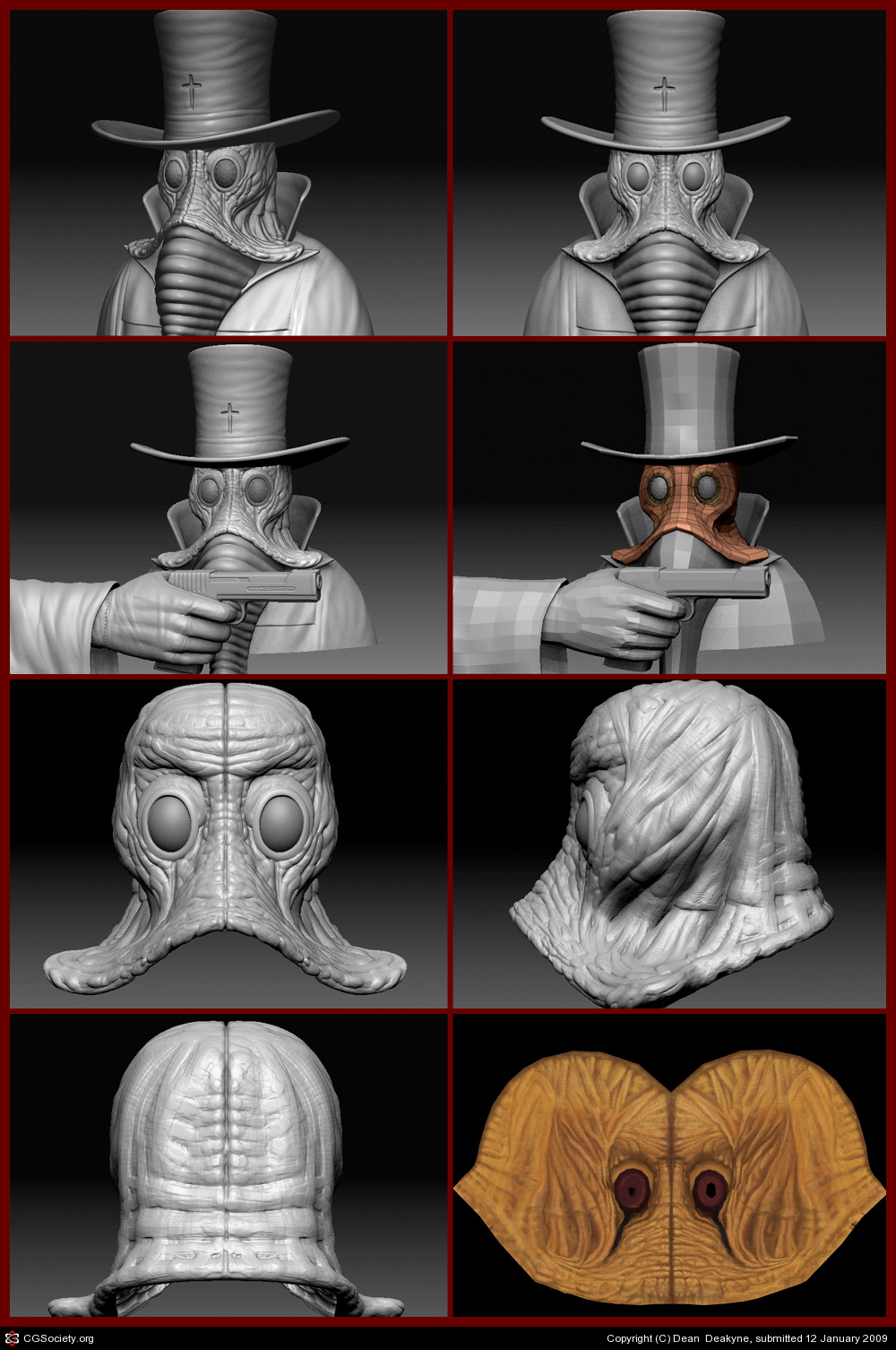
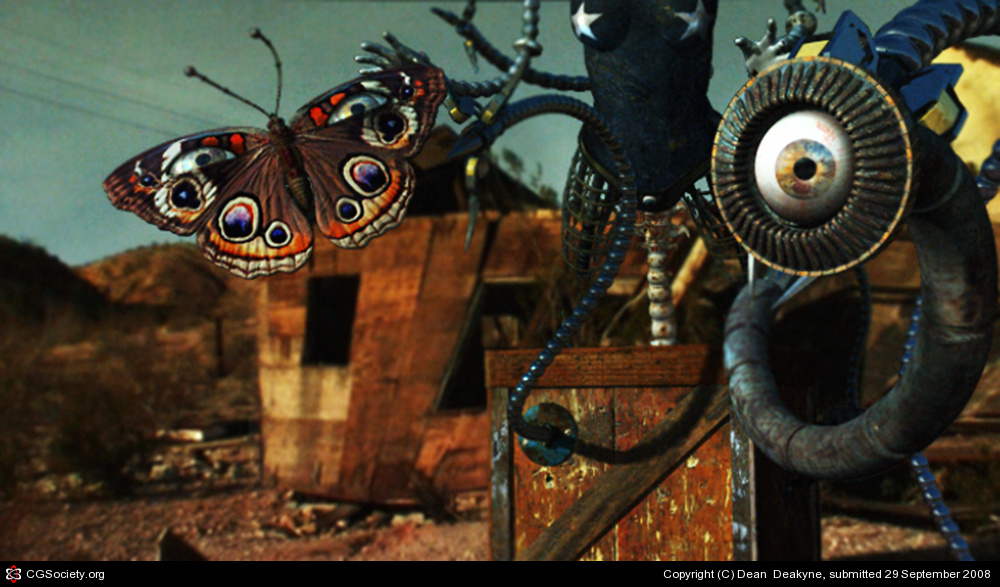


Hi my name is Dean Deakyne, I thought I would re do this post with the guidelines of the zbrush post… So here I go again… Hope you like it!
This was sculpted out of a poly plain…
I call it “What the S” Curve!
Excellent work -
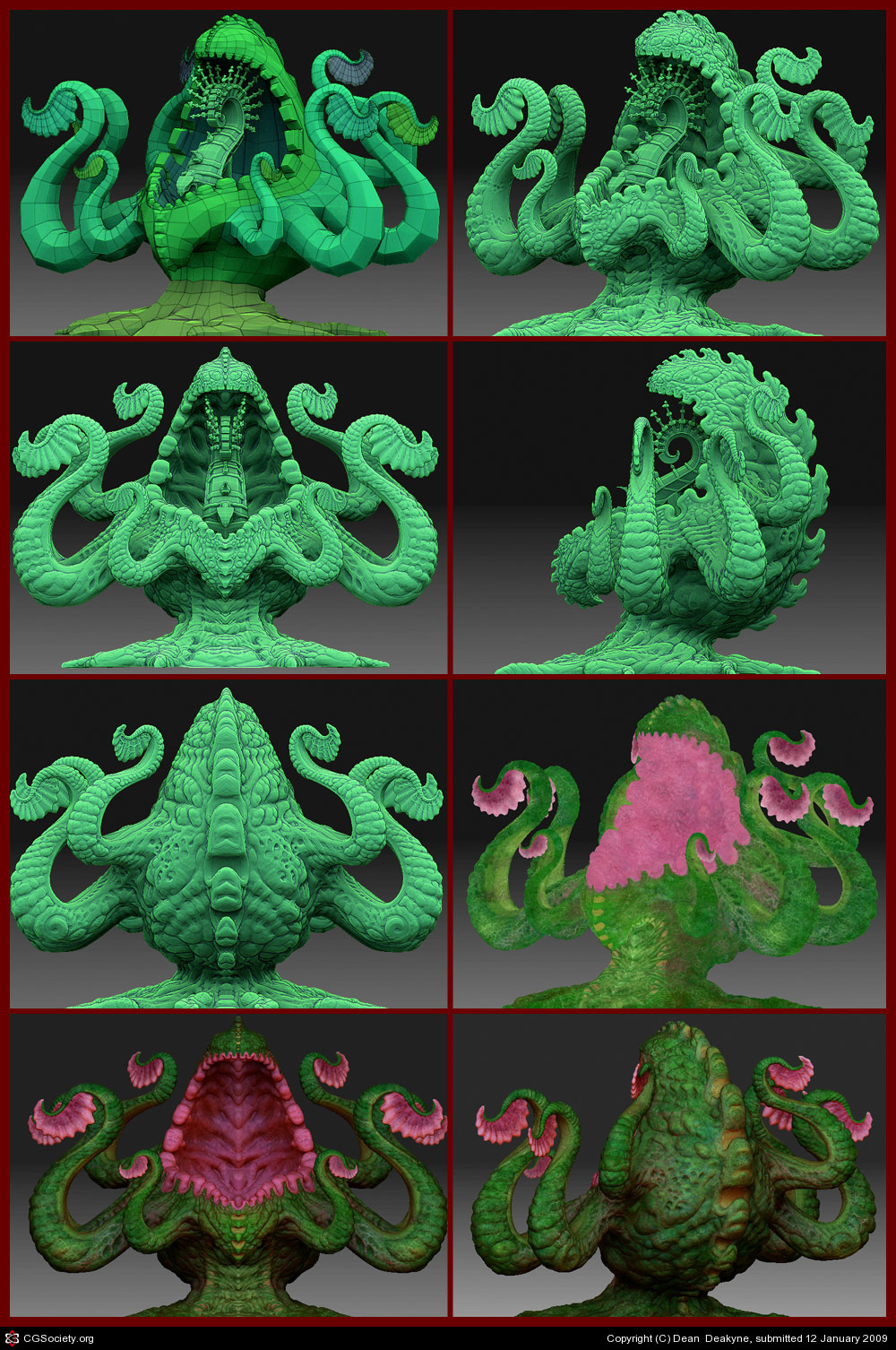
Dude, I love your plant monster. Is it a Triffid? Just the sort of thing z-brush is for. Keep posting!!:idea:
No it’s not a Triffid, it is more of a spiritual entity that can tap into good energy that surounds it’s environment…
I really like this, very authentic and interesting style. To me this is more frontpage than usual 
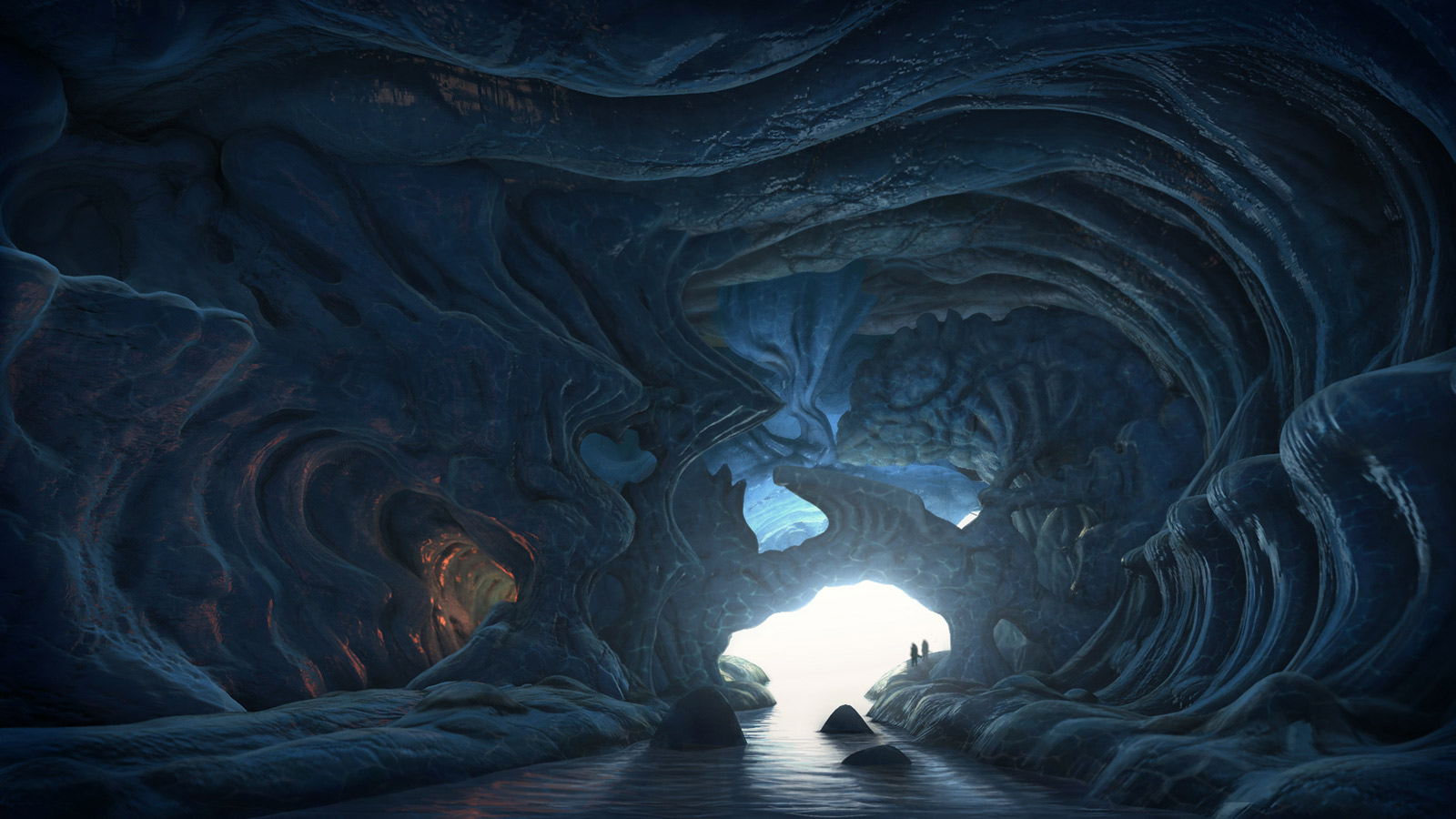
This originally concept art for this cave was painted by my friend Jason Scheier inside photoshop. I took his painting and made it into 3D environment using maya for the base model. Next I exported the geometry and sculpted all the detail using Zbrush. The final render was done using mental ray and the composite was done in photoshop!
[ ]
]
Hey very impressive works and this last one is really outstanding i must say.
Looks like some very tedious sculpting but it shure payd off.
Would be nice to see some zbrush grabs  keep it up
Has an HR Giger quality to it.
Here are the Ztools for the landscape model! I will post the texture maps, normals and displacement soon…
Hope you like it!
Hello Dean,
I’m actually very surprised of how incredible this image turned out! It was executed with technical mastery and very strong attention to detail. I love your breakdown of all of your ztools! This one deserves front page attention.
Cheers! J
This is one of the first images that I specifically designed for a tattoo that I did on my friend Mick! I have been experimenting on how to bring 3D into the tattoo designing process so I can take some of the guesswork out of how light and shadow would interact with all the surfaces within the final image. How I approached this design was first I took a picture of the area that was going to be tattooed then I brought that image as an image plane inside of Maya. I did a low resolution model to start placing the objects in the position that I thought would work best, I then took the model into ZBrush for a final sculpt & paint, I exported back to Maya and rendered with Mental Ray, the final comp was done in Photoshop. I am hoping to bridge the gap of 3D design as a tool for the tattoo industry! Hope you like this image. 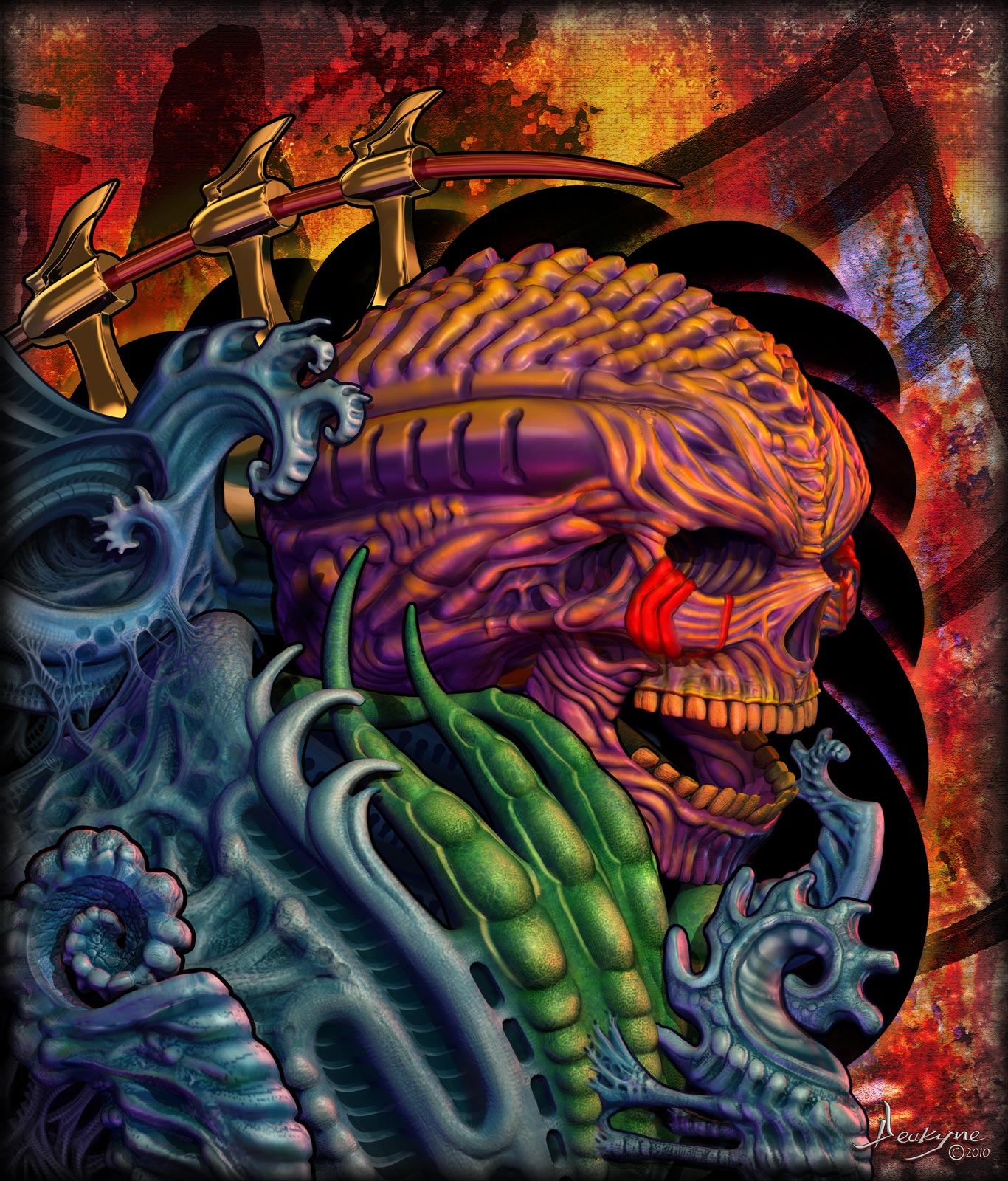
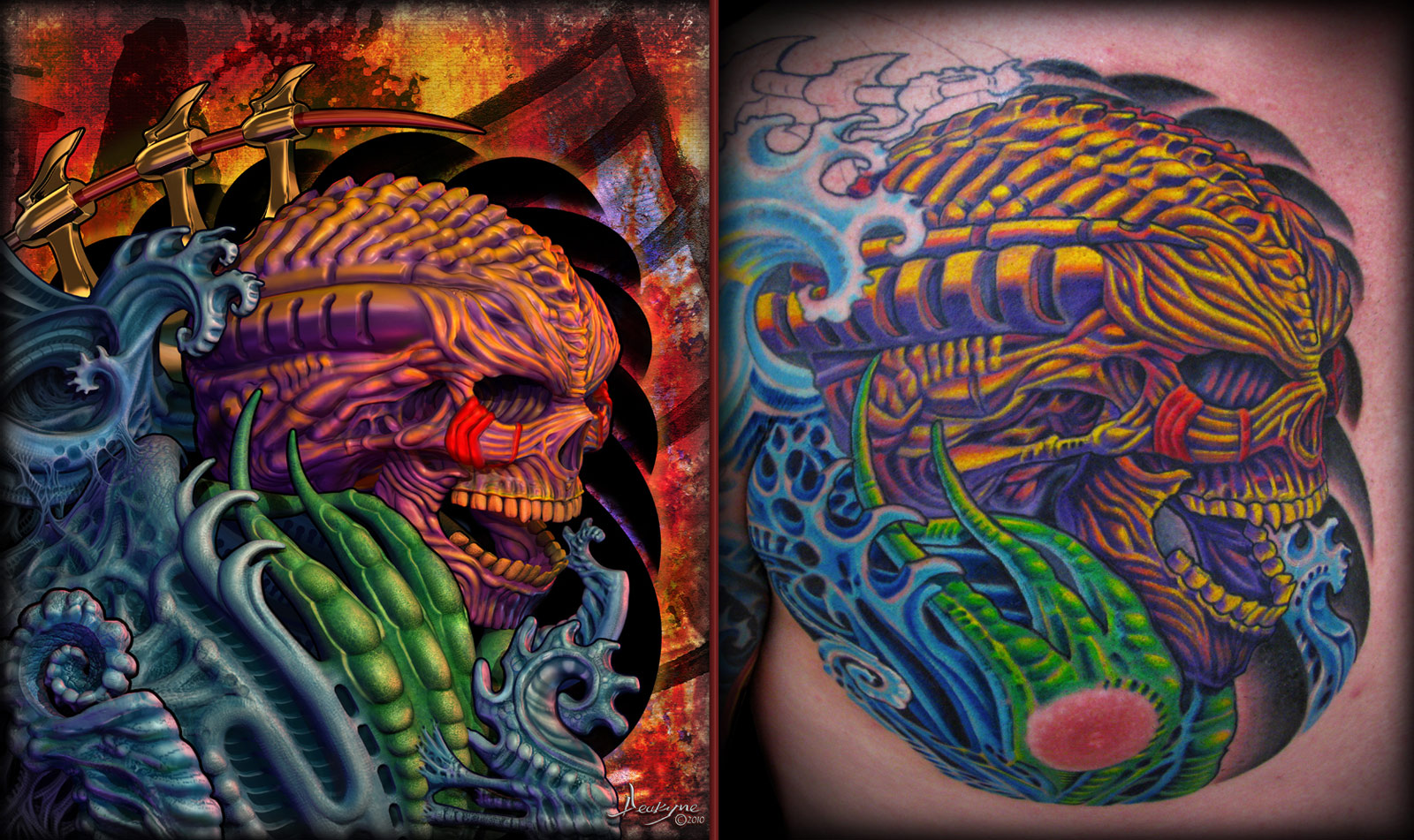
very good.
I like the tattoo most.
Digging it. Your pal - weirdy
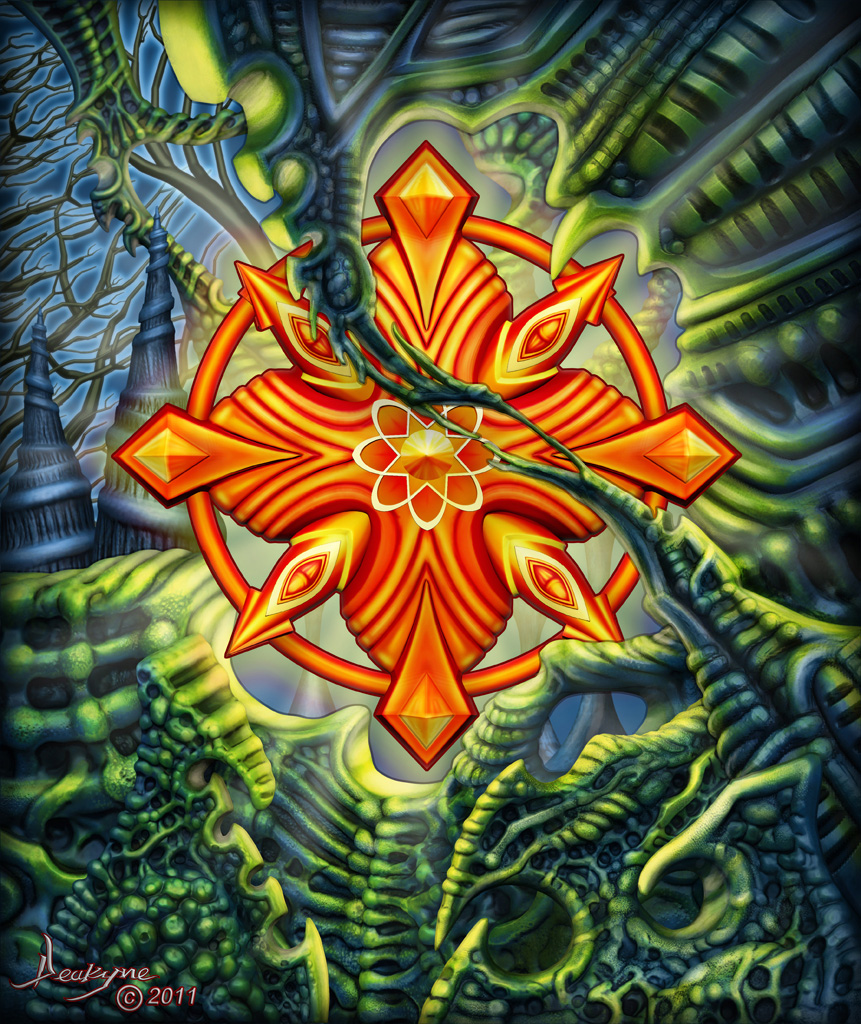
This is a design I did in 3D (Maya, Zbrush & Photoshop) for a tattoo that I will be doing on my good friend Pete Savell. I’ll post the tattoo after the final session. The original concept came from an acrylic painting I did a few years ago, I always saw this design in 3D so I thought it was time to take it into Zbrush and see what I could do with it…
Hope you like it!
I did this image for the Giger Bio Mech Challenge, unfortunately I got sick and didn’t make the deadline. This was completely modeled in Zbrush, it started out as a sphere and ended up turning into this guy. It was UV Mapped in Maya 2017 and Zbrush, Textured in Quixel Suite, and Photoshop. I then rigged and posed it in Maya 2017, Rendered with Mental Ray and Arnold then did the final Composite in Photoshop. I may add some more final touches but for now I am finished. 


