ZBrushCentral

Cylinder to flat area

So, I am trying to make a desert eagle to try and learn all the tools and I am sort of stumped while making a part of the gun.
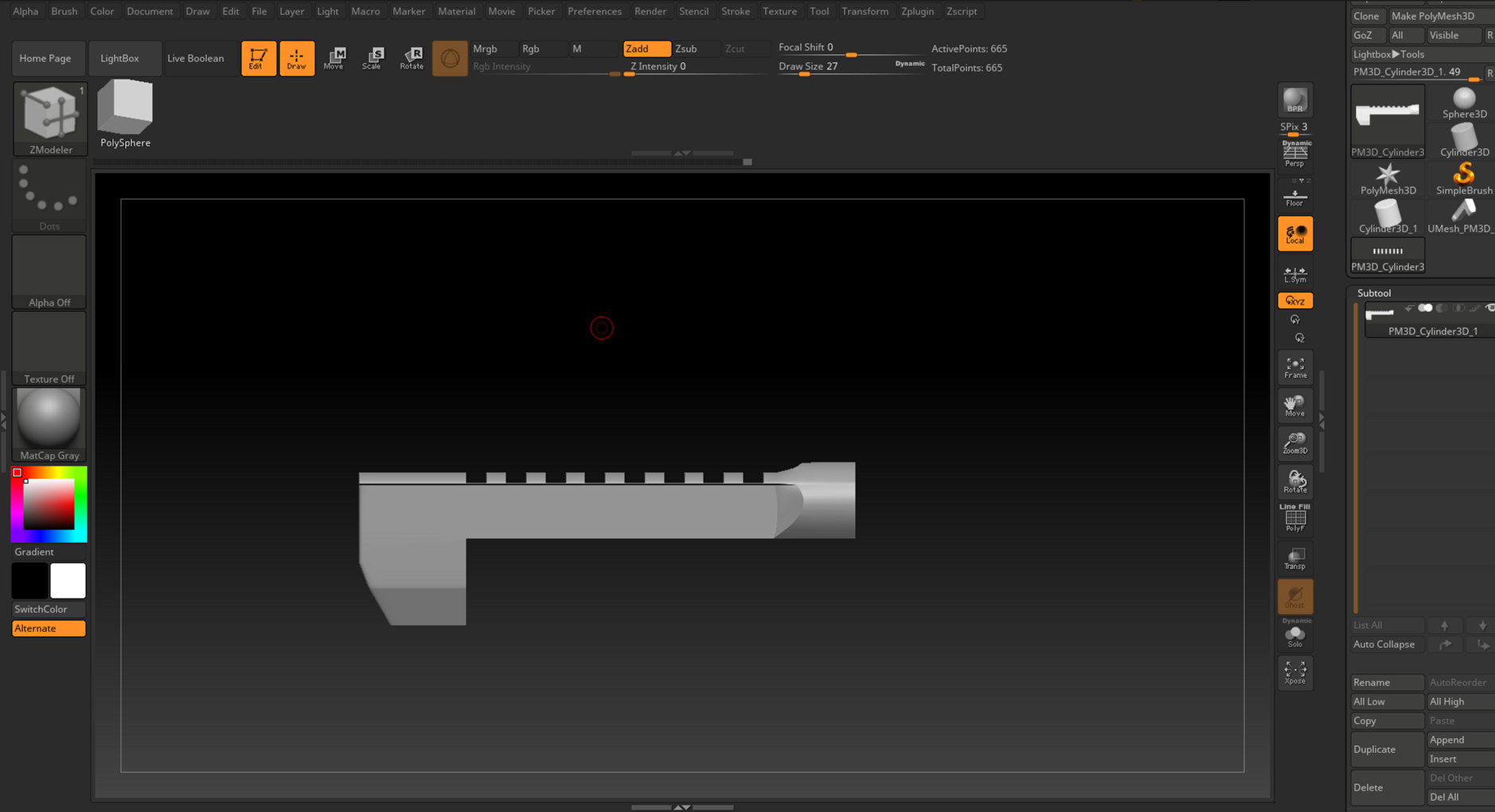
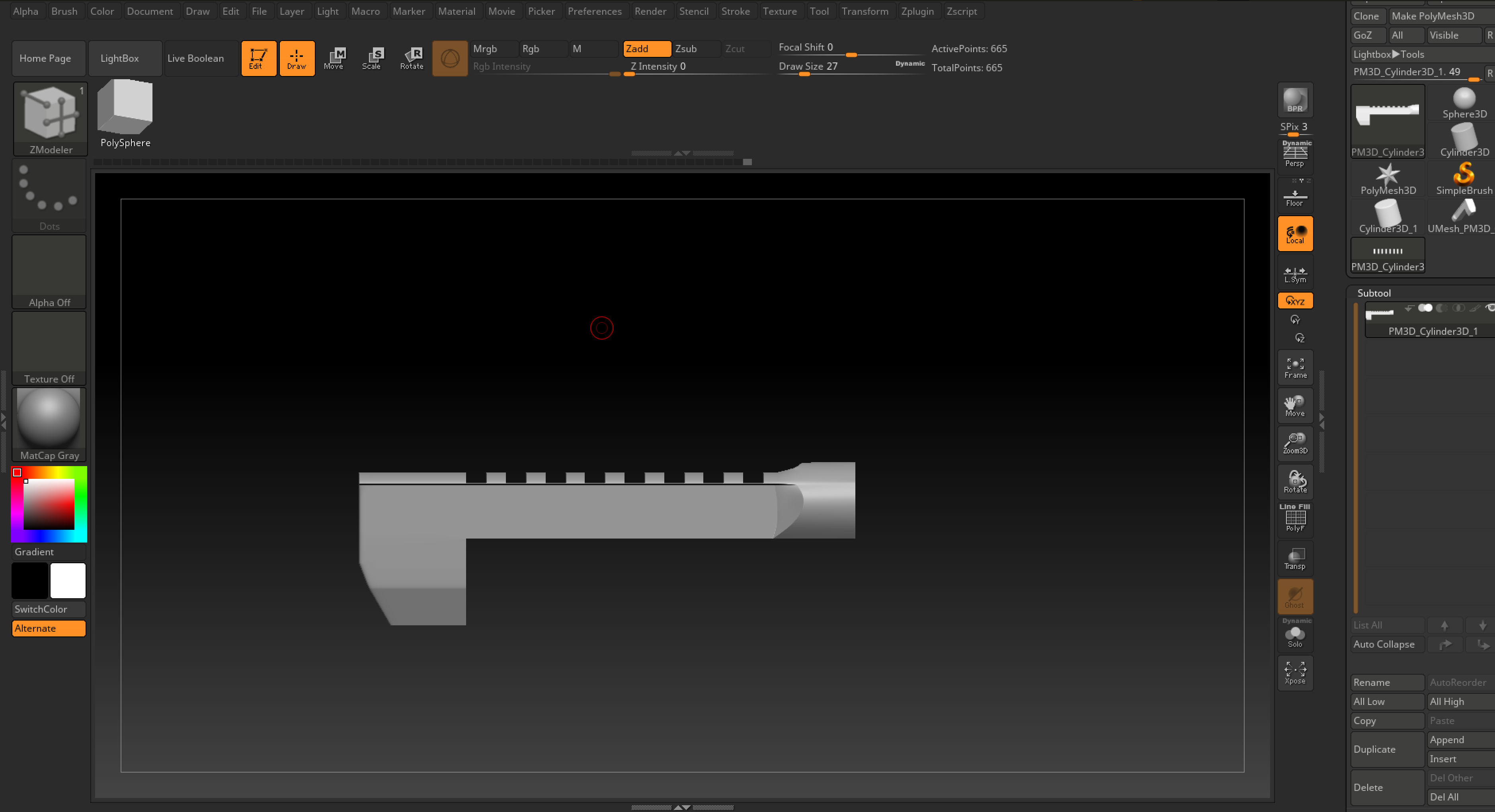
It starts as a cylinder and then turns into a flat surface and I don’t really have any idea on how to deal with this shift in form. I know in 3DS Max you could use something such as make planar, but how would you go about doing it in ZBrush? Specifically in ZModeller.
normal_change.PNG

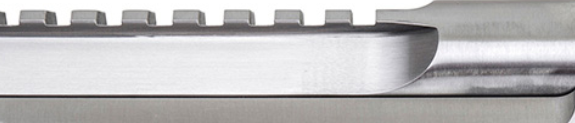
This is the reference I use: http://www.magnumresearch.com/GetDynamicImage.aspx?dir=itemImages&path=SVimg-DE50ASIMB.jpg&w=652&h=556

The closest I could get was with boolean operations and such, but that led to bad topology which I used ZRemesher on and now, the surface is very wobbly with sub-optimal topology.
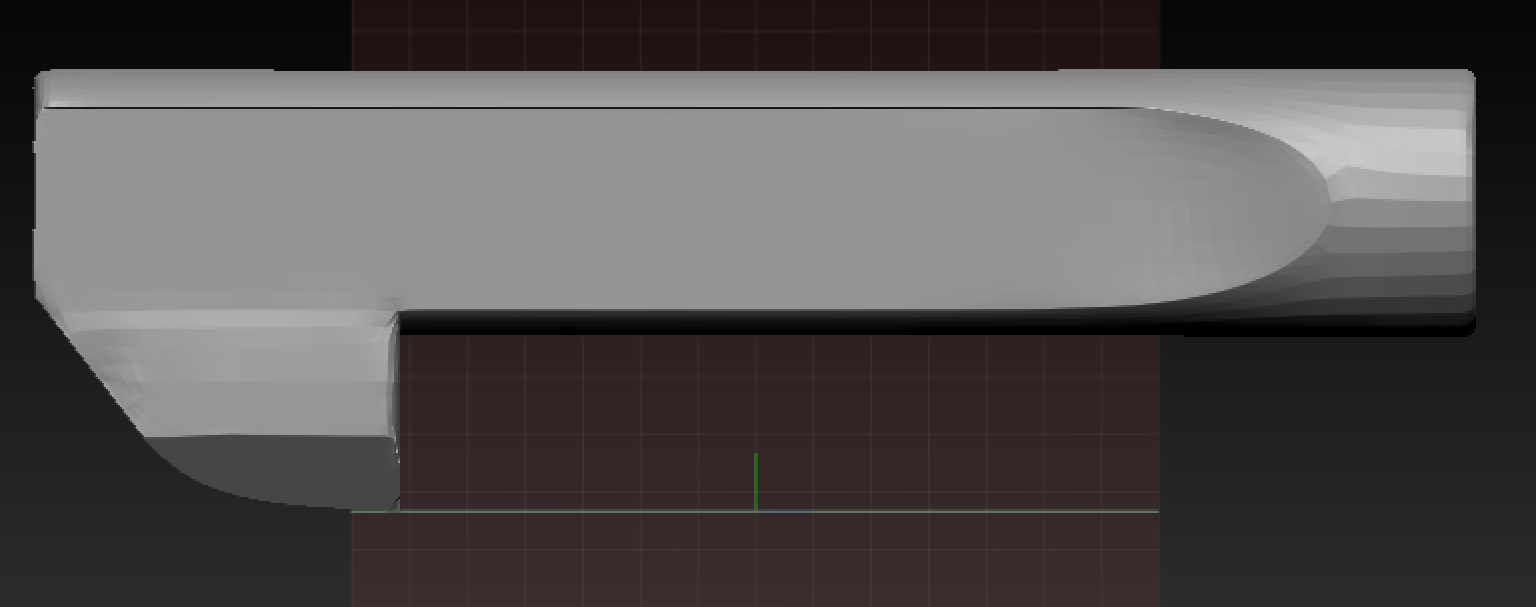
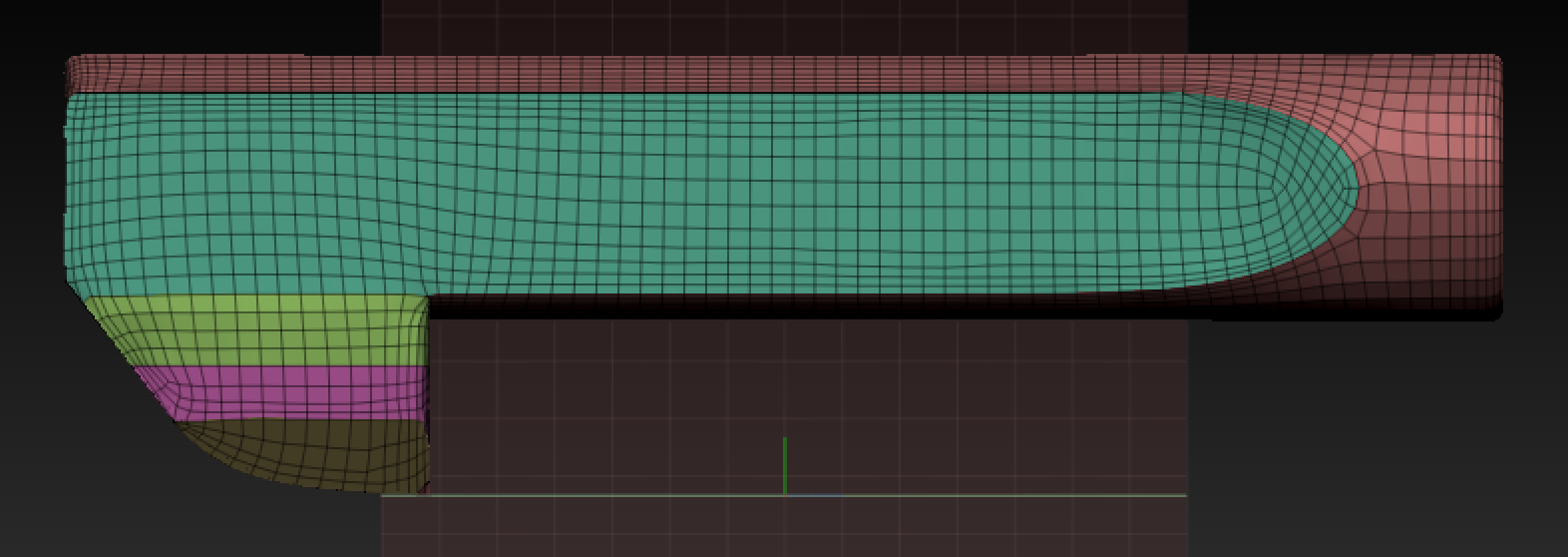
normal_change_wobble.PNG

normal_change_wobble_topology.PNG

Attachments

normal_change_wobble.PNG

normal_change_wobble_topology.PNG

You may need to run ZRemesher a few times until you get the flow of polys looking right. Turning Adaptive OFF tends to give polys of similar size and avoids smaller ones in certain areas like you have.

Wasn’t able to get any good result even with adaptive off. Redid it entirely in ZModeller, but I feel like that is missing out on a lot of the features and it’s probably more time-consuming than making it in any other program that allows for direct vertice, edge and polygon selection.
DEbarrel.PNGDEbarrel.PNG

Attachments

DEbarrel.PNG

DEbarrel.PNG

Well it looks like the result was worth it. Nice job.