ZBrushCentral

Custom UI Issues

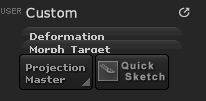
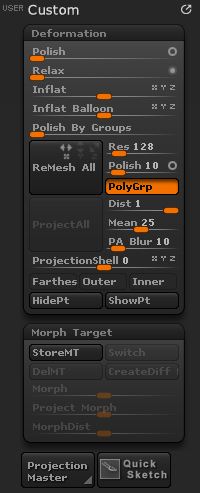
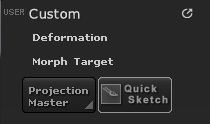
Hi guys, whenever I create a new menu and add a sub-palette it works and looks fine but every other sub-palette I had has this transparent background

Tab Error.JPG

Its kinda hard for me to explain but I have attached an image to show what I mean…
Plz let me know guys if there is a workaround for this…

Attachments
Tabs Opened.JPG

Tabs Closed.JPG

When you create custom menus you can only use UI items that are always available on the ZBrush interface. Menus in the Tool palette won’t work because they aren’t there unless you have a 3D model selected.

Also you need to add items to your named custom menus and then save the configuration (Ctrl+Shift+i) so that they will be there next ZBrush session. See here for more information:

http://www.pixologic.com/docs/index.php/Changing_the_Interface_Layout#Building_User_Menus

Ok… May be I should have mentioned that this is not the first time I have created Custom Menu’s and customized the UI.

I had added the buttons and I had a ztool selected. Maybe the exact problem is that the configuration isn’t saved properly, so whenever I restart zbrush it loads the corrupted or incomplete saves and thus the issue will try to reinstall and see if the problem persists…

Having a ztool selected won’t make any difference. Items from the Tool menu can’t be satisfactorily saved to a custom menu.

May be u have the same issue then… :confused: I just reinstalled and it worked fine I had reinstalled earlier too but maybe this time it worked bcoz I restarted the pc after installing… :slight_smile:

Working.JPG

Attachments

Working.JPG

Well I’m glad you got it working.