ZBrushCentral

Curve Strap brush is missing from brushes but it's in Pixo video tuts? (answered)

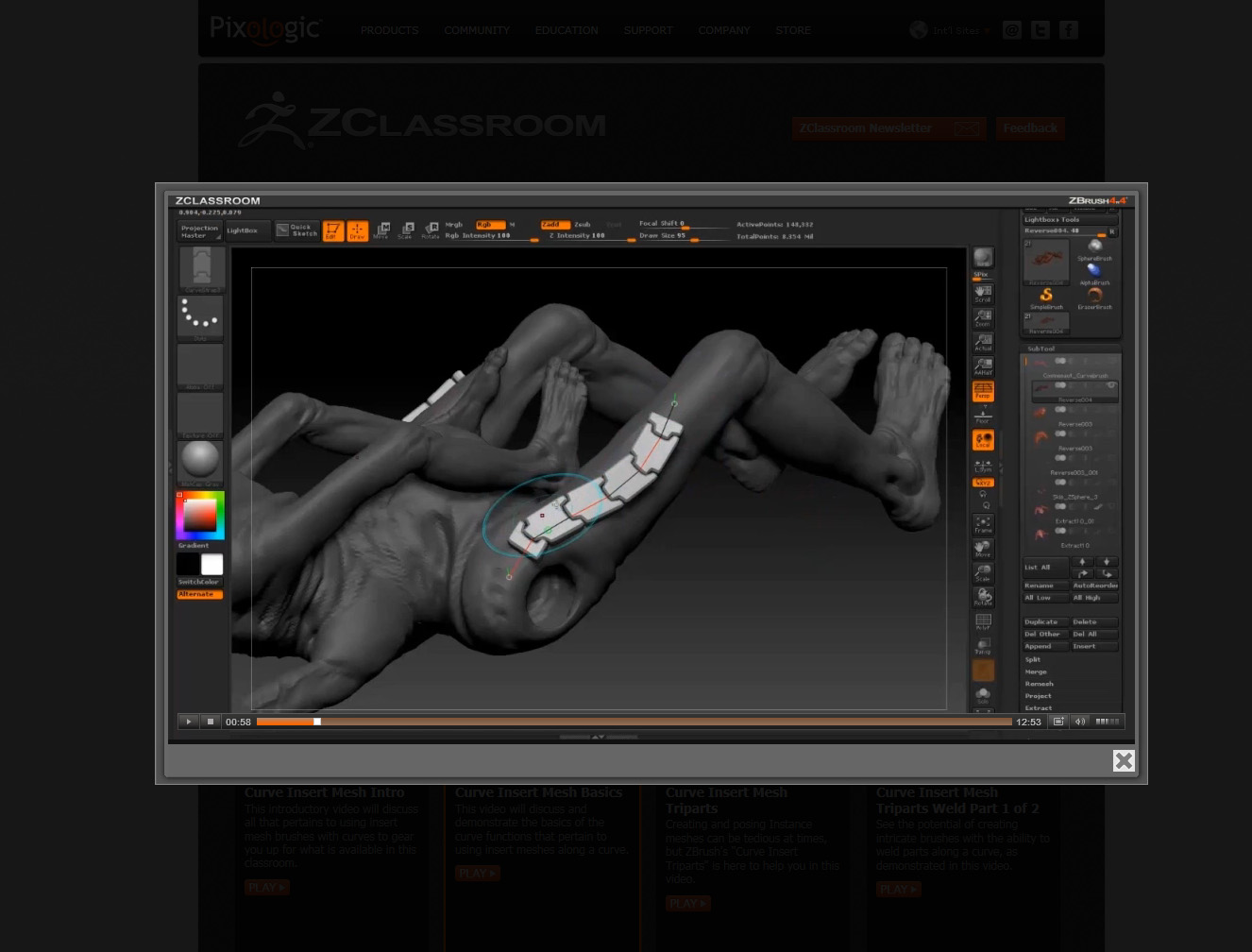
I also noticed that the belt curve used in another video showing off the new features creates a dragon scale-like curve. Is it supposed to do that? What happened to all the belt brushes? Guess we can make them but why show tutorials on them and not have them available? Are these curve brushes that can be downloaded on the website? See examples of missing brushes below.

Attachments
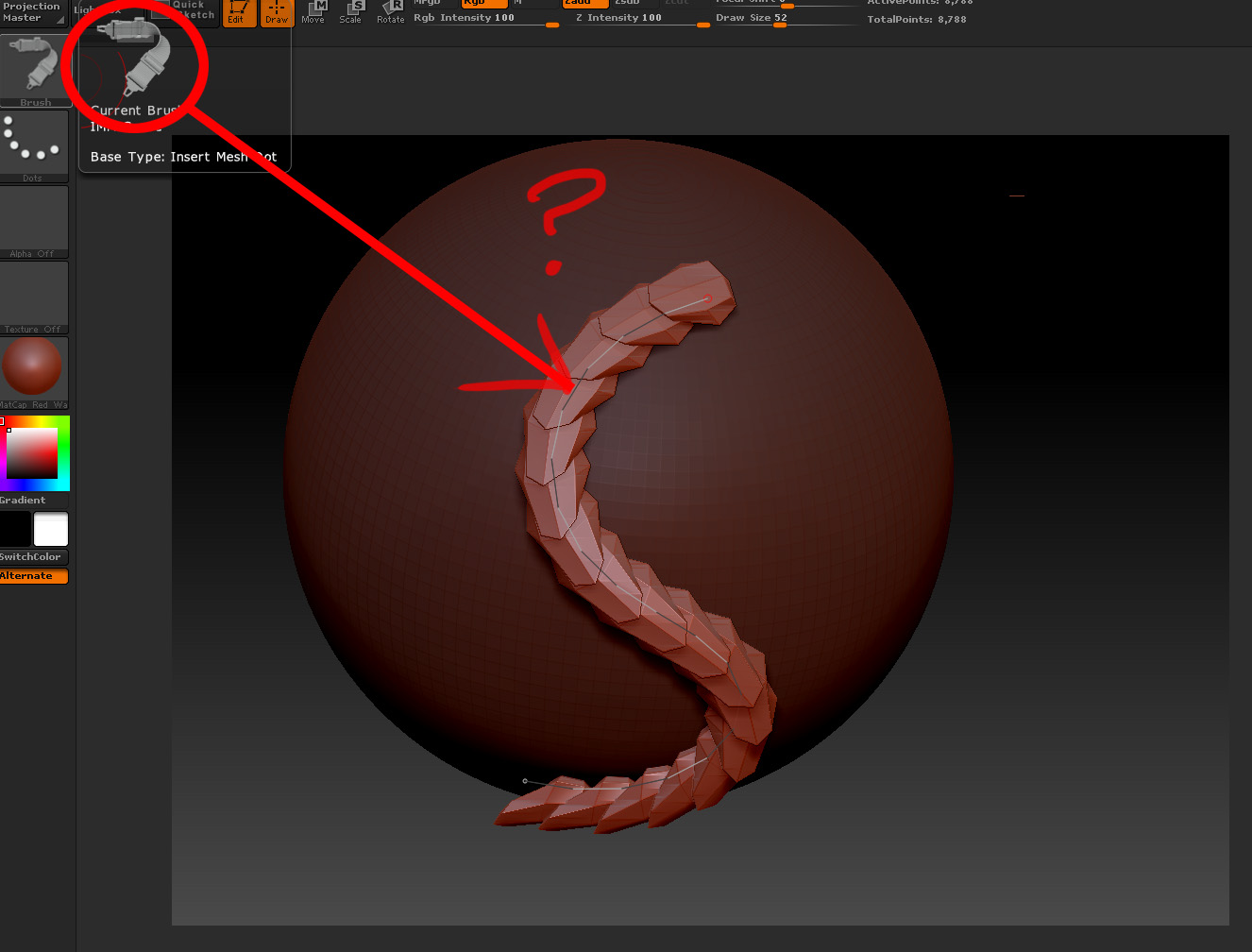
ZbrushCurveQuest.jpg

ZbrushCurveQuest01.jpg

That’s an InsertMultiMesh (IMM) brush. Select the brush, then press ‘M’ for the pop-up and select from the different meshes.

Just a graphic representation of what Marcus said.

IMM1.JPG

Thanks. I must have missed hearing that instruction. Ugh!

you haven´t missed it, it´s not beeing mentiones in the video; i was looking for the same thing :slight_smile:

i am trying to build a tri brush, but even if i follow the instructions closely, it doesn´t work; and if i want to reuse the “curve strap brush” which is indeed the IMM Curve brush

so as it doesn´t work building the tri brush from scratch, i wanted to reuse the IMM Curve brush, but the problem is, that within the IMM Curve brush multi mesh screen, i can only select some meshes, but not mine…

:confused:

edit: got the custom tri brush working (when creating and especially transforming geometry outside of zbrush, welding might not work properly, due to normals and vertex id´s i guess); will save it now as a template for further brushes :slight_smile: