Can someone explain what this snapshot button do? ive tried everyting but cant for god sake not figure out what it does…
Attachments
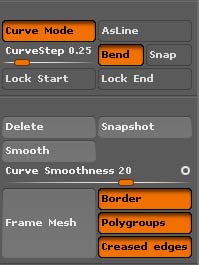
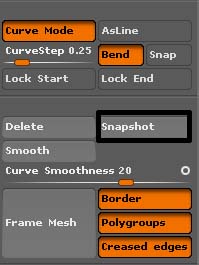
Can someone explain what this snapshot button do? ive tried everyting but cant for god sake not figure out what it does…
an example:
Make sure there is a mesh on the canvas to draw on, select the CurveTube brush and draw a stroke so you have a tube. Now click Snapshot then move the curve.
In case you don’t know yet, hovering your cursor over the button and holding down Ctrl will give you a description of most buttons in ZBrush,
thx this only works with insert brushes? or is it any other uses.
It works with any stroke that uses Curve mode.
Ive tried this with standard brush sculpt and rgb… what i thought that you could snapshot the color or zadd then and then move the curveto another location and snapshot again…
I know what you mean, but unfortunately, it doesn’t work that way. However, it does provide an opportunity to create some interesting painting brushes. AFAIK, the only brushes it will work with that way is the CurveMultiTube and InsertMultMesh.
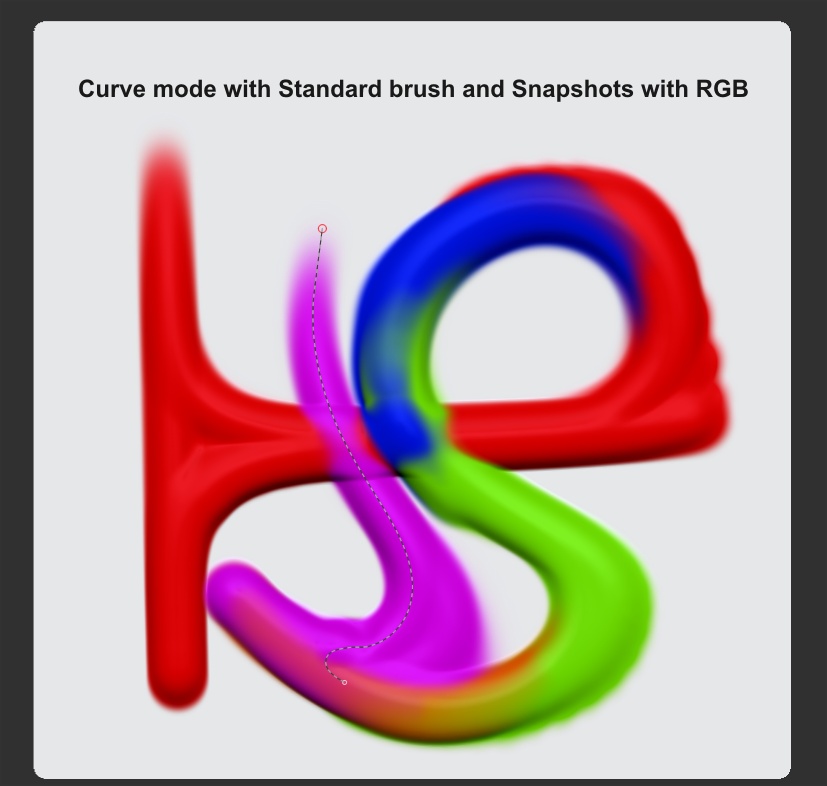
I though it was for taking a picture to your mesh, how can i do so?. Because i try the same stuff but when it said’s that snapshot has been taken, i find it in the zbrush folders but i do not see any picture, i will like to know how i can take pictures. Thanks.
You can take screenshot from one of the panels. You can also render then grab doc and export. Top link in my signature is to searchable documentation.
Thanks