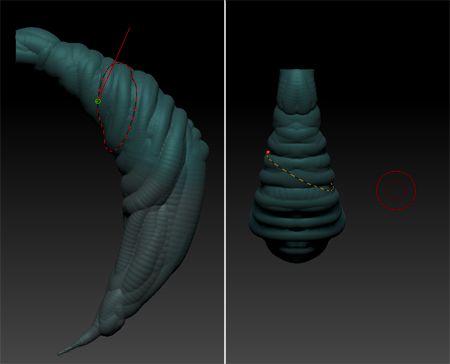
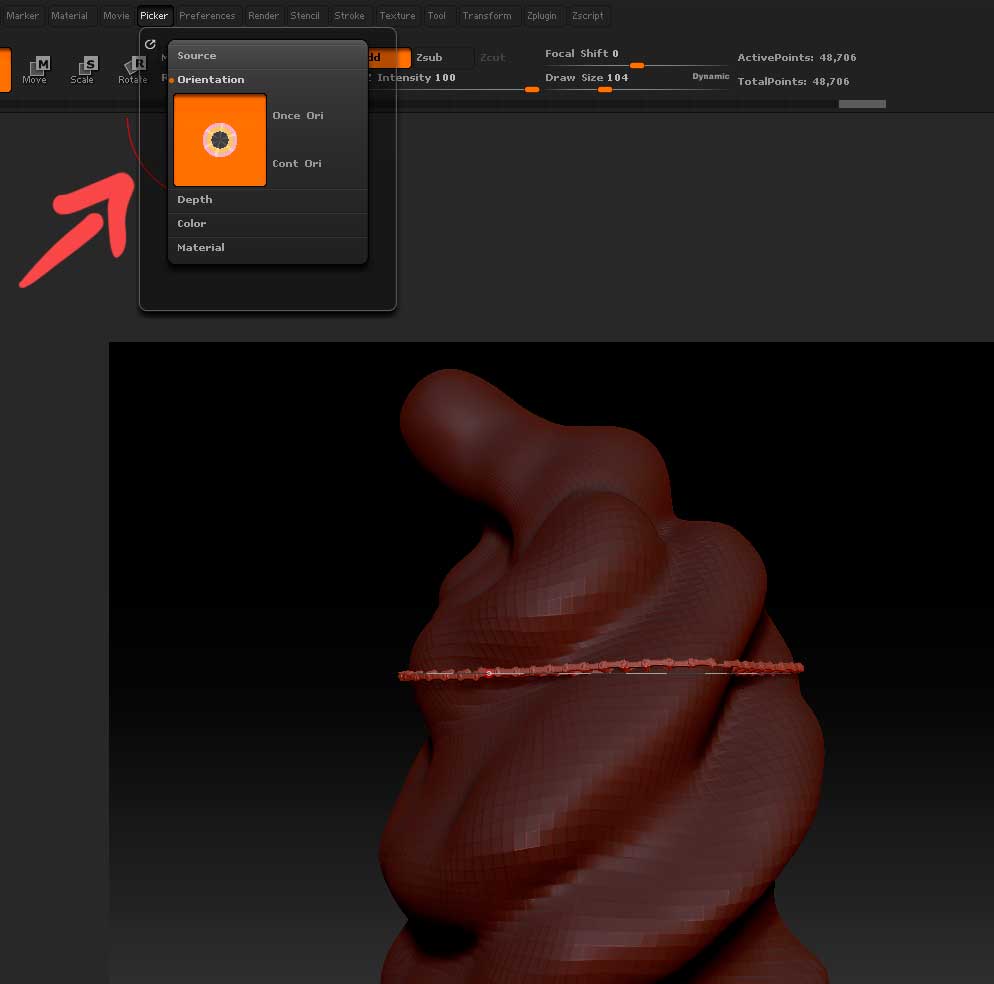
Is there any way to get the shift while using a curve function to wrap around in a more straight line? It seems to be using whatever normal direction the first polygon you click on is, which skews it in that normal direction. Hopefully the image is clear enough there.
This is the function where, while drawing a curve if you hold shift and then drag off the object it wraps around.
Attachments