After several tries, I still have much problems with the curve-bridge-brush.
So I decided, to make a simple example, which I append.
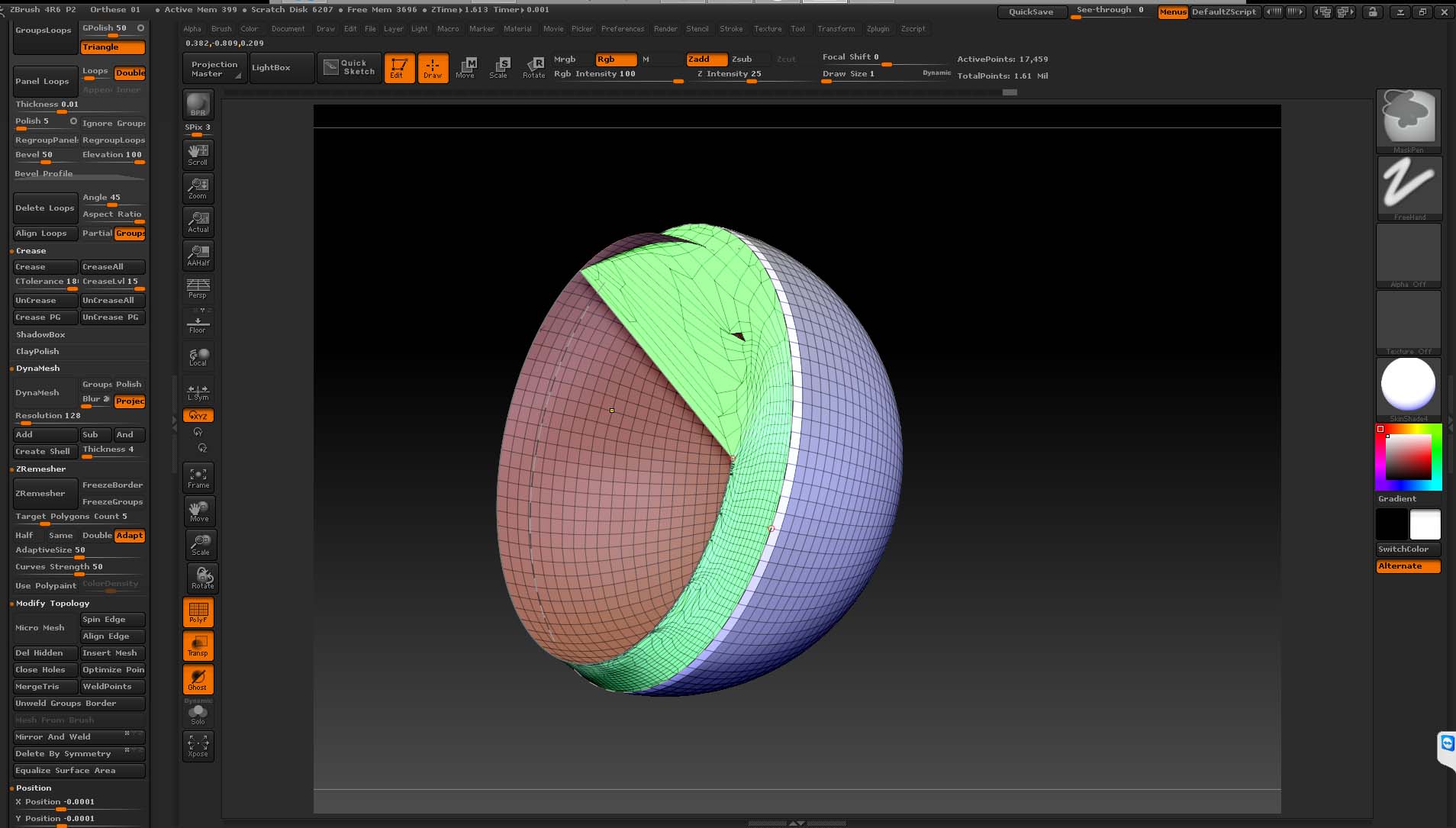
As you can see, I moved the inner part of the simple model (a inner and a outer half-sphere: dynameshed sphere, than extruded and half part deleted) a little bit up to demonstrated, that the borders are NOT in the same level.
Then I used curve frame borders and usedd the bridge-Brush.
The garbage you can seee on the pic. is my result.
Do I something wrong, or is the brush an alpha-version?
mawag01
Attachments