I’m having issues with my cursor since I bought a 43" 4k monitor. The cursor scales properly in other apps, but in zBrush it keeps a 1080p (i think) resolution, making it almost impossible to find it in a dark grey UI. Here’s a picture showing the proper sized cursor from windows (bizarrely it appears when positioned over the line that separates the menu panel from the canvas) vs the actual cursor I get in the zbrush interface. Its about 6 pixels high!!! out of 2160!!! All other interface features are unaffected and the cursor goes to normal size when hovering other windows screens.
Even more bizarre, the cursor size problem carries over to my Cintiq 22hd when I move the zbrush screen between monitors (the Cintiq is not 4k). However, it’s a lot easier to identify the cursor position as the Cintiq allows for a better hand/eye coordination.
Any suggestions?
Mac Pro 2013 running Windows bootcamp with all latest drivers. ZBrush 2018.1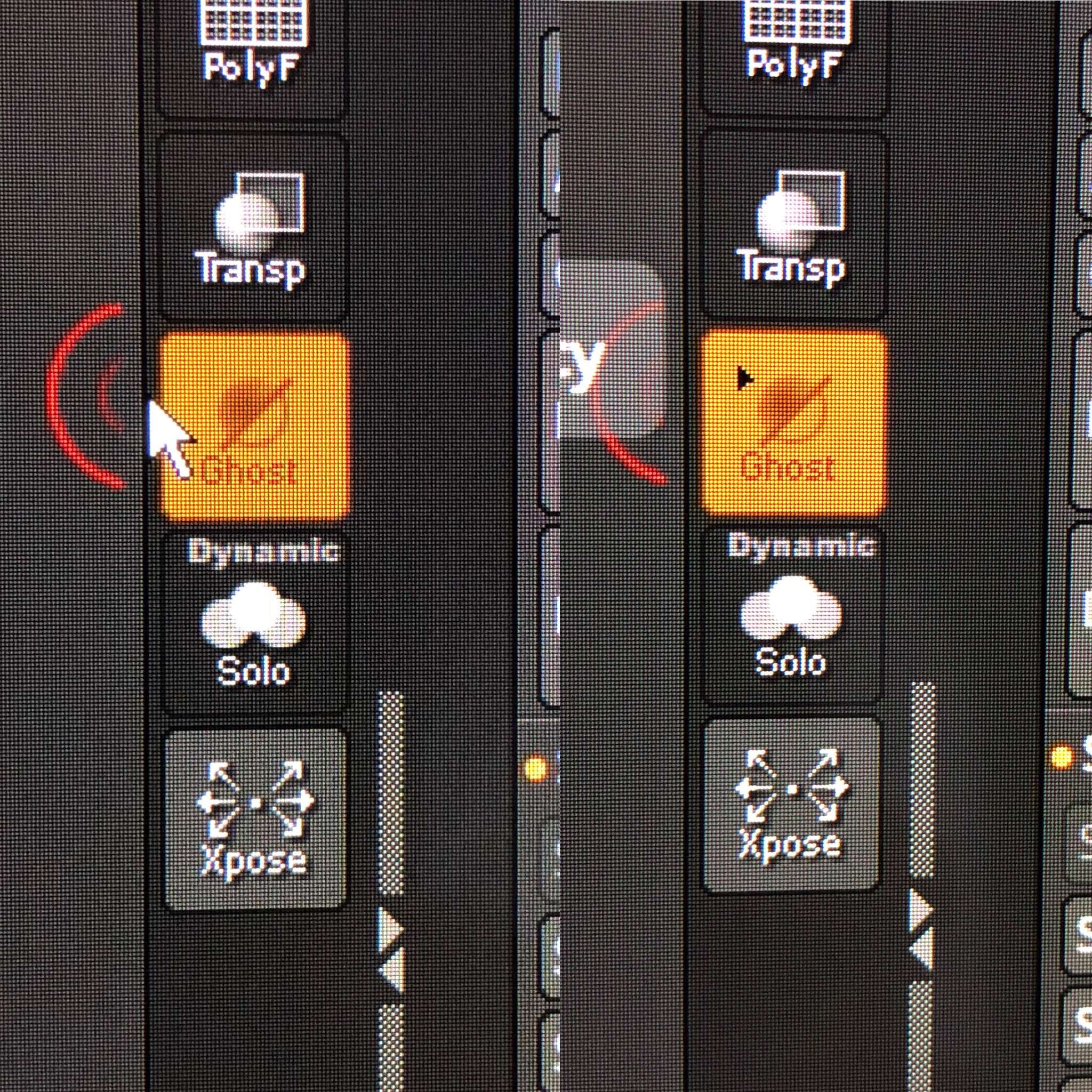
Attachments