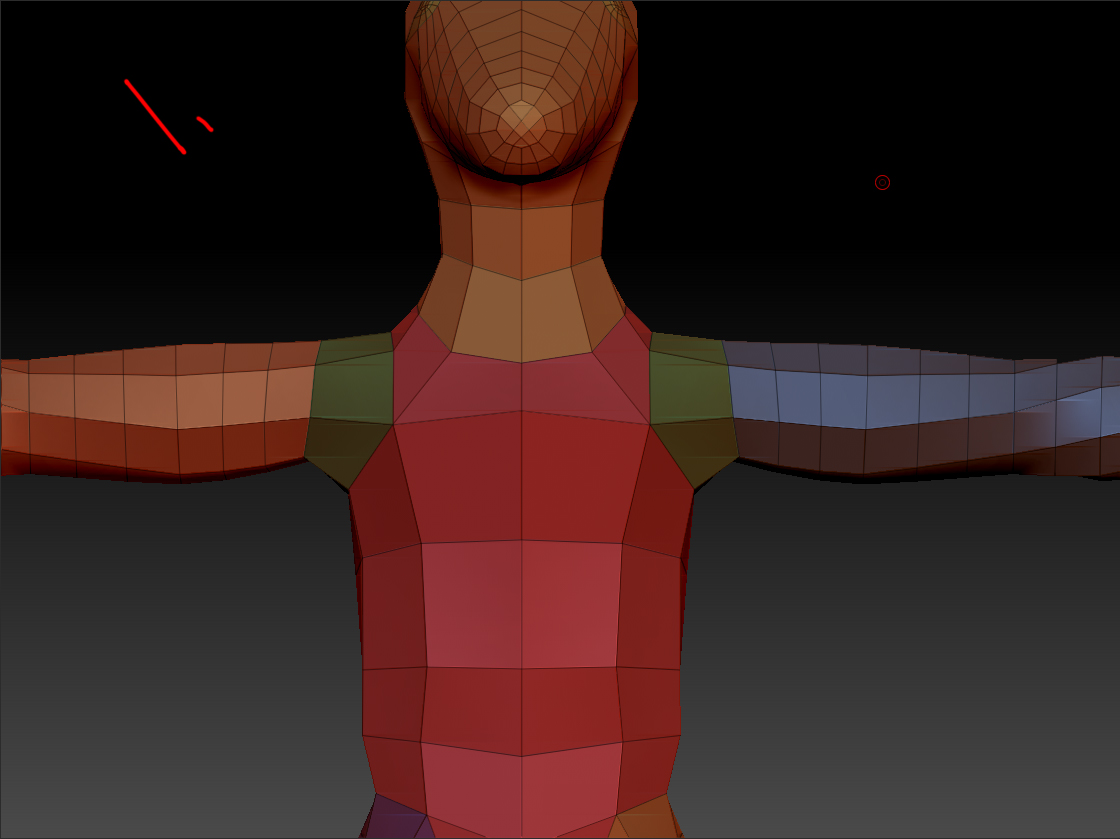
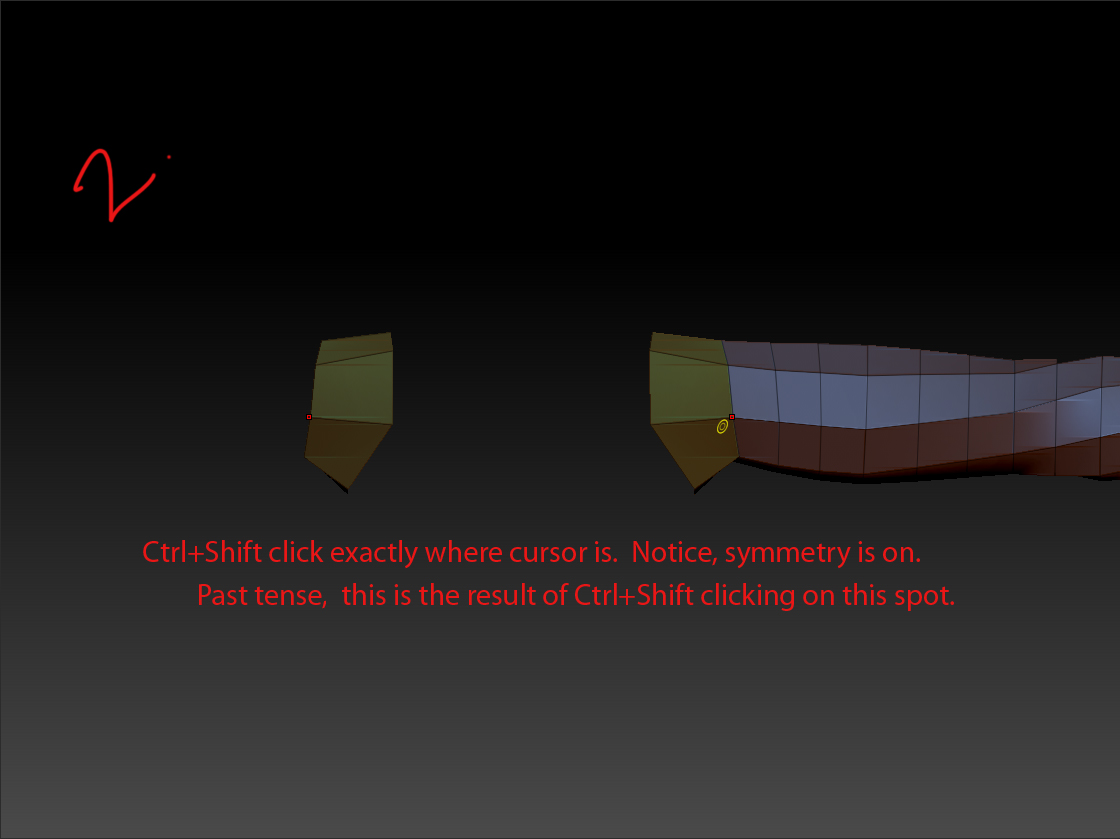
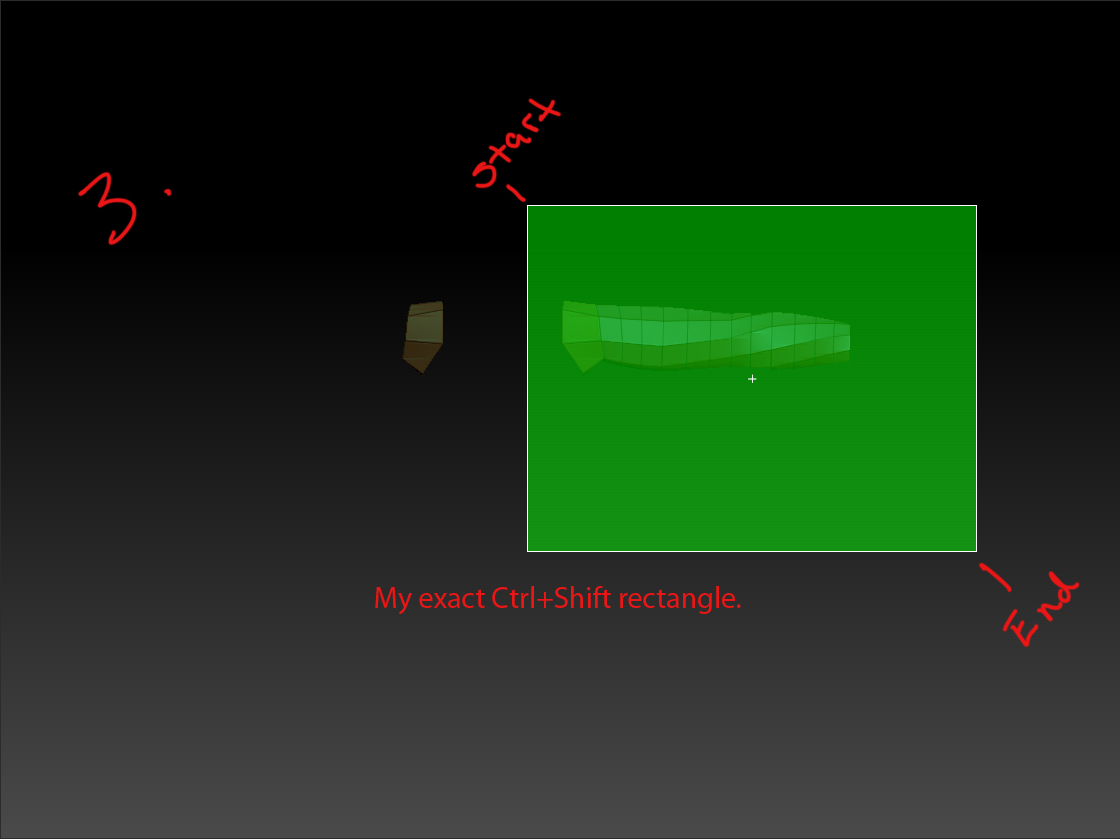
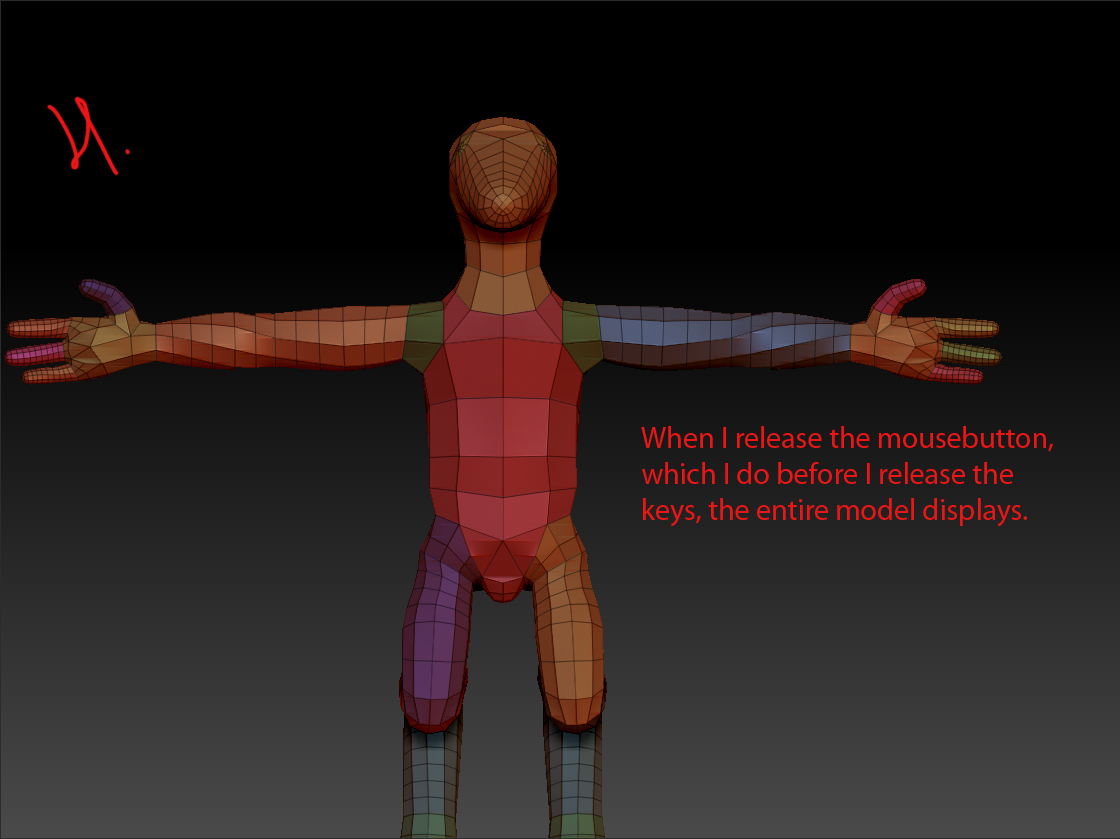
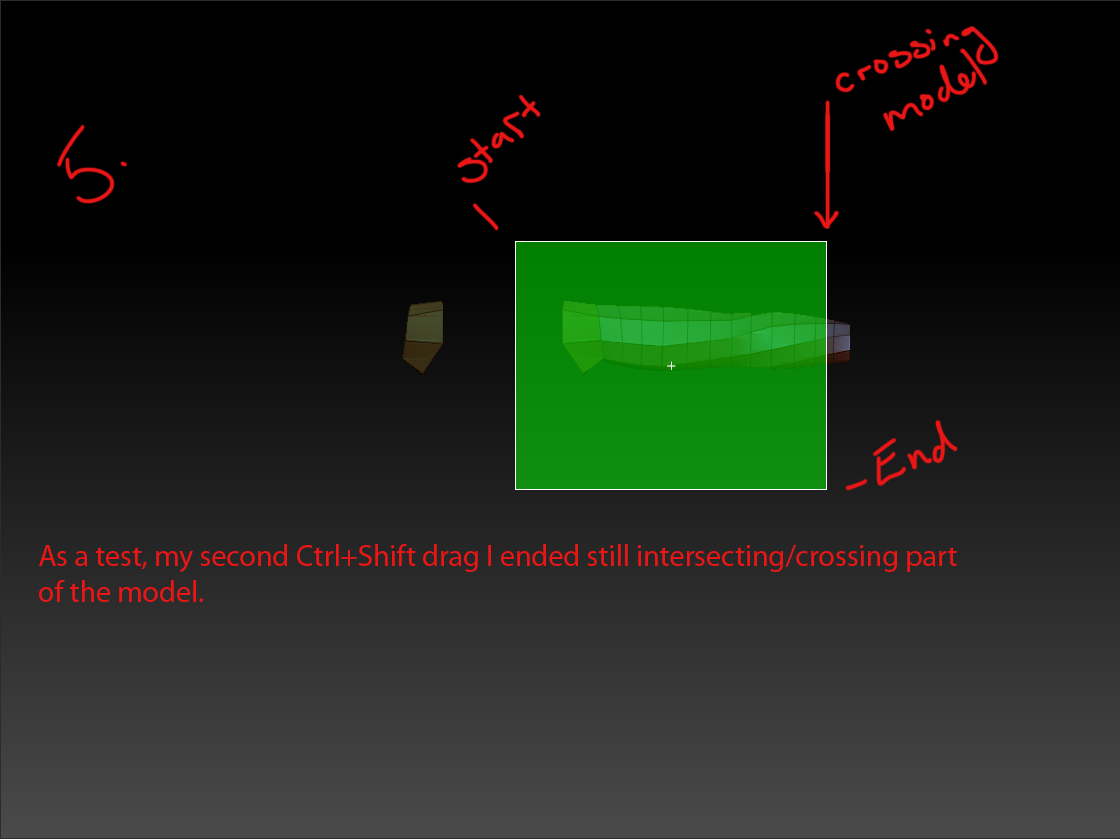
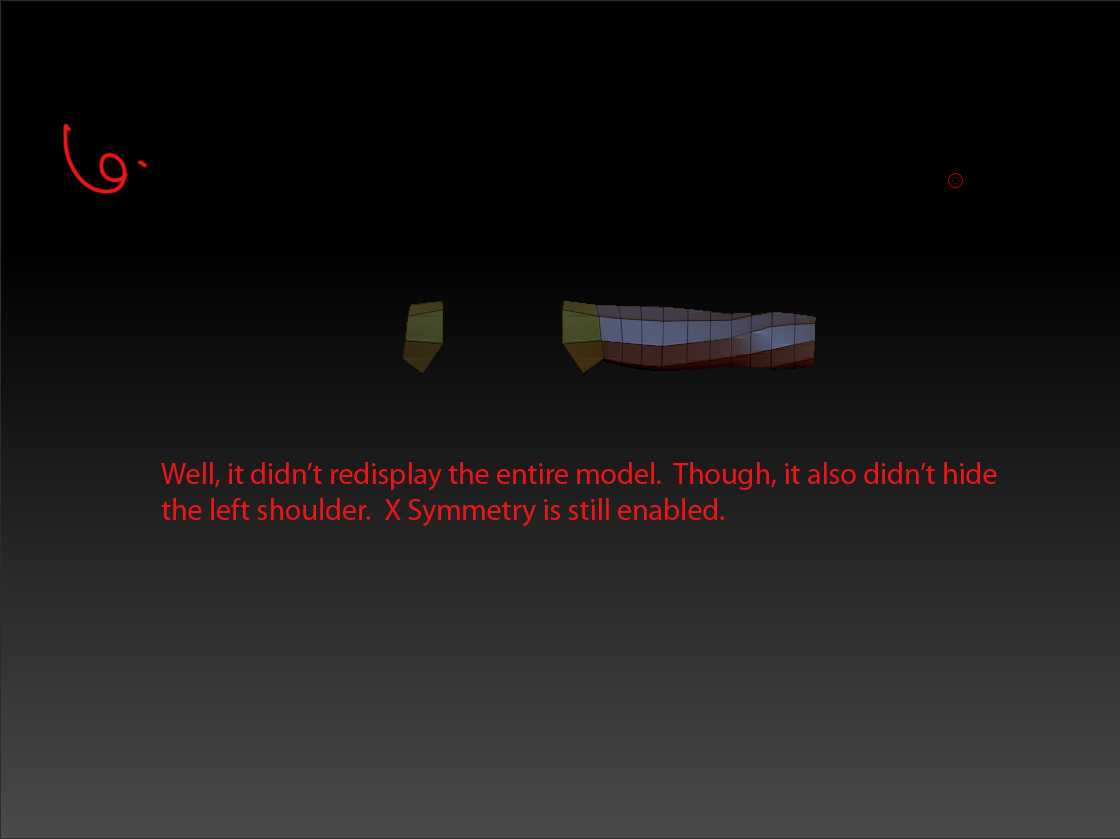
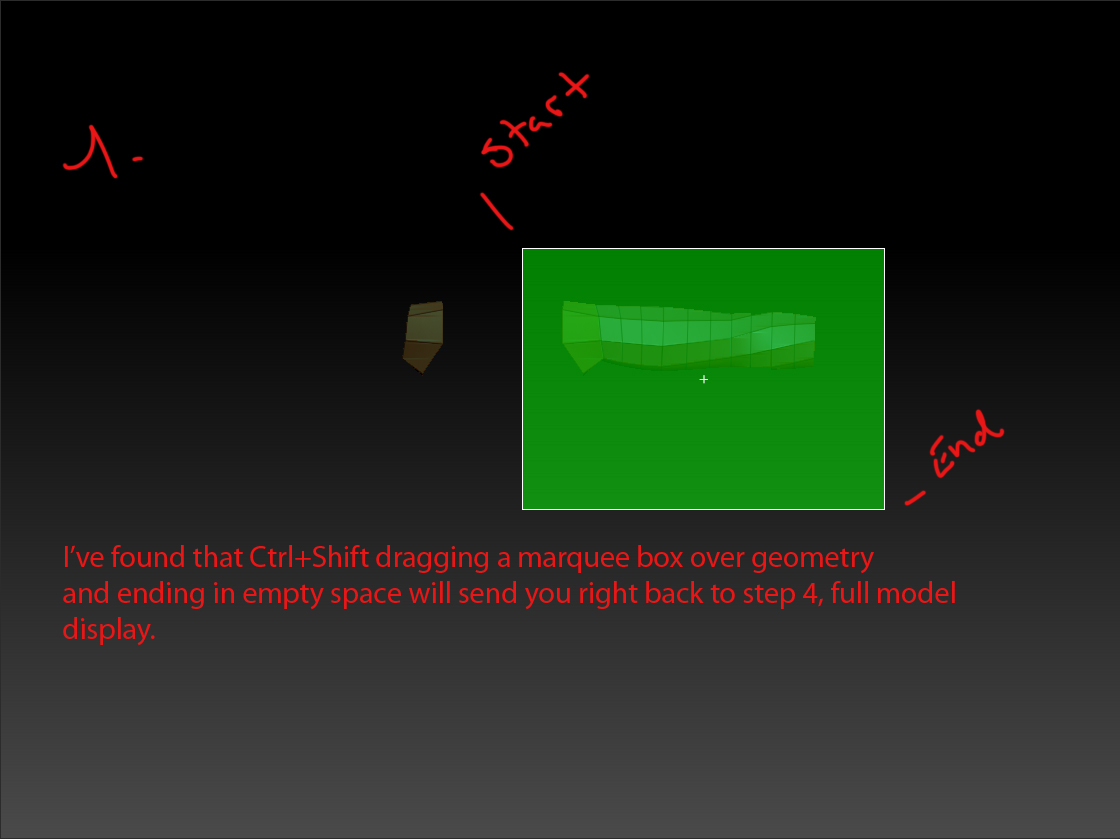
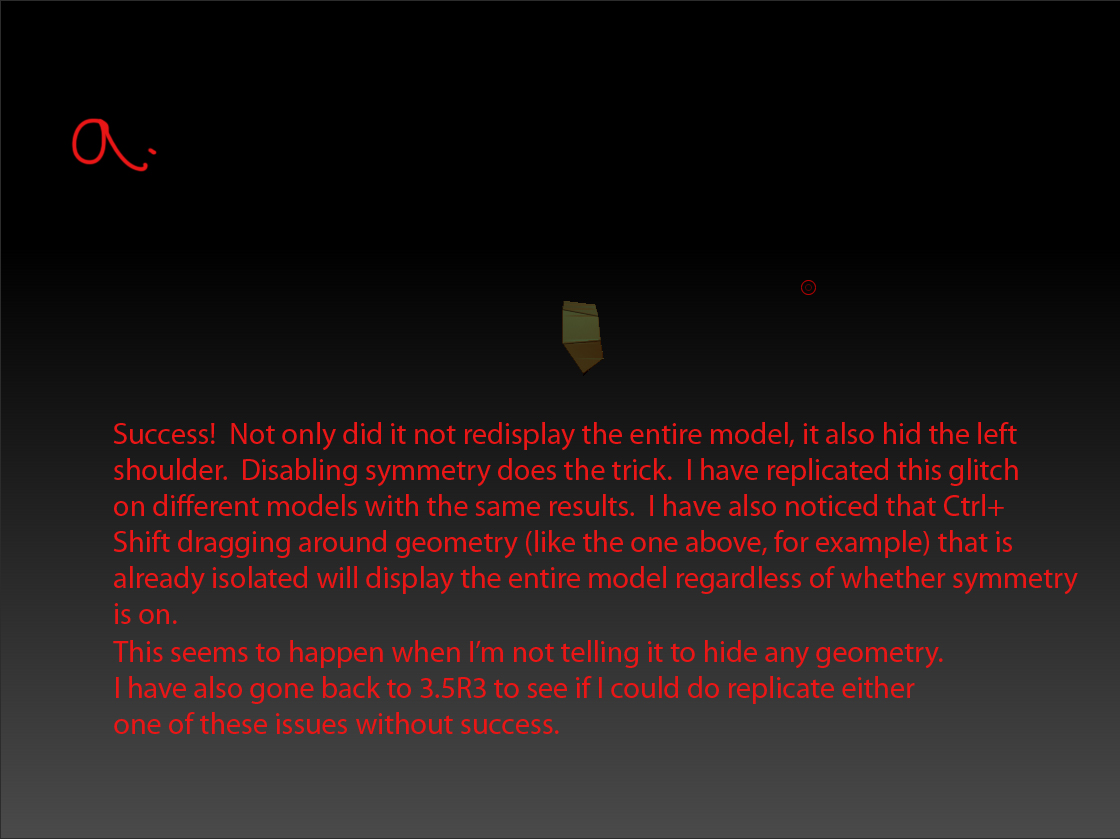
Alright, I’ve confirmed these problems on another computer with a new adaptive skin from a new zsphere hierarchy. If you have two pieces of geometry in the same polygroup seperated by empty space, I.e. left and right shoulders, and attempt to ctrl+shift drag and isolate one side the entire model will redisplay instead of hiding the unmarqueed side. Ctrl+shift drag around any *Already isolated piece of geometry and the entire model will redisplay, this doesn’t happen in 3.5R3 the geometry just remains isolated on screen. It seems there is a problem with symmetry in zb4, this might be related to the offset center for symmetry of shadowbox generated geometry that I’ve encountered as well.