All the normal map baking tutorials that I can find assume that you create your low-poly mesh first, create the UV map, subdivide sculpt, and then create your normal map from your high poly mesh using the low-poly UV map. I understand that much. But what is the work flow when you have an already sculpted, detailed high poly mesh? I know how to use zremesher to get the low-poly mesh, but cant figure out how to get the new zremeshed low-poly mesh into subdiv level 1 and the original high-poly mesh into subdiv level 2 as the normal map creation tool requires. Thanks in advance.
subD your new lowpoly mesh and use tool.subtool.project with your highpoly mesh(s) visible.
I appreciate the reply, but I think I’m a bit less advanced. Can you detail the process a bit more? What is the purpose of subdividing the mesh after ZRemeshing it to low-poly? What is happening to the UV map when I do the “project”?
you subD the mesh to add enough geometry to hold onto your details when you project one mesh onto the others.
Your UVs stay won’t change as your mesh hasn’t changed, only sub divided.
Ahhh! I think I got it… the low-rez mesh in is in the first subdiv level, and then I create the higher subdiv levels of the low-rez mesh. Then I project the detail from the original hi-rez mesh on to the highest subdiv level, and then create the normal map using the newly detailed highest subdiv level.
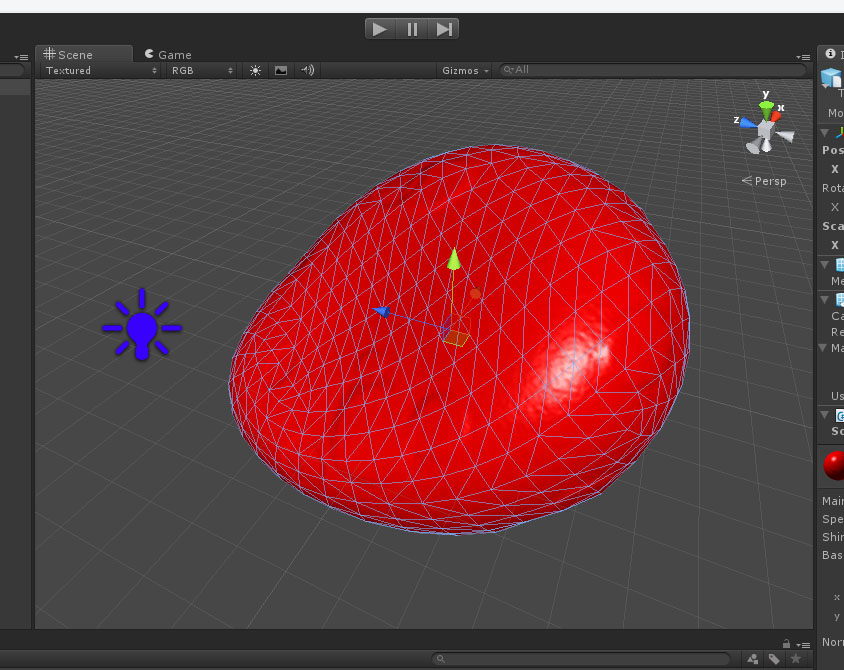
Wow! Thanks so much for your help… got it to work:
Attachments