Hey Zbrushers, sorry if there is already a thread about this out there couldn’t find one that answered clearly for me.
I’m used to using the ZB 3.1 on a PC and also used to Creating and exporting Displacement Maps with the Displacement Map Exporter that is found under the plugins tab.
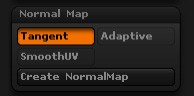
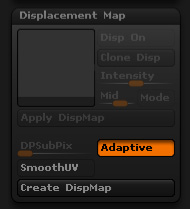
So my question is how do you create and export Disp. Maps in the new Mac 3.12 version. I see the displacement Map tab under tools but none of the buttons are active. I would love if anybody could shed some light on this subject. (Same for Creating Normal maps to but thats for another thread i guess). 
Thanks
Jackson
[ ]
]