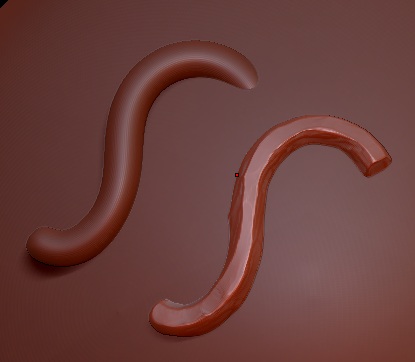
I want to create a snapping curve on model surface, to get it I need to keep horizontal divisions a lot more and keep vertical division to six so that it has all the smooth bend but hard surface but I don’t see any curve modifier or editor for controlling the curve all though I can get similar output via panel loops I want know is there anyway I can do it via a snap curve? is a bit close to what I’m trying get(I’m not trying to get beveled edge just fat edges)
Attachments
 .that’s where we newbies need rescue from pros thank you so much