Hey, brand new to Zbrush and 3D modeling in general. I’ve been banging my head against the learning curve for a few days now. My first shot at a project is the apparently ubiquitous skull. The tutorial I’m following has been a large help in learning the basic ideas, even though it was made for 3.1.
I’ve got two issues I can’t seem to solve by Googling or, apparently, pushing random buttons while cursing for hours.
-
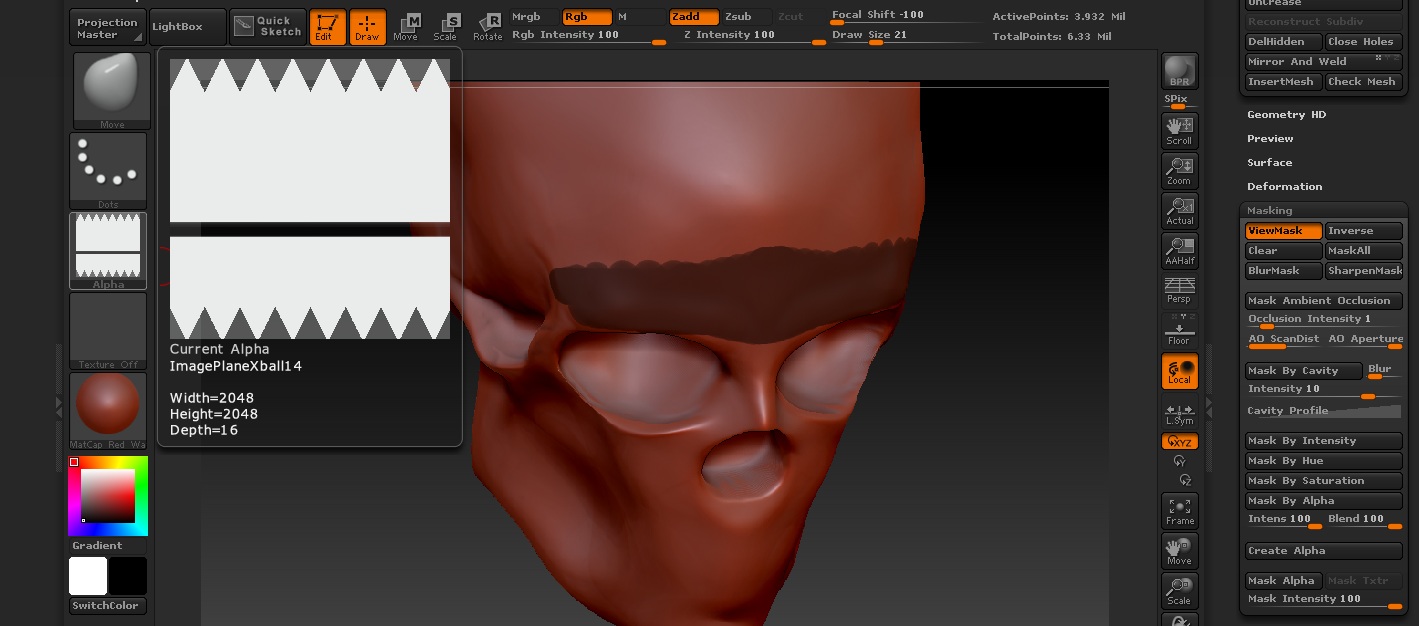
When I create a mask and hit Create Alpha in the Mask submenu, it creates either a sort of diffuse full screen gradient as an alpha or something like below. So if I mask out the eyeballs (or lack thereof in this case) and try to save that as an alpha to use later what I get is useless:
-
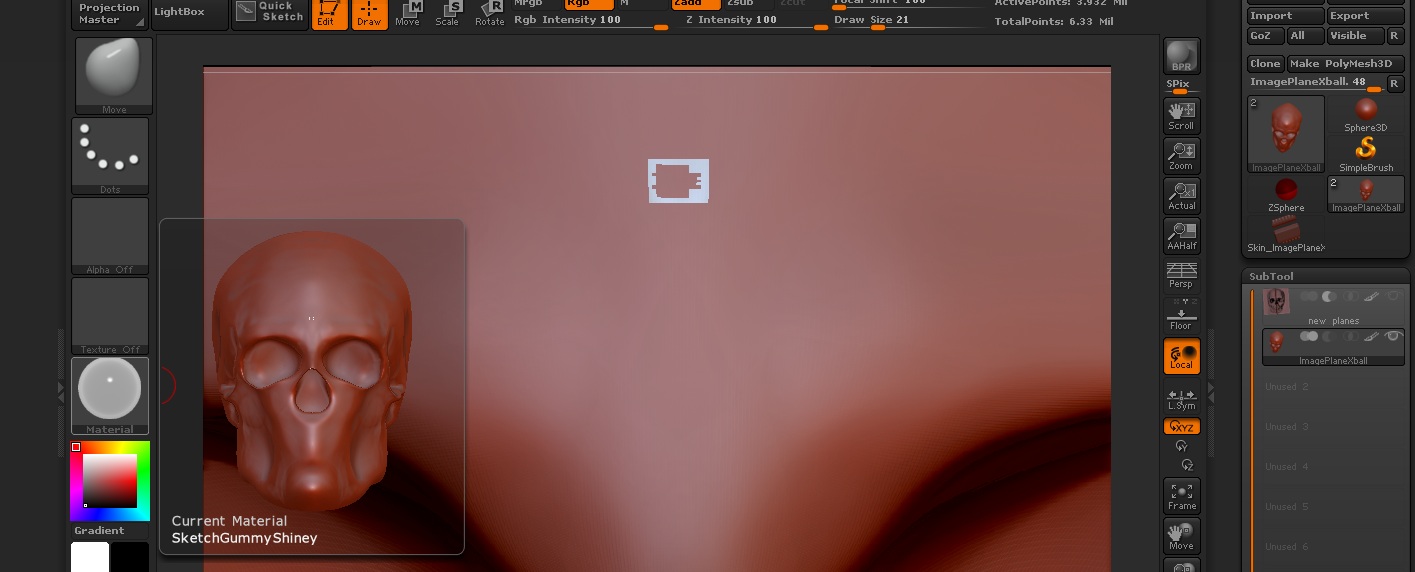
This one is embarrassing because it has to be something incredibly simple. I can’t seem to change the material of my skull. When I try, it just makes this tiny bizarre little shape on the forehead. Hitting T and then Ctrl+N and then redrawing the skull with a new material doesn’t work either.
Anyway, hopefully someone can help me out in with these two newbie issues in wording someone incredibly green to everything about this can understand.
Attachments