ZBrushCentral

Create Alpha [Answered]

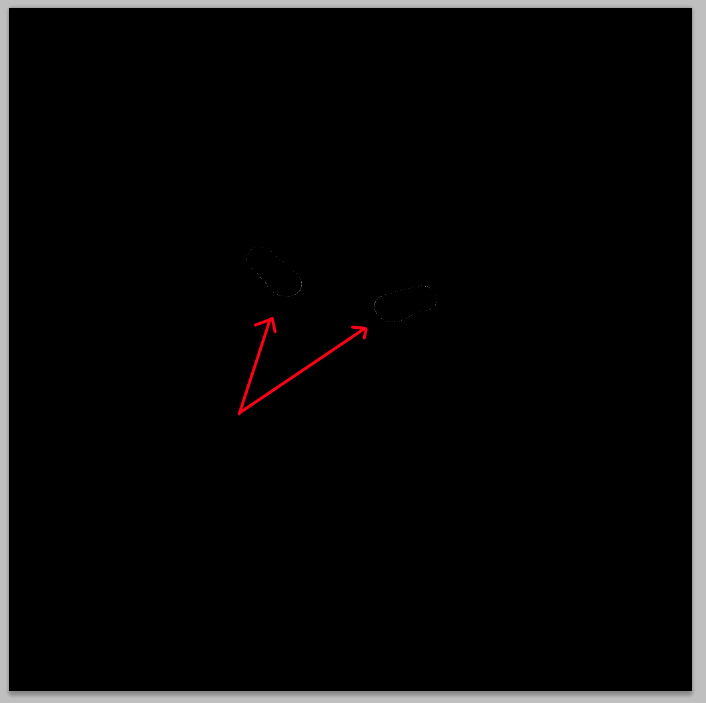
Hello, wondering if anyone can help me figure out what’s going on with Zbrush or the user :/. I am trying to create an alpha mask from painting the mask on my model. I have attached 2 photos, one is of the painted area, the other photo is of the mask I get when I click “Create Alpha”. Basically, I get an outline of the alpha instead of what’s painted on the geo.

Attachments
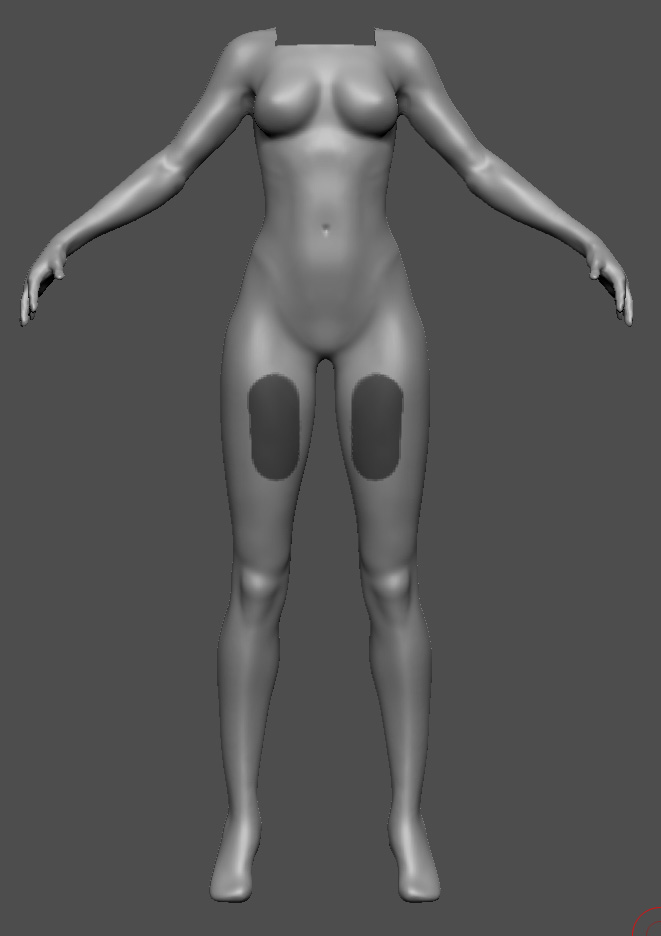
createAlpha1.jpg

createAlpha2.jpg

I’m afraid that this doesn’t currently work in ZBrush 4R2 - it’s a known issue which will be corrected in the next update.

Noooooooooo!! Well, the ultimate reason why I wanted it to work was to apply noise via surface in specific areas only. I have tried masking and hiding geo but neither has worked thus far. My last hope was this method. I suppose I could open ZB4 and create the mask and then return to R2?

There are workarounds. This method is OK provided you don’t have any polypaint:

  1. Fill the model with white. (Color>Fill Object).
  2. Select black and paint your mask using polypaint.
  3. Create a texture from the polypaint (Tool>Texture Map>New from Polypaint).
  4. Clear the polypaint by filling with white again.

You can now save the map by cloning and exporting from the Texture palette.

When you want to use as a mask:

  1. Apply the texture map to the model.
  2. Press Tool>Masking>Mask by Intensity.
  3. Turn off the texture map so you can see the mask.

HTH,

That sounds good. I’ll give that a try…thanks!