As dustin says using subtool extract is the best method. The ‘make3D’ method used by the script won’t produce as good results. It would be best to posterize the image to two values, black and white, first and save as a grayscale photoshop before importing into the Alpha palette. You’ll need to divide the plane so that it’s poly number is about the same or greater than the pixels in the image (so for an image 1000 x 1000 you need at least a million polys).
Another way, depending on your requirements, is to make a simple version of the shape and then use the image as a texture map with black set to transparent.
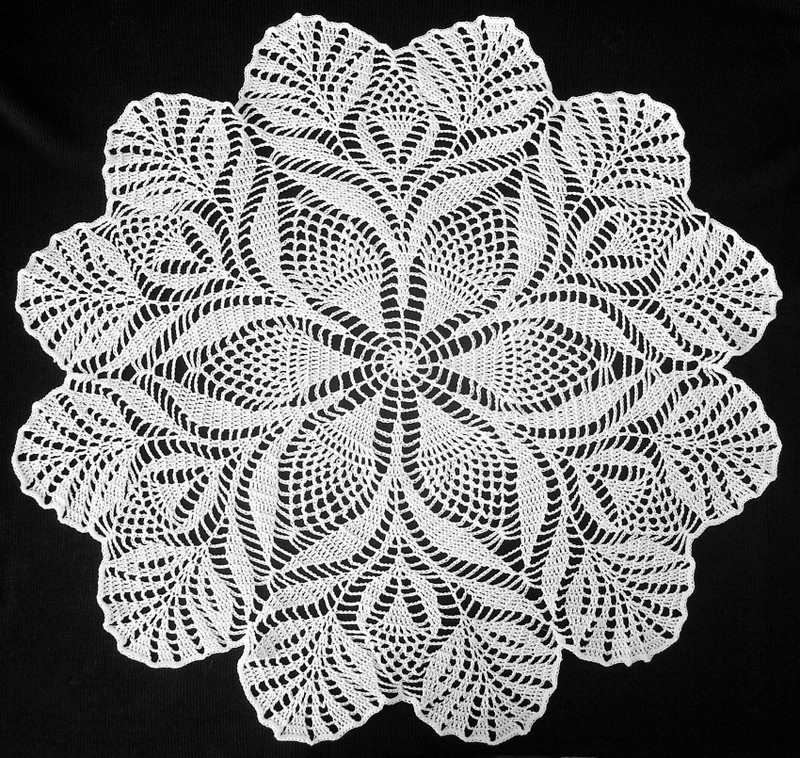
 ](javascript:zb_insimg(‘145722’,‘dol.jpg’,1,0))