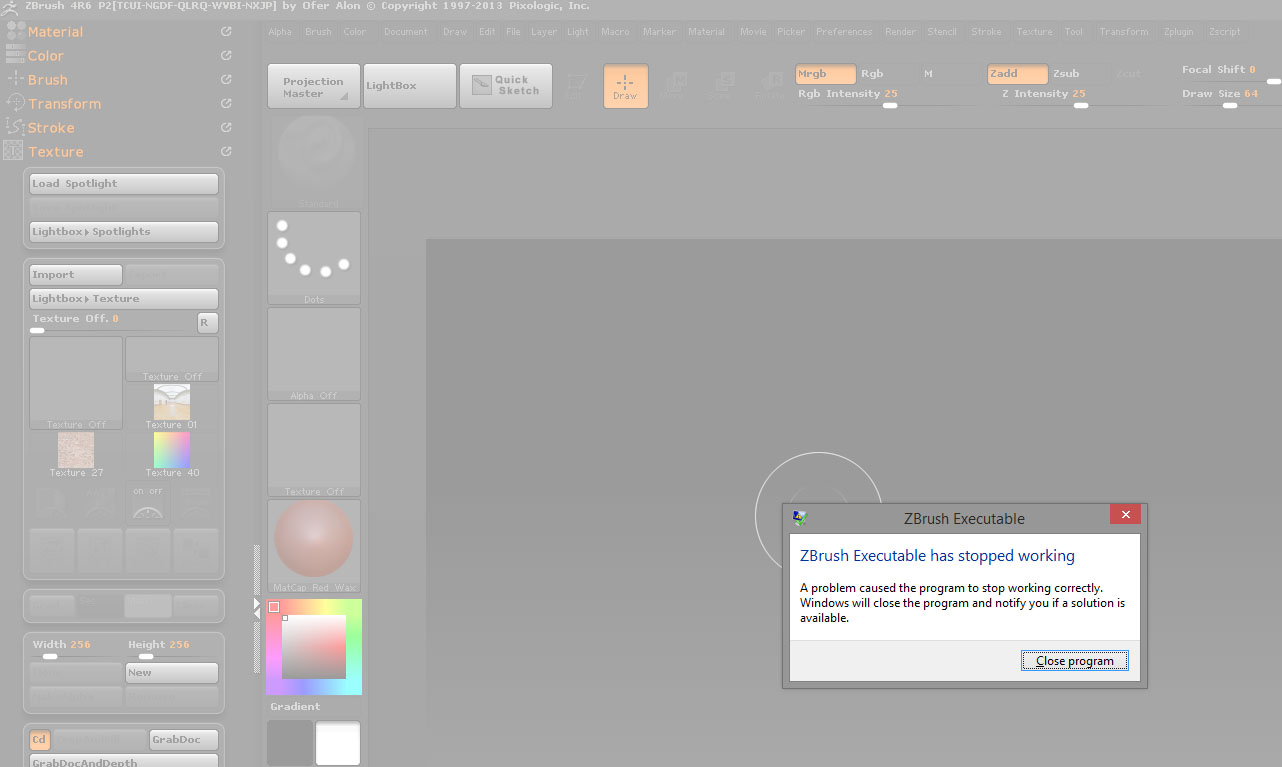
Issue:
This is something that has started recently for me and I can’t figure out a solution so I’m hoping someone has some thoughts.
Basically the last two projects I have been working on well randomly start to crash when I open the ZPR and it loads the undo history. The first time I thought it was just some freak thing because the file was getting close to 3.5GB and several million polys but I just started up a new project yesterday and it happened the first iteration of the file (around 450MB and only 139k poly). If I skip the loading of the history, the file loads up fine and I can save it no problem. But if I load history, ZB will either crash while loading or will crash when I save unless I dump the undo history.
I just updated to 4R6 P2 tonight so I’m not sure if that will fix the issue going forward. I can confirm though that crash on load still happens with a pre-existing file.
Of course losing the undo history is not the end of the world but if there is a solution to keep it, I would love to figure this out. Any help/advice anyone might have would be appreciated.
System Specs:
Windows 8.1 64-bit
Intel i7 2.8 GHz
8GB RAM
Screen:
Attachments