hello
i have a problem that i belive is not new here…
When I export a 3d model to photoshop i see littles cracks at the edge of model.
I can take off at PS but is very boring do that.
How can I export without those edge cracks?
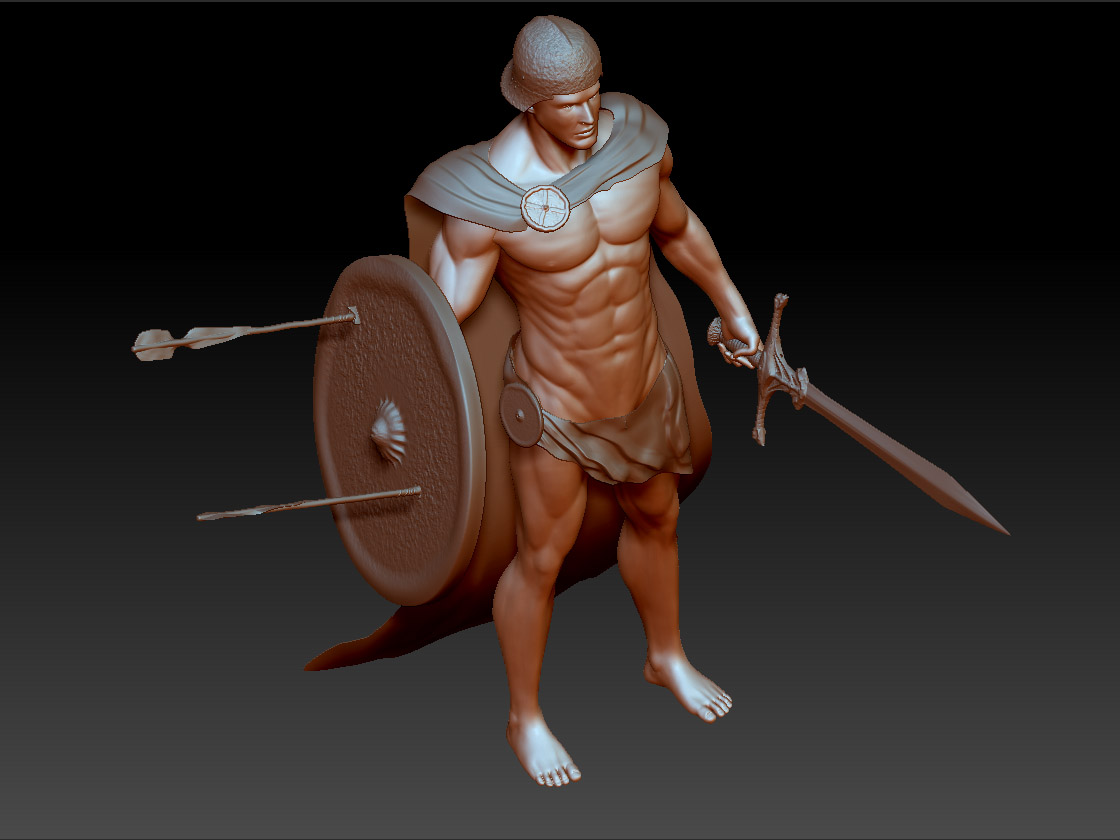
Attachments
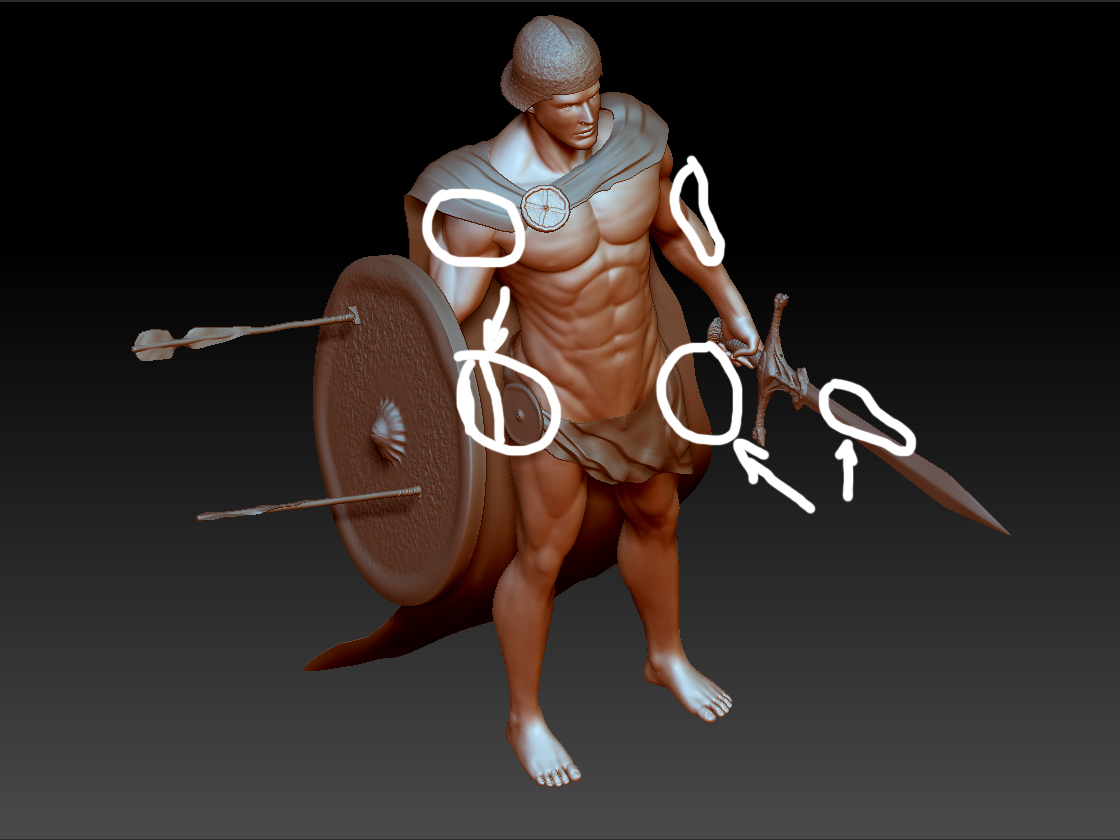
hello
i have a problem that i belive is not new here…
When I export a 3d model to photoshop i see littles cracks at the edge of model.
I can take off at PS but is very boring do that.
How can I export without those edge cracks?
Those are aliased edges. To eliminate that you should press the AA Half button in Zbrush before exporting your image. Create your starting document 2x the size of your finished requirements then hit AA Half to halve the size and anti-alias the edges before exporting the document to photoshop.
Alternatively you can perform a Best Render and turn on SoftRGB and mess with the controls for anti aliasing there.
tks alot
i will try this
i did and works, but when i press double size, i lose edit button and i cant use it again…and the image still bad…
sorry, im not pro…yet 
You have to resize your document before you drop your tool. Start out with a blank document, resize it to double (if that’s what you want), then put your tool into the document. You’ll be able to edit it then.
ok dude
tks alot!
man, its work perfect!!!