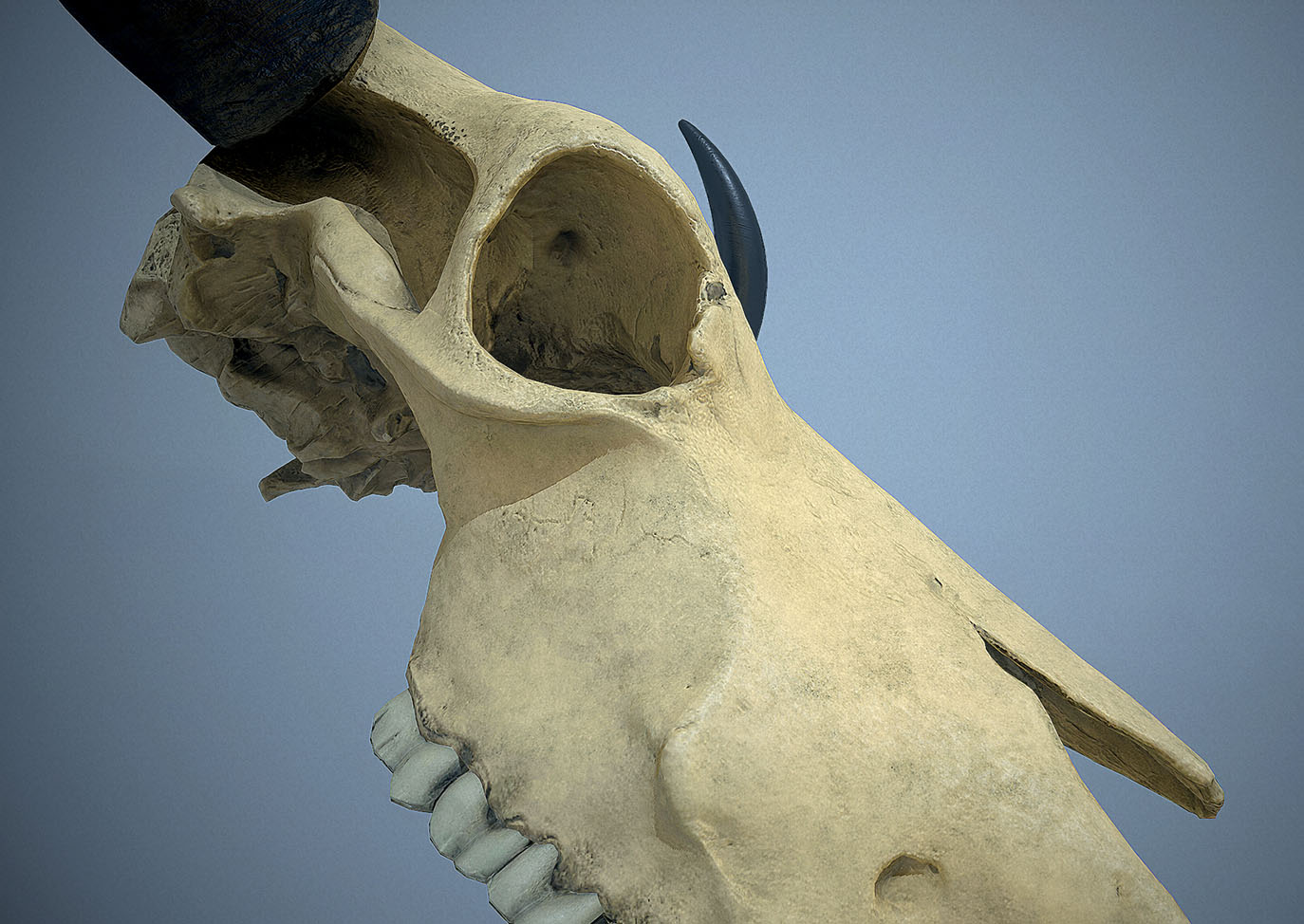
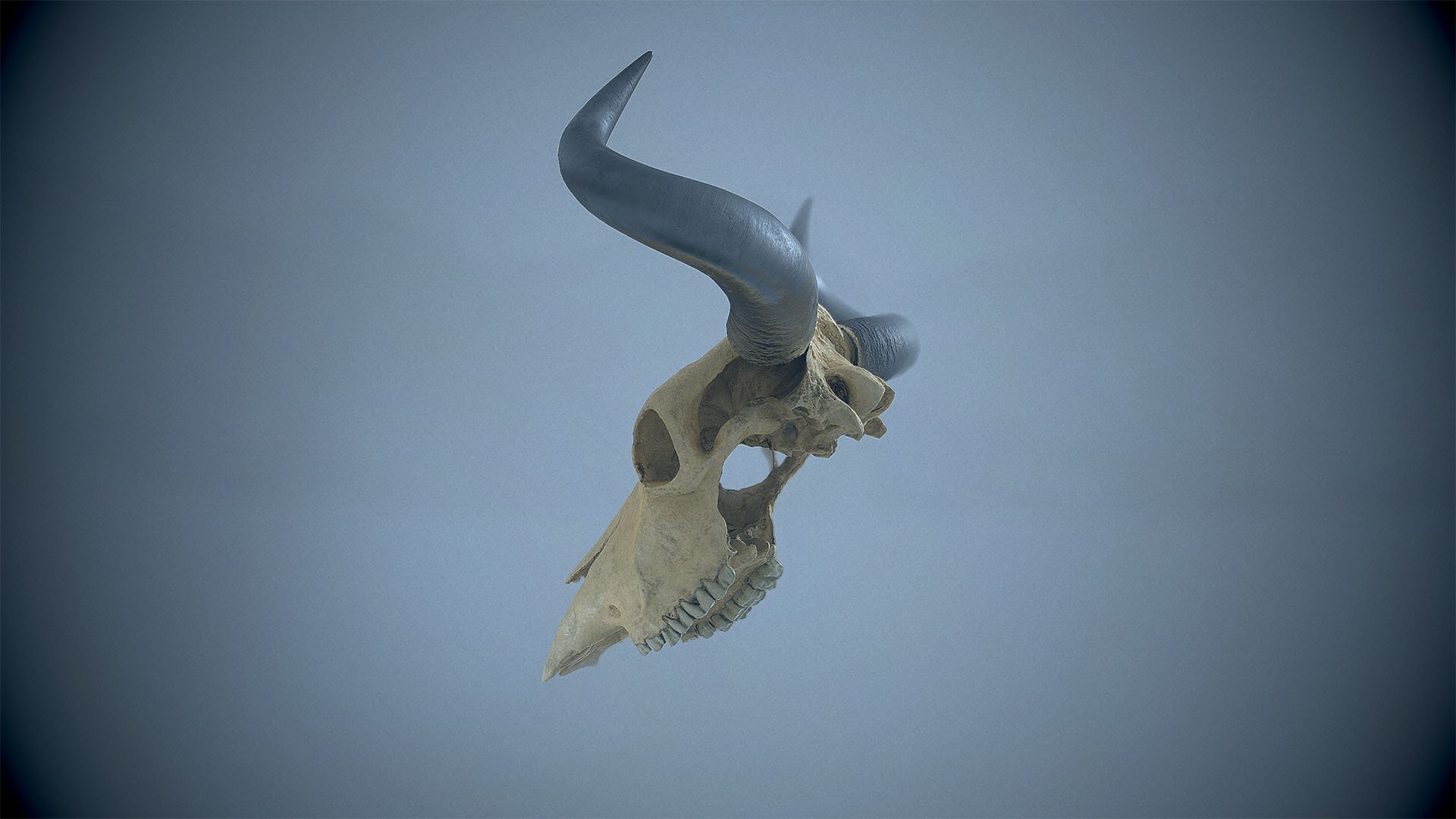
Hey all - Just wanted to share my latest project. I created a cow skull mesh using photogrammetry. I used the mesh to make both a real-time digital model, as well as a 3D printed copy.
After processing the photos in Photoscan, I took the raw mesh into Zbrush. There I cleaned up the scan, bored out and rebuilt the areas that were occluded during photography and thus had no mesh data, and parted out the components. Oh, and I modeled the horns.
For the real-time model, after Zbrush, and retopo in Max, I used a smattering of Substance Painter, PS and Crazybump to generate the textures. I painted the skull medium grey prior to photography, so the resulting albedo needed some work. I was pretty excited with the results. 
I hope you guys dig it! (Links to larger and more images at the bottom of the post)
Here’s a Toolbag render:
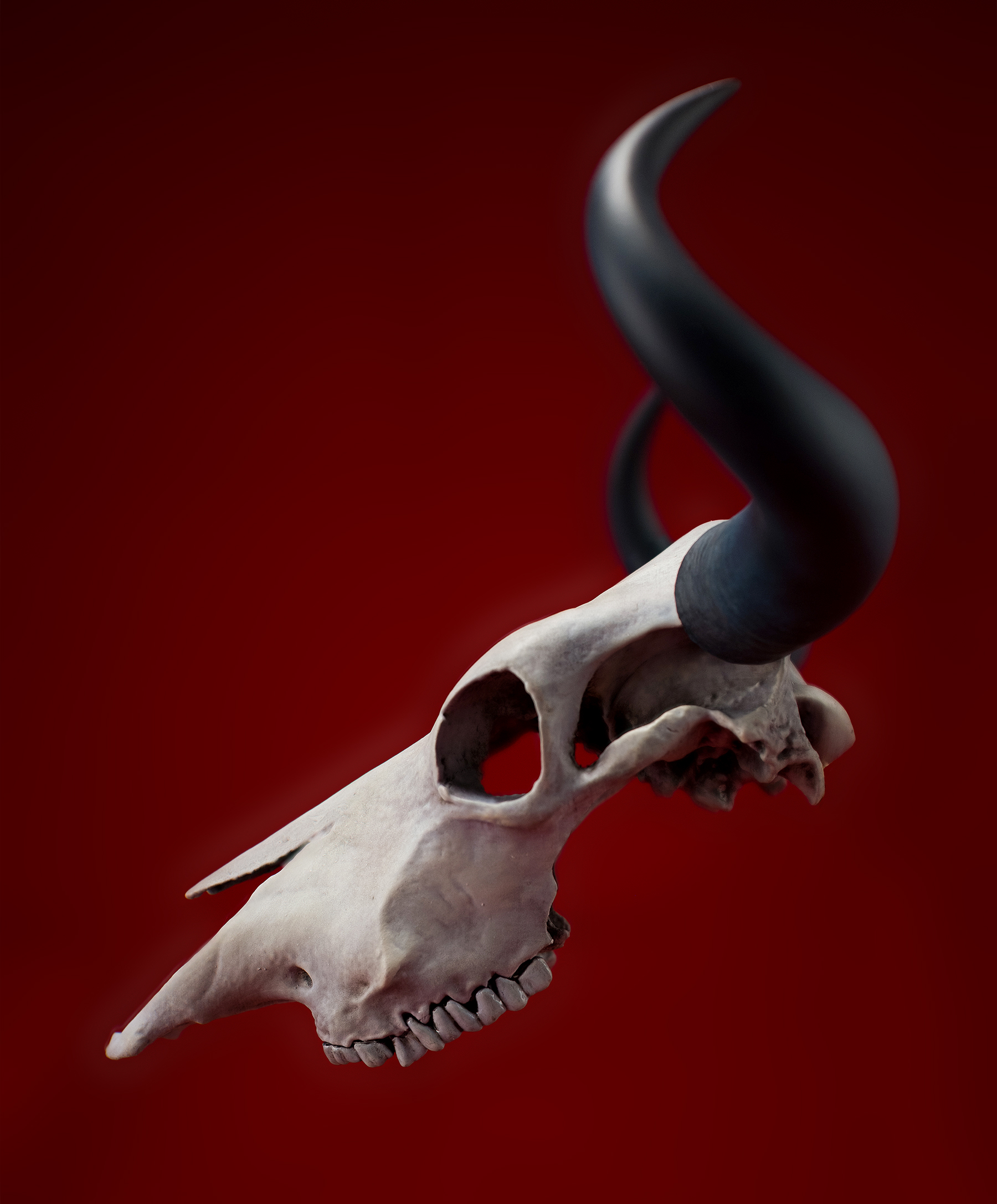
The 3D print was output on my Form 2, using the Tough resin. It was the only resin I had on hand, otherwise I would have preferred the grey, at a higher resolution. Primer and sanding took care of any issues, however.
I painted it with airbrushed acrylics and an oil paint wash. I finished it with MSA varnish (matte for the skull with a combo of matte and satin for the horns.
Photograph of the finished print:
Links to more renders and photos:
Digital
http://leeallanwilliamson.com/projects/42z3Y?album_id=80756
Printed
http://leeallanwilliamson.com/projects/bZAVd?album_id=89248
Attachments