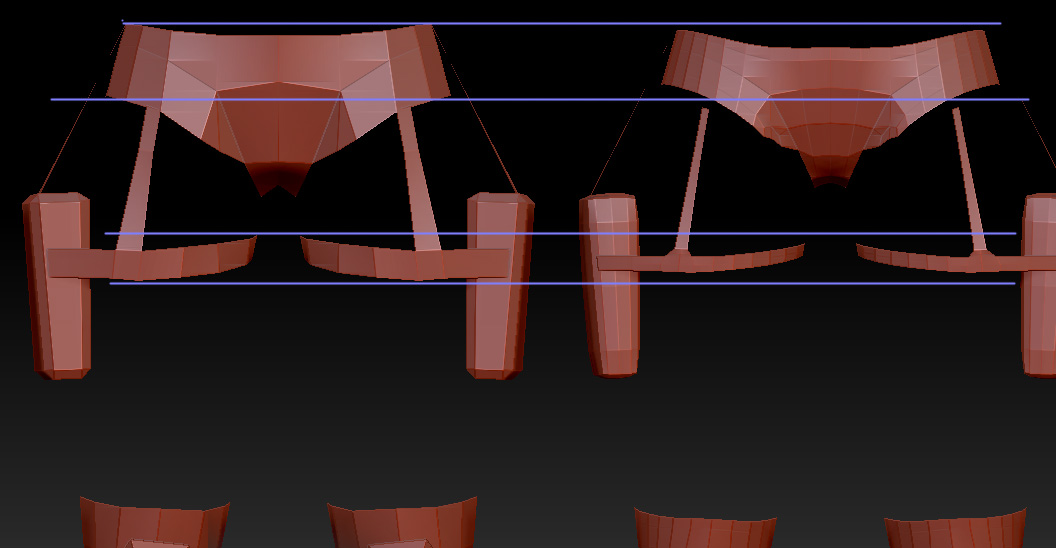
Hi guys/gals,
I’m importing some low poly shorts for my game character sculpt, Divide is shrinking (smoothing down) the edges of the model. Is there a way to stop Zbrush from doing this?? Mudbox doesn’t do this and turbosmooth in Max also doesn’t do this.
and second when making a normal map some of the mesh isn’t being projected onto correctly, can I increase the distance the normal map shell is projected? Just can’t find anything to change this! there were options in earlier versions of zbrush Zmapper but not now? (Mudbox, Max both have this).
Oh and is there a way to stop sculpting or projecting from changing the base level 1 sub div mesh?
Many thanks for any help you can give!
Attachments