Hi,
I´m a spanish cg artist (sorry is my english is no bueno :p, feel free to correct me, amigos) and this is my first thread in zbrushcentral. i usually work with 3ds max 2012/2011 but i decided start with zbrush after i tried the amazing sculpt tools and the blendshape zplugin, which is the reason of this thread.
I thought: wow, i can make easily “3ds max Morphers” with “blendshape zplugin” (zbrush -> Maya -> export .fbx 3ds Max).
And it works, i use a subtool, go to “Layers” and create a New Layer and check that the “Rec” button is ON, use a brush and i have a blendshape ready for export.
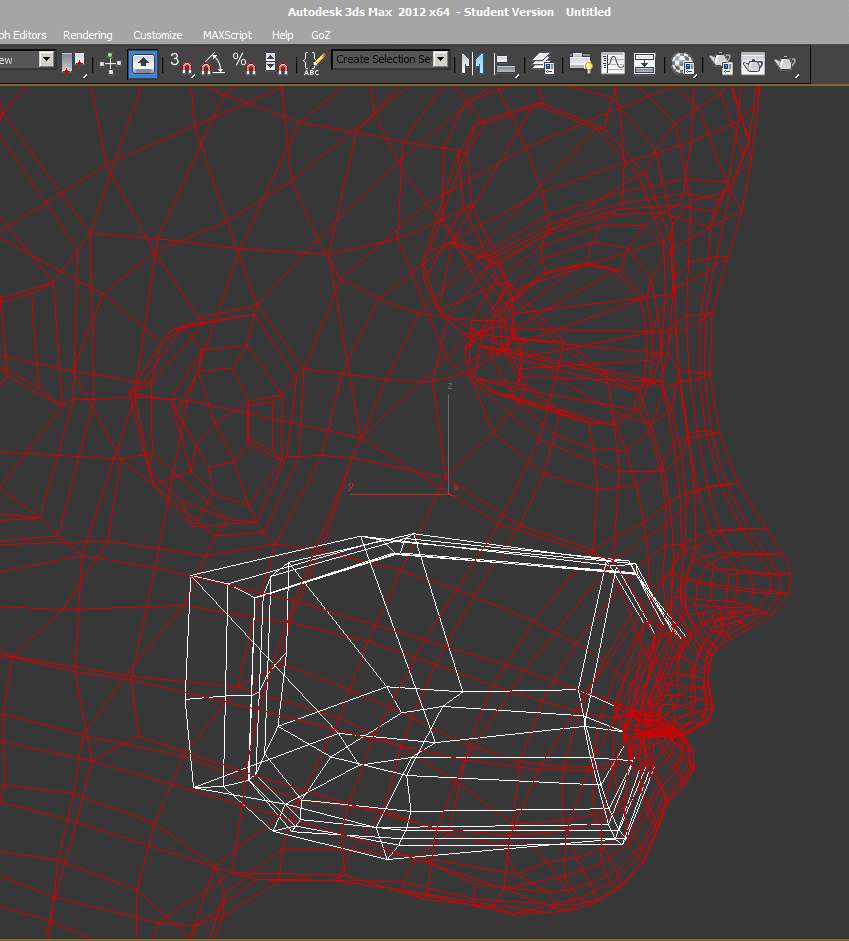
Here is the problem: I want a new “Mouth” blendshape, and the model that i use have a inside mesh in the mouth, so is very difficult to open the mouth or create a smile if the inside of the mouth isnt hide.
But, wait a minute! you can use polygroups to hide part of the mesh! one to the “Inside Mouth” and the other one for the rest of the Head.Yes!
…and NO, when you use Layers you can´t use the “hide polygroup” function.
Can i hide polygroups with the Rec Layer button On?
Is there a way to do that i keep in mind without delete the “Inside Mouth” mesh?
thanks!
Extended workflow:
(First of all i installed GoZ for 3ds max and Maya)
-Create a Mesh in 3ds Max, collapse with Editable Poly modifier.
-Export Mesh as OBJ to Zbrush (no polygroups yet), with Zbrush option.
-Load OBJ in Zbrush, press T.
-Press “R” GoZ button (down Export Button) , select 3ds Max.
-Press “GoZ” button (down Import Button).
-Now i have the Mesh in 3ds Max. Go to materials, select Multi/Sub-Object Material and assign it to your object.
-Select your object, go to Polygons and edit the IDs.
-Press Goz button, GoZbrush.
-Now your object (now a subtool), have polygroups.
Attachments