ZBrushCentral

Condensed Polygon issue

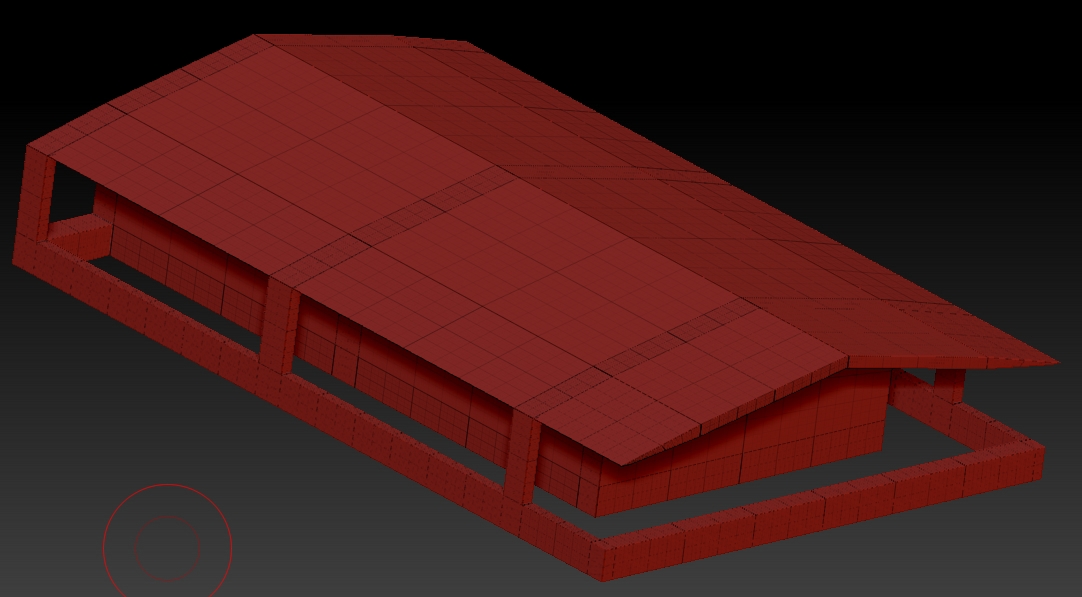
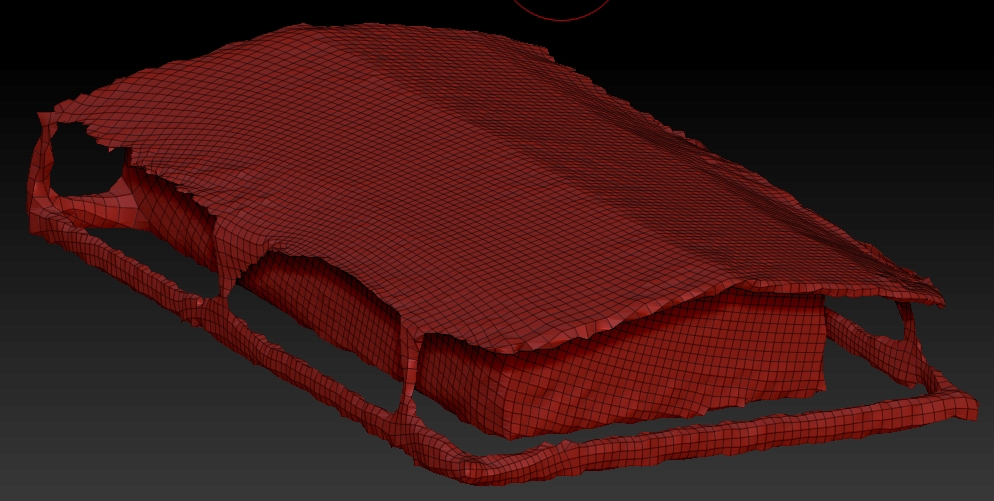
I’m fairly new to Zbrush (and Maya) and recently got involved with several high school students in making a math teaching game. I need to make the buildings, but when I bring the one I’ve made from Maya into Zbrush (using GoZ) and I subdivide, when I try to sculpt, the areas that had the smaller faces in Maya end up having compressed sculpting. If I try to use qRemesher, the mesh distorts and gets jagged edges. Is there any advice that more experienced users could offer? Thank you!

Attachments
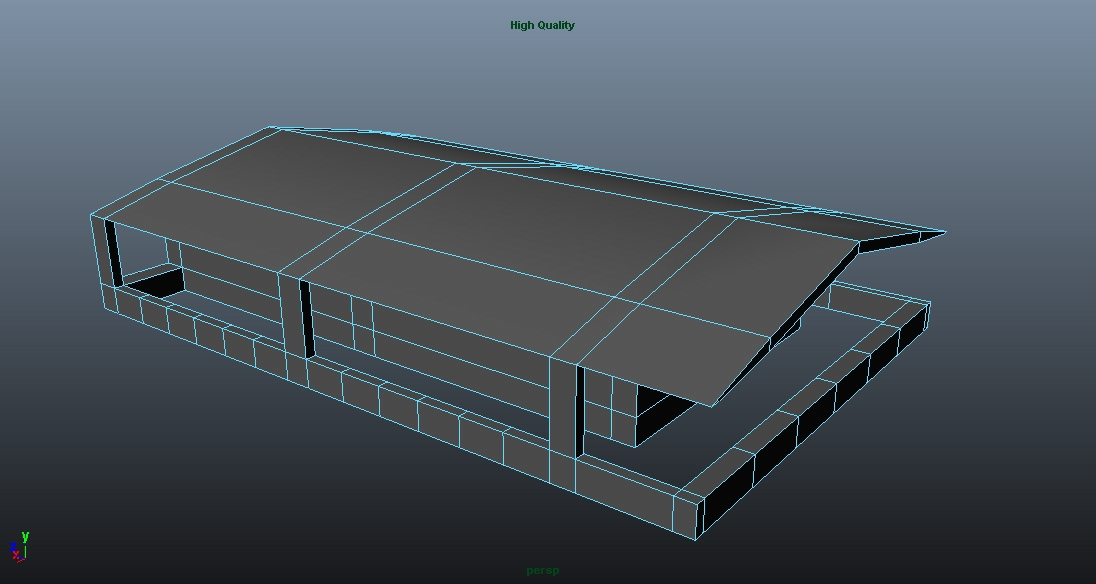
warehouse_Maya.jpg

warehouse_Zbrush.jpg

warehouse_Zbrush_distorted.jpg

just edit your mesh in Maya so it has evenly spaced polygons through out the mesh.

You might also want to consider remesh/dynamesh, which will give the mesh a more unified density.

If the edges don’t end up as crisp as you like when you do this you could try increasing the resolution, turning on the project setting, or subdividing the mesh a few times and then using Project all.

You could also try slicing the mesh up with the Slice Curve brush. There are other manual retopology options, but to be honest they start to get slower than fixing it in Maya.

Thank you so much! The slice curve brush was EXACTLY what I was looking for!