ZBrushCentral

compositing bpr animation renders issue.

i couldn’t find a better way to composite bpr renders as animation other than just rendering and exporting different movie files as passes. it seemed like it would work fine, but I’ve tried it a few times and there is always a strange overlap of the images. i made sure not to move the model between turntables and i have the beginning marked on the time-line. it seems like maybe the focal length has trouble being consistent between turntables since either the front or back of the image tends to be not lining up and it changes as it rotates. anyone know if there is a way to fix this or perhaps an easier way to render and composite a turntable in zbrush? thanks

[attach=224481]composite.jpg[/attach]

Attachments
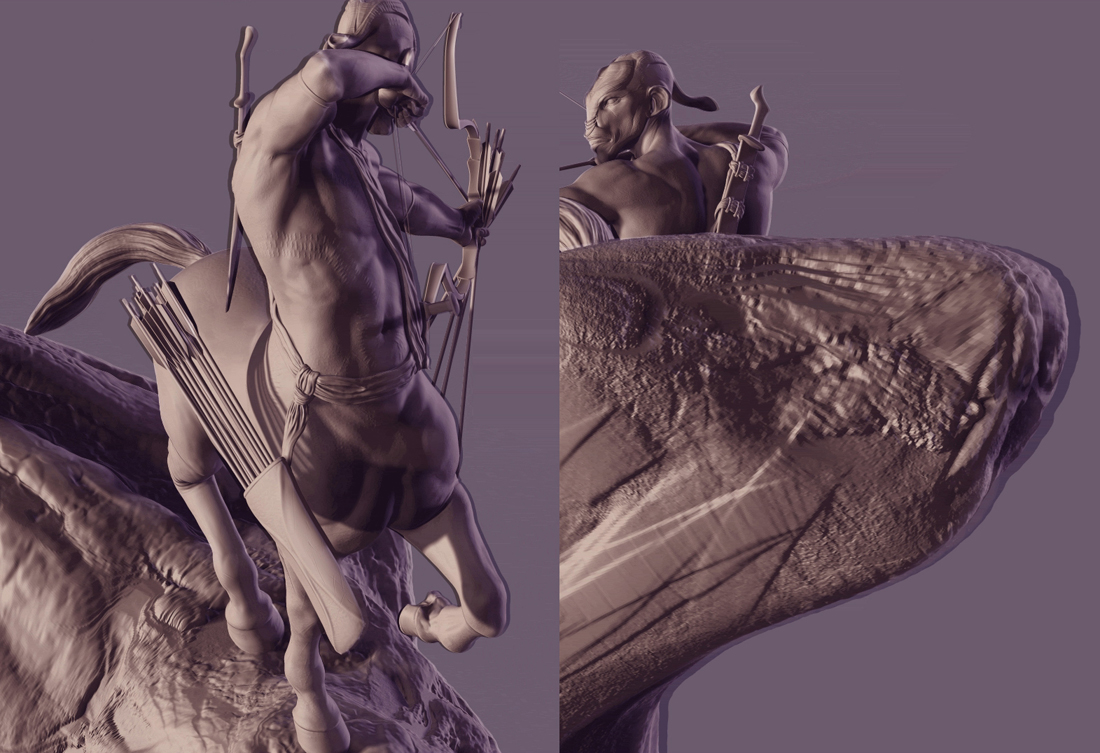
composite.jpg

did you lock the camera track to ensure it couldn’t be edited?

That’s all I can think of. I’m curious to know what’s causing it though, as I’m about to start rendering multi pass BPR renders for the same purpose here in the next week or so…

well originally i just keyed the first frame then clicked turntable. how do you lock the track?

i was going to try animating the turntable, but my first render rotated 180 then back the way it came and my computer has been threatening to die since so i haven’t been able to test it much.

you lock the track in Movie>TimeLine Tracks click the Enable button then deselect Camera.

I haven’t used Turntable with timeline yet, I’d have to play with it. You could manually set a turntable animation with keys on the timeline, might have different results. Hopefully by locking the camera track you prevent any changes to your initial keyframe you set on the timeline.