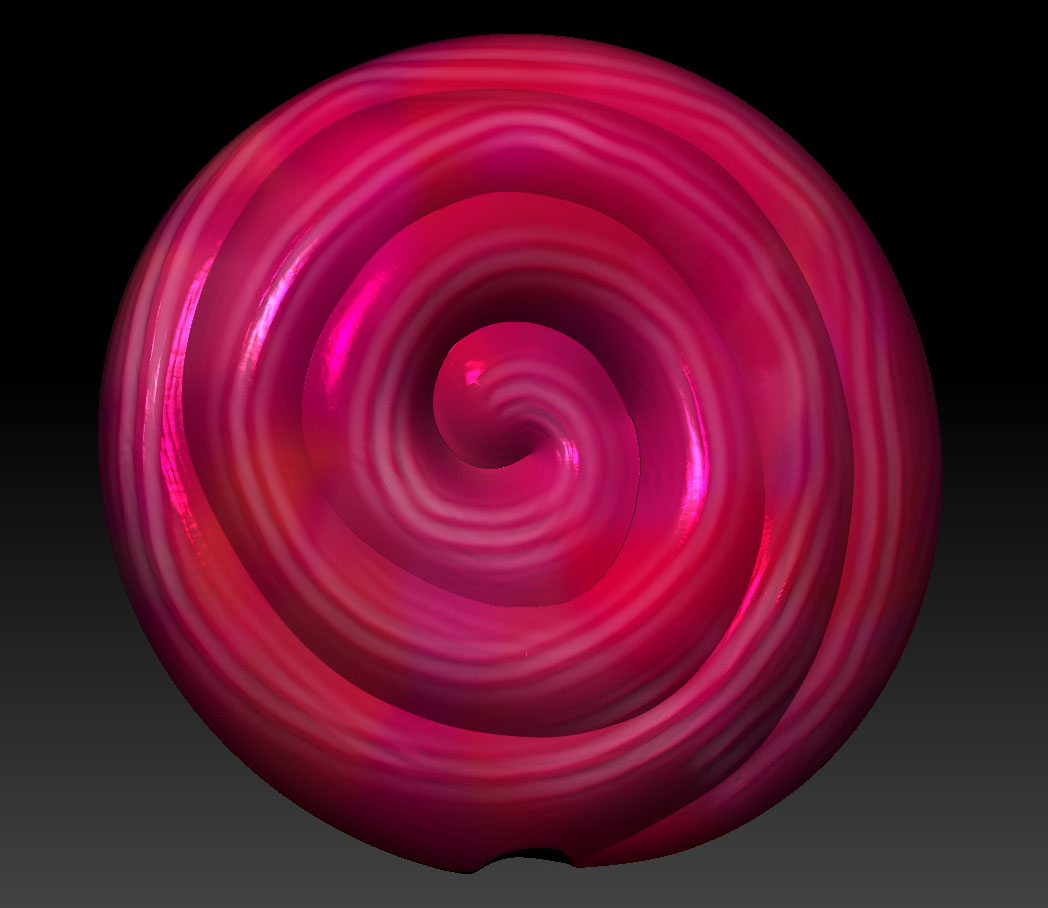
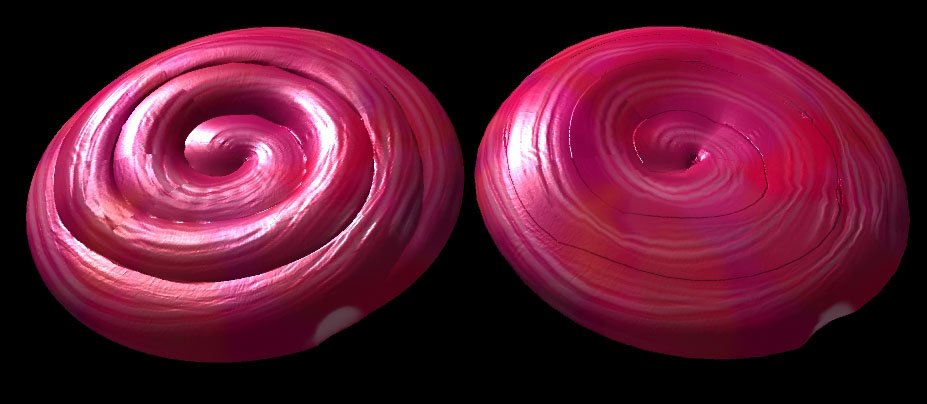
Hello all
Firstly, thanks for having me. I’ve been trawling through a lot of the stunning work on here for a while, but have only now gotten a chance to try out ZBrush for myself. In fact I’ve been using it for just a couple of days, so I’m sure you can appreciate, I’m coming up against a lot of challenges and hurdles. Most of which I’m able to eventually overcome, due to the excellent help material out there. However, one of the areas I’m currently struggling with is normal maps. One in particular. I suspect it’s because I dived in without exploring rules first. I wonder where I’m going wrong…
I wanted to create a low-ish poly lollipop (that’s a tongue twister!) and use a nice normal map to make it stand out…
So…
I created a very fat torus in Maya, and imported it as an .obj into Zb.
(once I’d watched hours of tutorial videos on sculpting) I dived in and started shaping it
then (after many more helpful videos) I started on Polypaint. Doh, I hadn’t UV’d it, but hey, I can use PUVTiles right? That all seemed to work and I got to this…
Not amazing, but I wanted to see if I could go the next step and export it and back into Maya. I eventually did that, but if I applied it to the low poly mesh it looked awful, or even exported the lower subdivision versions. Even the higher one(which was too high poly for me to use for my purpose) looked poor and featured artifacts…
So after all that, I guess my questions are…
-
is there anything I can do to salvage this one or at least improve it?
-
what is the ideal type of mesh to go into Zbrush with and how close should it be to the final sculpted and normal mapped one?
-
for the purposes of a lower poly object using zb normal maps to look higher poly, is it always best to create it in an external package such as Maya or is it possible to use something like the zmodeler brush and then export the lowest subdivision version as your low poly object?
-
any other tips? especially for building something like this?
I know I probably don’t make much sense, but it’s only been a couple of days, and any help or advice would be greatly appreciated, especially a simplified explanation of the ideal initial mesh guildelines, or process.
Thankyou all! 
Bads
Attachments