ZBrushCentral

combining\merge two meshes with sub toolmaster

hi i have tried trough tutorials to do this.
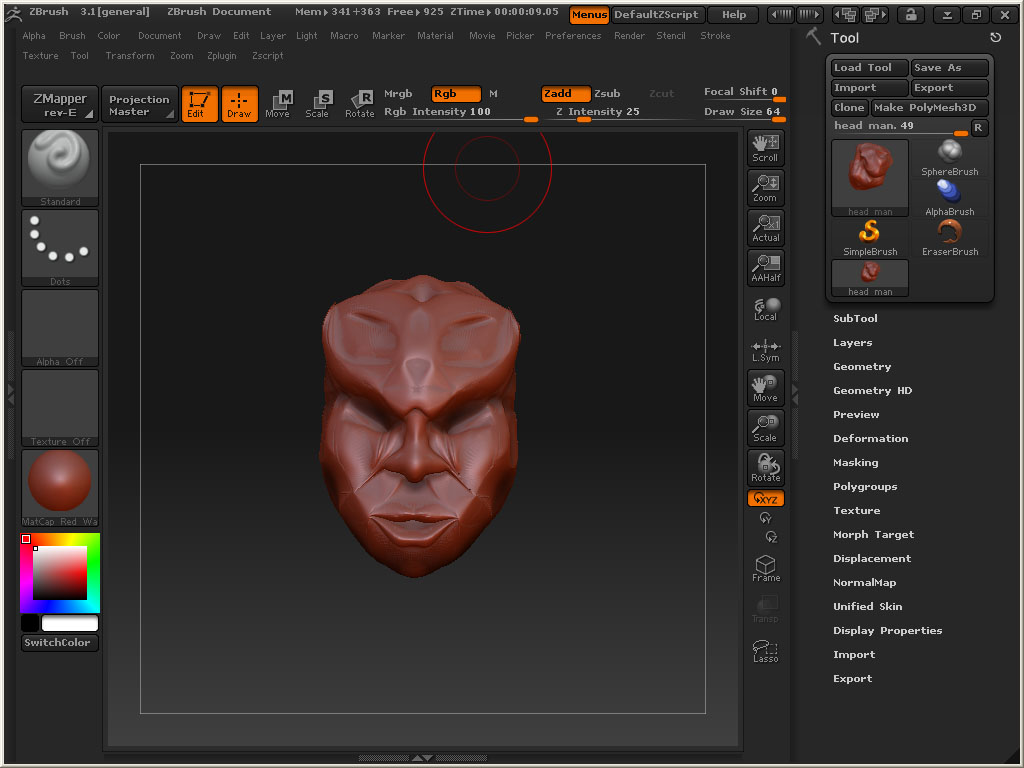
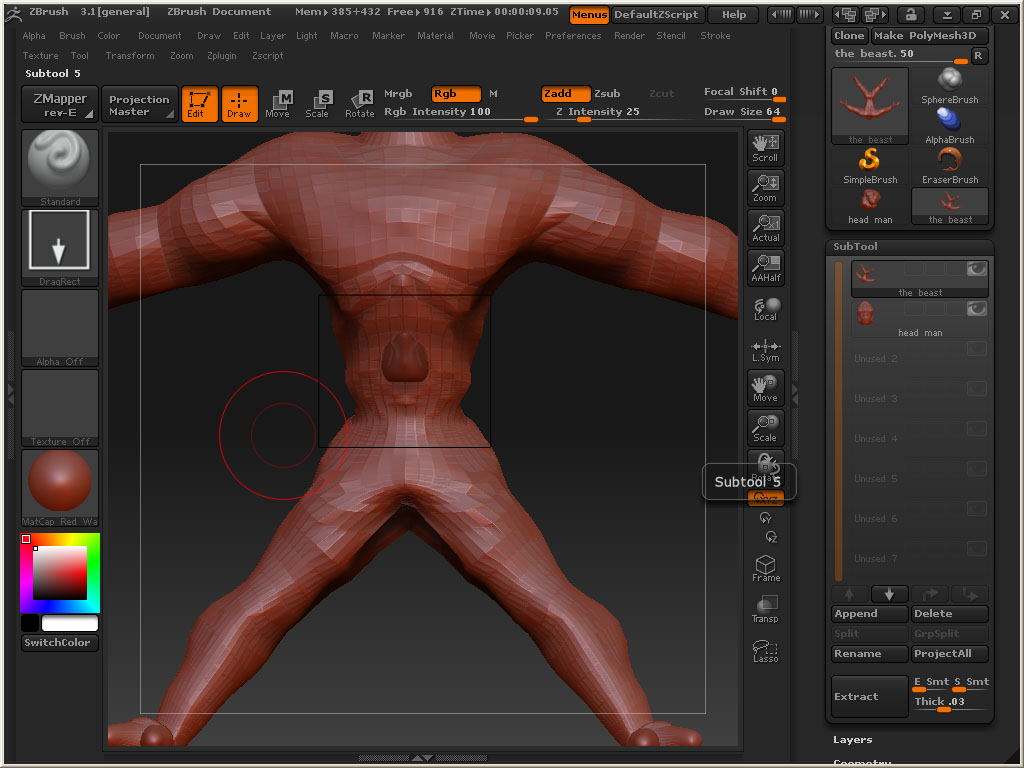
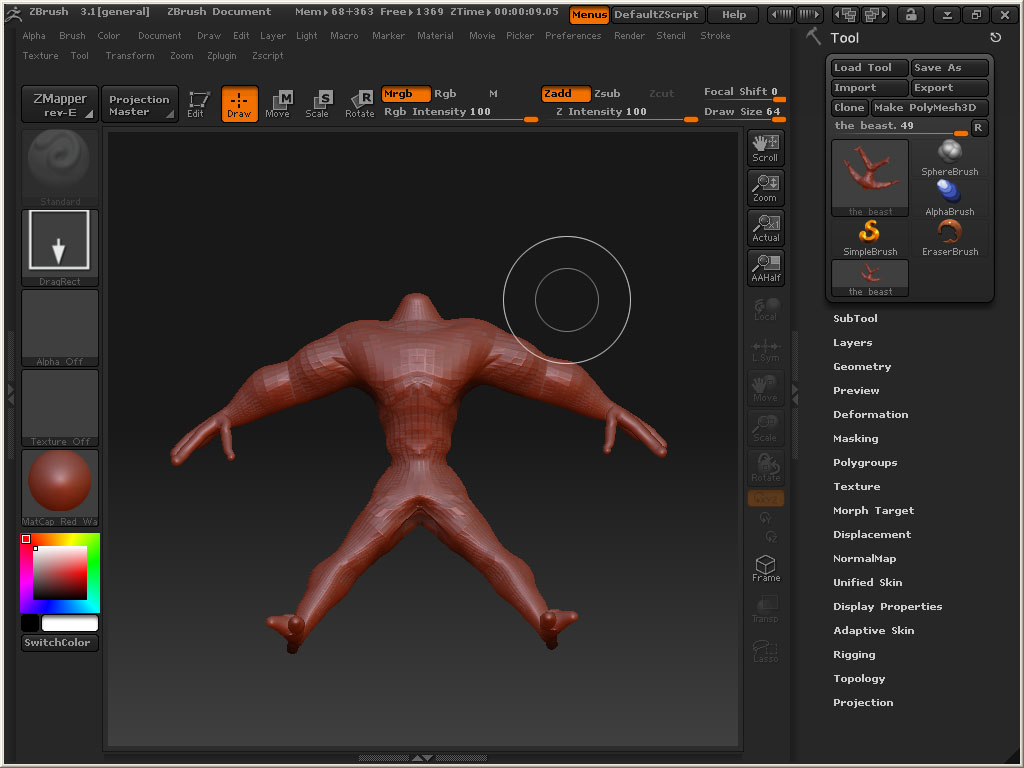
i made a body and head separate and is trying to bring them together with no avail. the head just go sit in the chest\ stomach in the square indicated in the third image after i append it as an sub tool of the body moving it just distort the head or body ,if i try to move it with the transpose tool .
any help. a step by step would be greatly appreciated .
The last image with the square indicates the problem.
love to have the how to sort this out.
[attach=168110]export 1.jpg[/attach] [attach=168111]export 2.jpg[/attach] [attach=168112]export 3.jpg[/attach]

Attachments
export 1.jpg

export 2.jpg

export 3.jpg

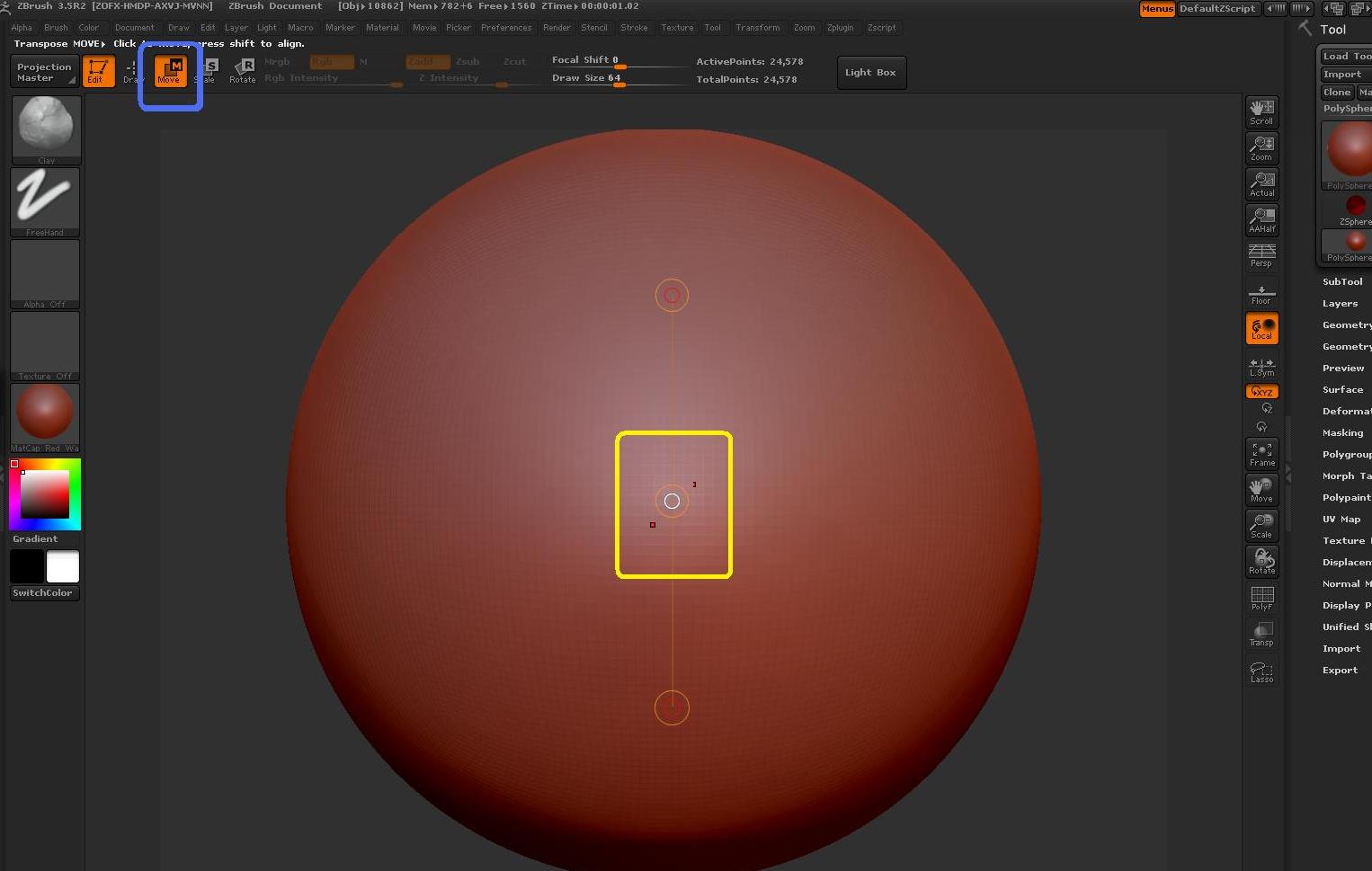
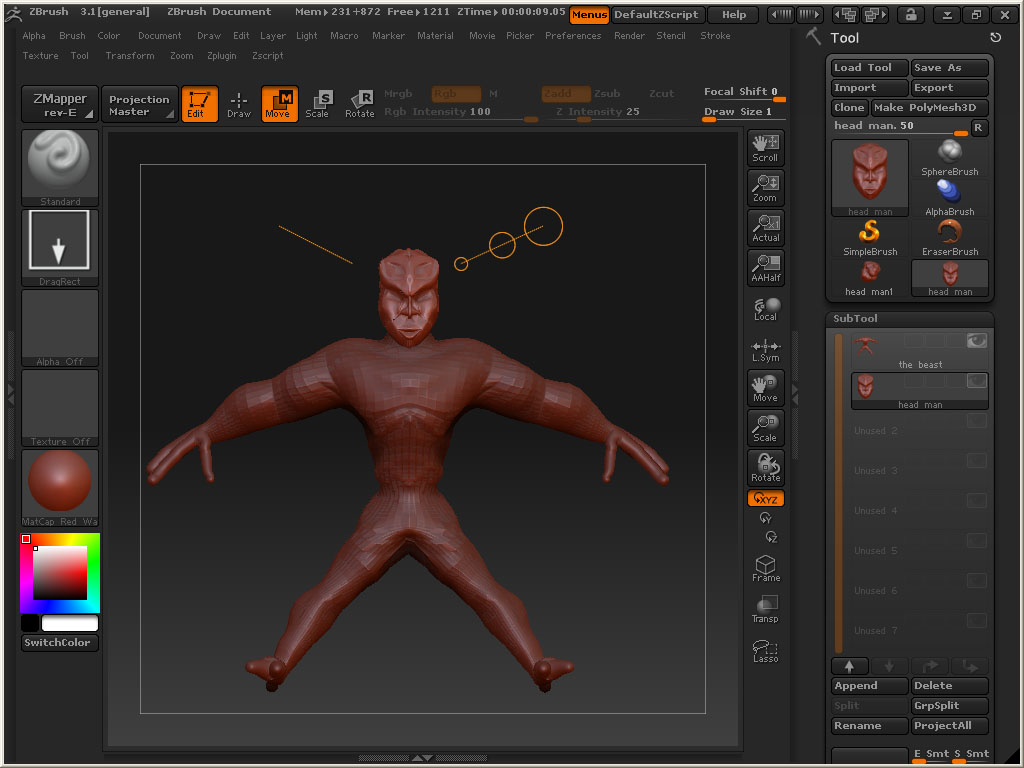
Hi goddog, are you using the right Move button? Please see my screenshot ( you need to use the one which is in the blue square).
You also need to be in edit mode to be able to move it the way you want.
Then you can click on your model and you`ll see a line with 3 circles (the action line). You need to click on the circle in the middle (yellow square on the screenshot) to move the whole model.

Please see here for a better explanation;):

http://www.pixologic.com/docs/index.php/Transpose:_Moving_a_Model
http://www.pixologic.com/docs/index.php/Transpose

Happy Zbrushing!

Attachments

move2.jpg

or click on tool (head) in subtool palette then deformation offset y + or -

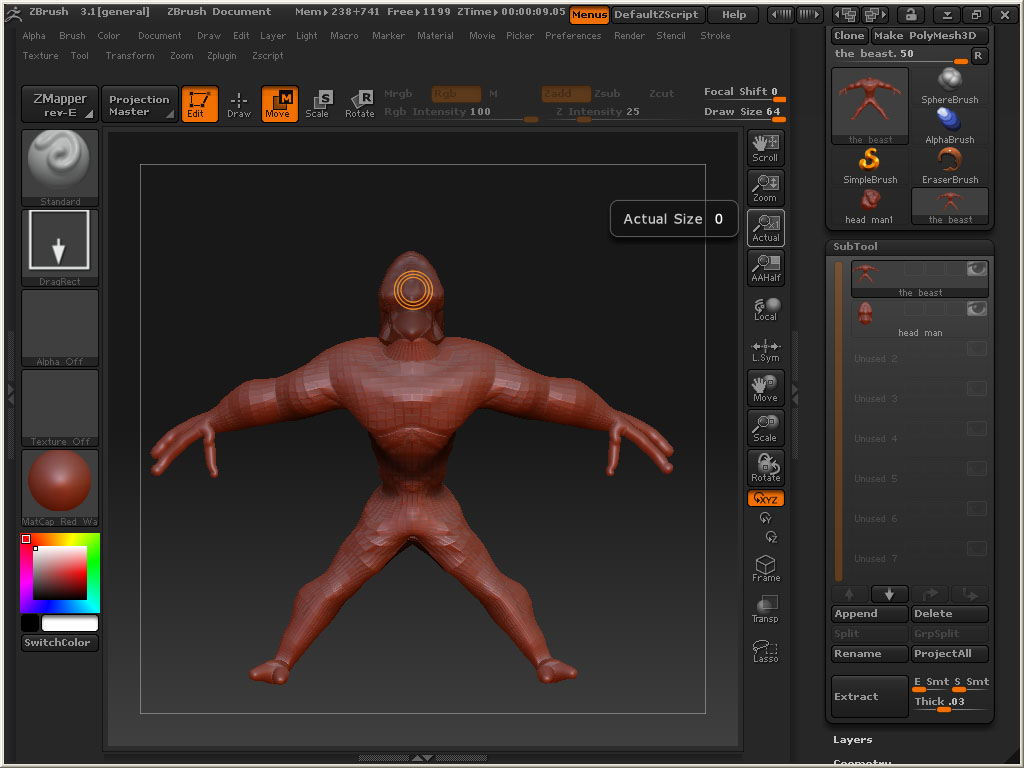
It help what you said new problem though I am trying to rotate the head so that it could face but the 3 circles of the transpose don’t want to separate they are staying on top of one another trying to rotate deforms the object. what now?
[attach=168116]export4.jpg[/attach]

Attachments

export4.jpg

You need to click and drag the line. If you want to rotate the model you need to activate the rotate button. Did you see the links I posted? Everything you need to know is very well explained there. :wink:

goddog to rotate a model you can use deformation> rotate> y> 180> or go to preveiw pallette and rotate shift click in the preview window then hit store

both you guys helped the transpose circle was still the same but i had to finely select the middle one which was difficult since they were overlaying .

thanks goddog

now can i merge them with the merge tool in the sub tool master will they since the two subdivision level of the two meshes differ ? [attach=168127]final.jpg[/attach]

Attachments

final.jpg

god dog click on the head in the subtool palette ,clone the head in the tool pallette then delete it in the subtool tool palette then insert mesh in the geometry palette- try not to upload too many images for question answer issues- can attach them as not to use up thumbnails or moderator will step in :wink: