ZBrushCentral

Colour and Material Issue

Hi there Zbrushers

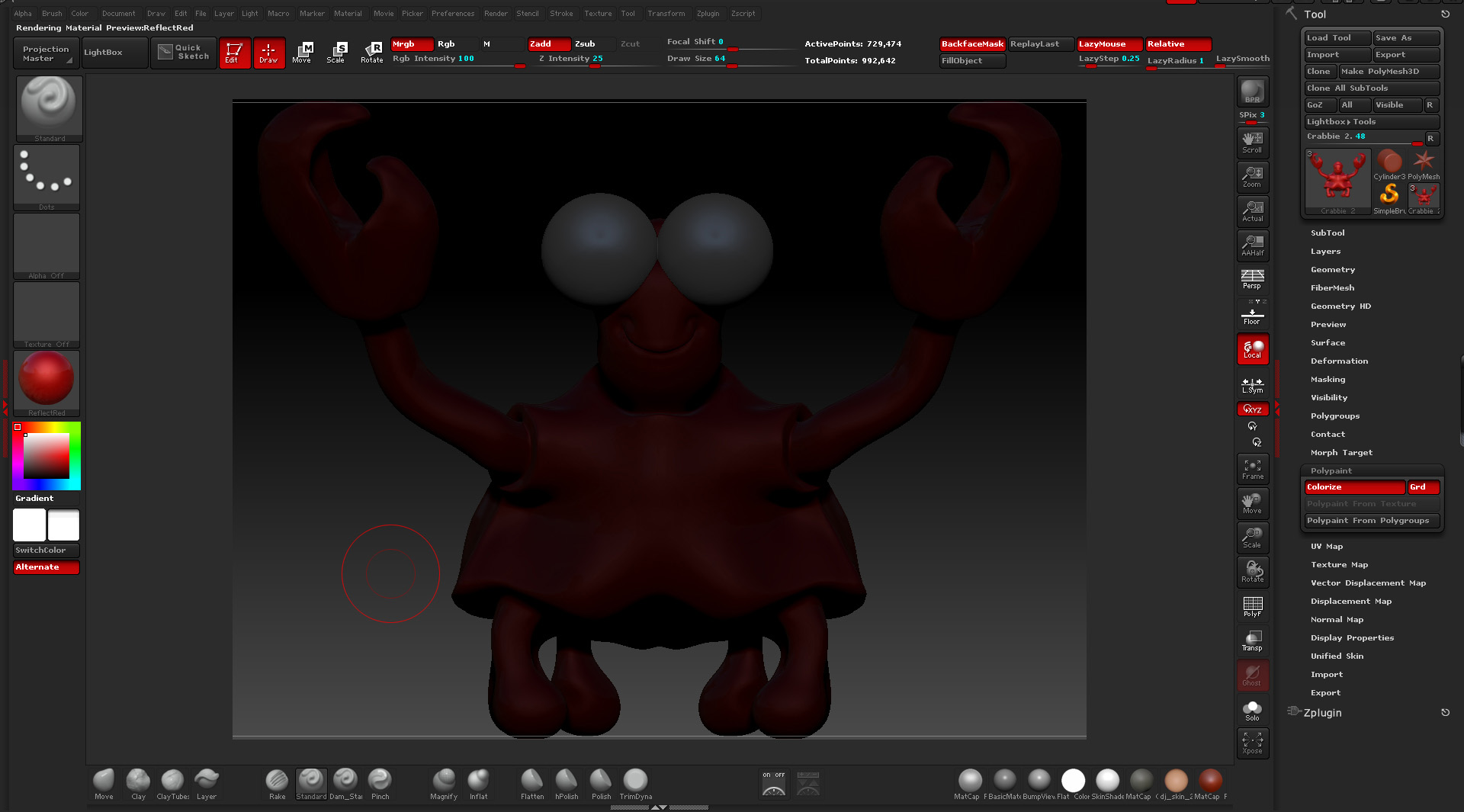
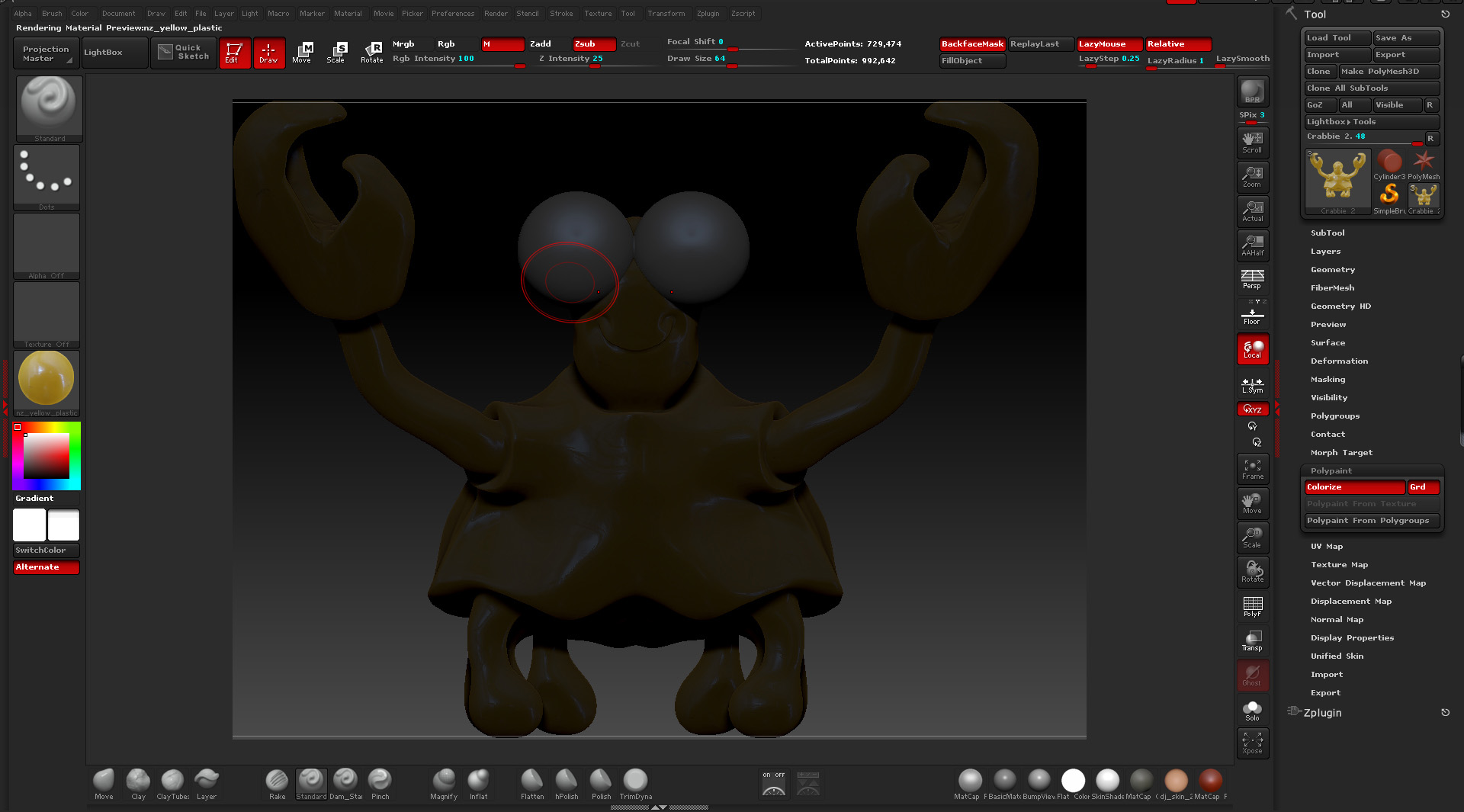
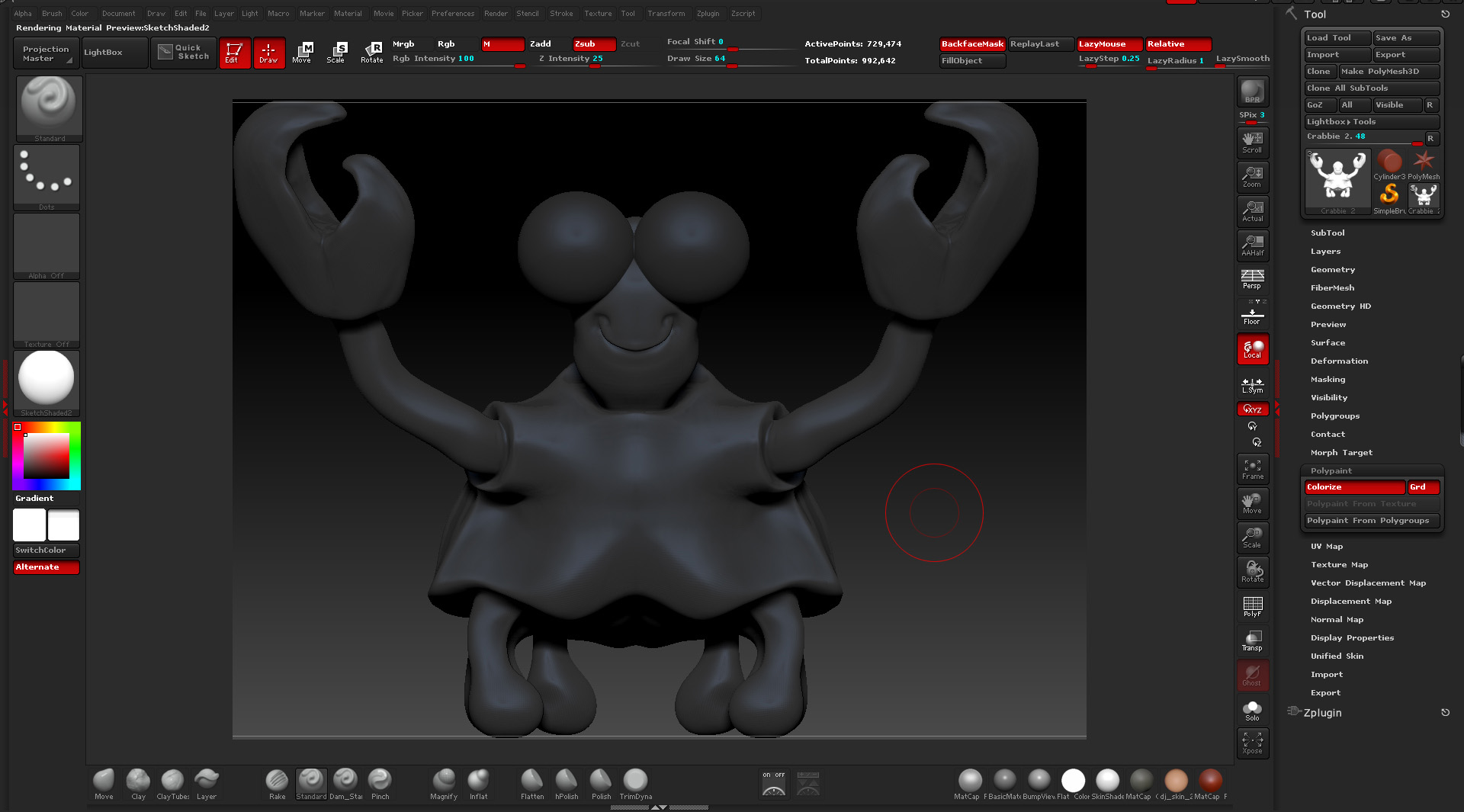
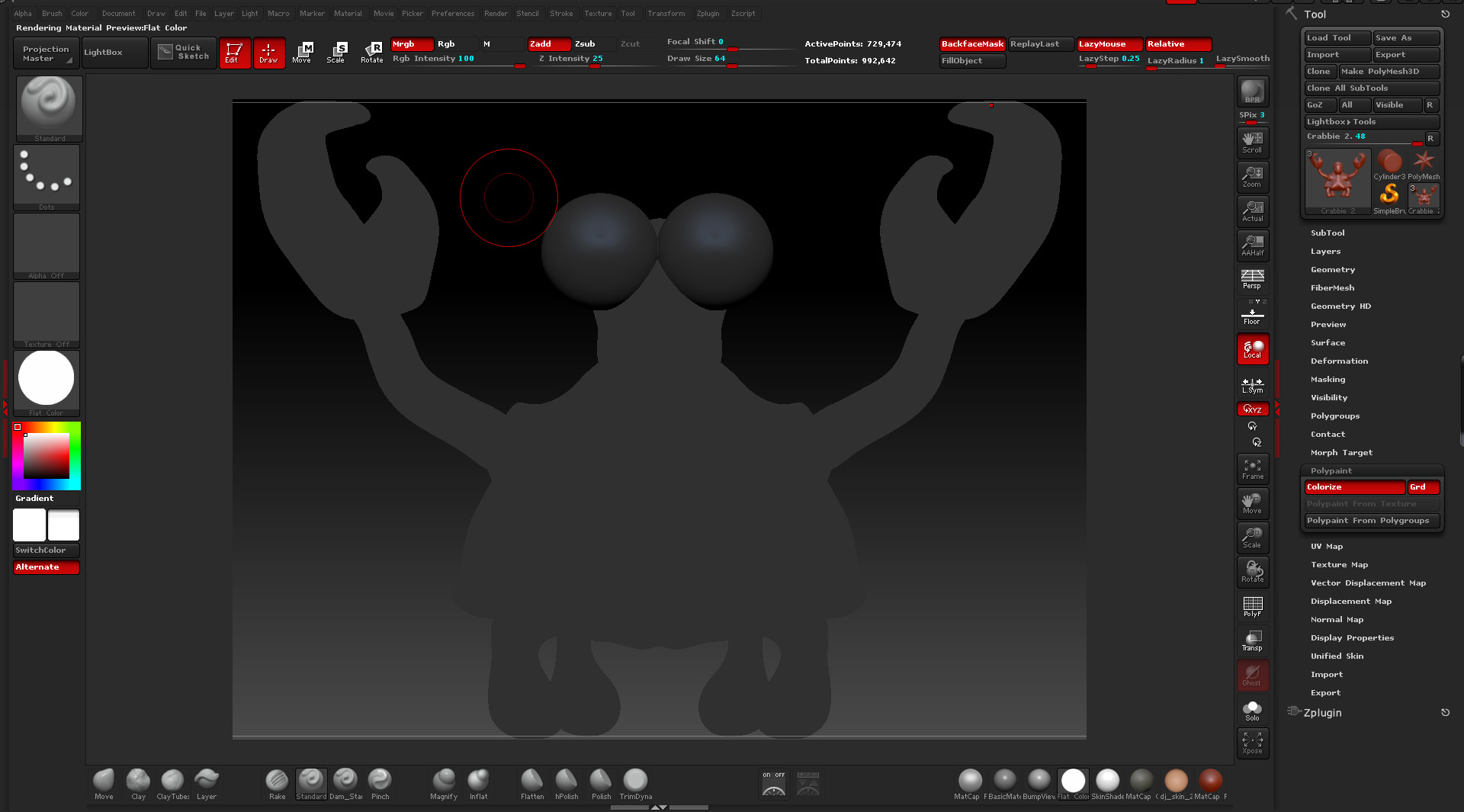
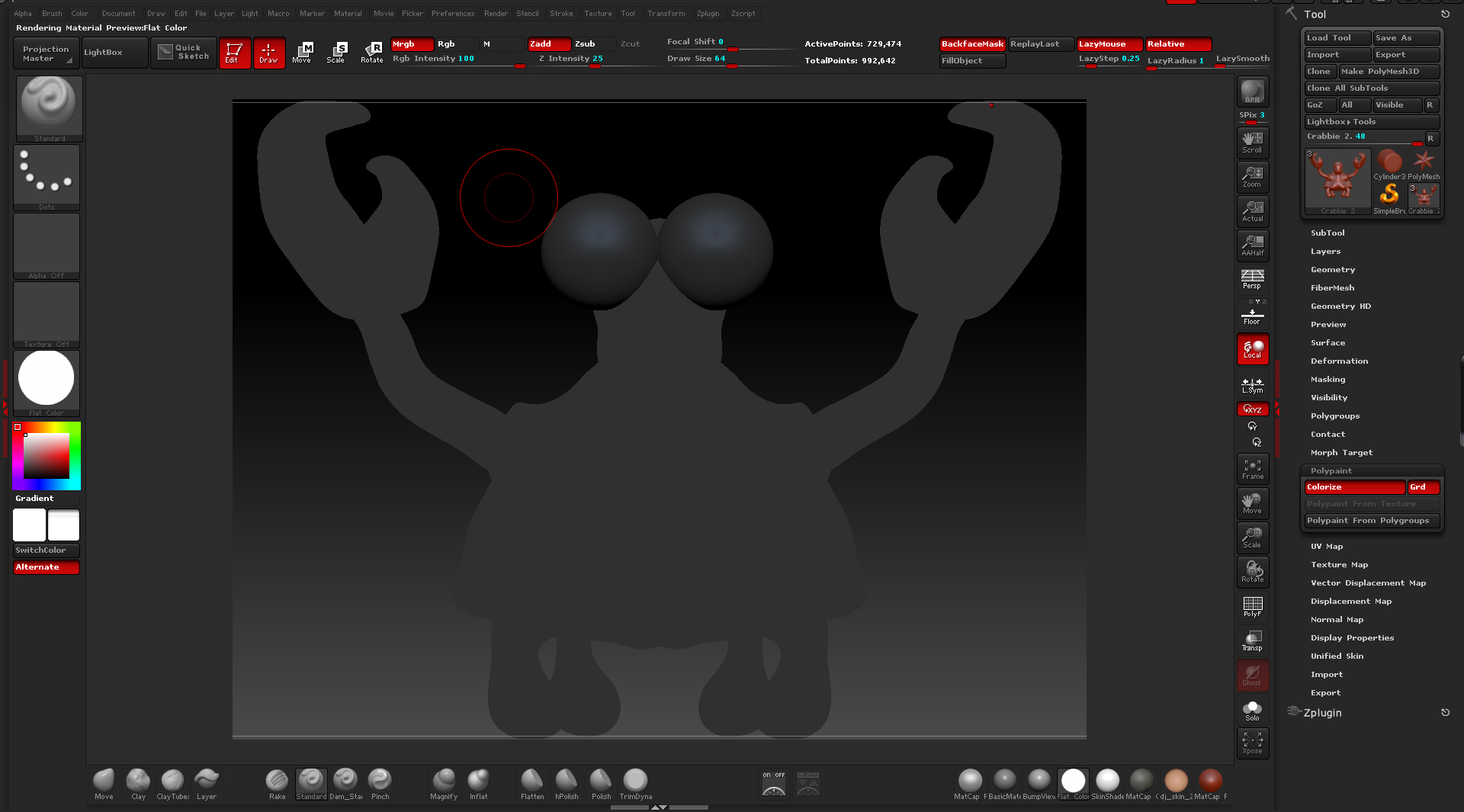
I have come across this issue and for the life of me i cant seem to fix it.
i know my way around Zbrush fairly well, but that doesn’t help me solve this.

I have checked what colour i’m filling my object with and also checked that i don’t have a hidden mask applied. all negative

Please can i ask for some help with this, would be greatly appreciated :lol:

Attachments
Colour Prob 3.jpg

Colour Prob 4.jpg

Colour Prob 1.jpg

Colour Prob 2.jpg

Colour Prob 3.jpg

Hmm, check to see if there is a texture map enabled in the tool shelf. That’s the only thing I can think of at the moment, it’s one of the few things that doesn’t update the tool thumbnail, which looks OK.
Since it’s globally affecting the matcaps, its probably not a material setting, and they aren’t influenced by lights. :confused:

I’ve had this happen a fair amount with R2b, but I don’t think I’ve had it happen with R3. They display normally when rendered with BPR right? You could try toying with the subtool tool dimming preference, but I can’t recreate the problem atm so I’m not sure how well that would help.

I really appreciate the help. Unfortunately none of those options sorted out the issue.
Fortunately i had a backup with a little less detail of it from before this issue.

Thanks again