ZBrushCentral

Colossus question?

Hello,

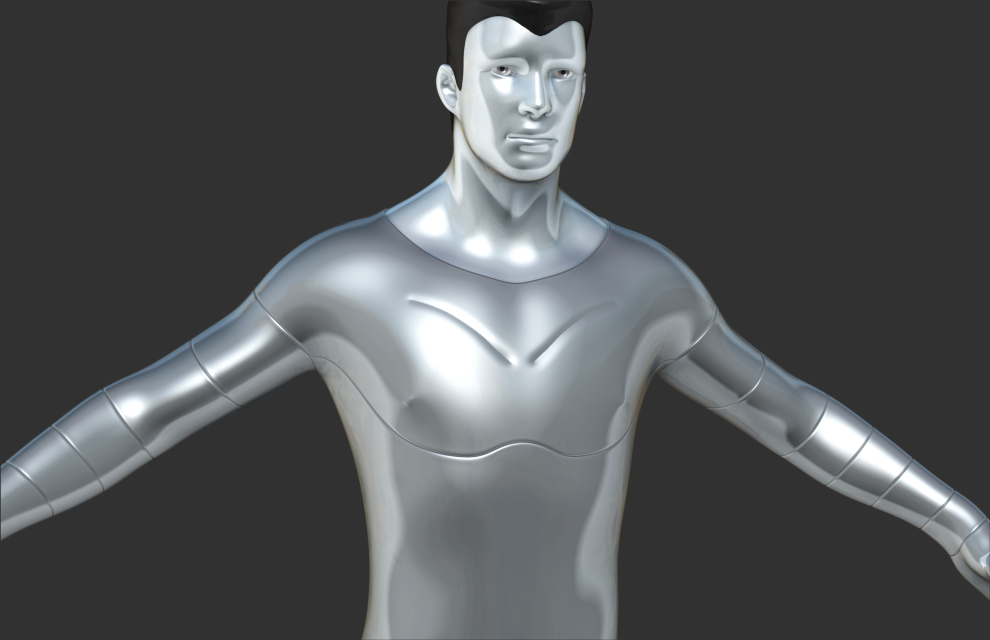
Wanted to create X-Men’s Colossus.

Example > http://www.geekalerts.com/colossus-premium-format-figure/

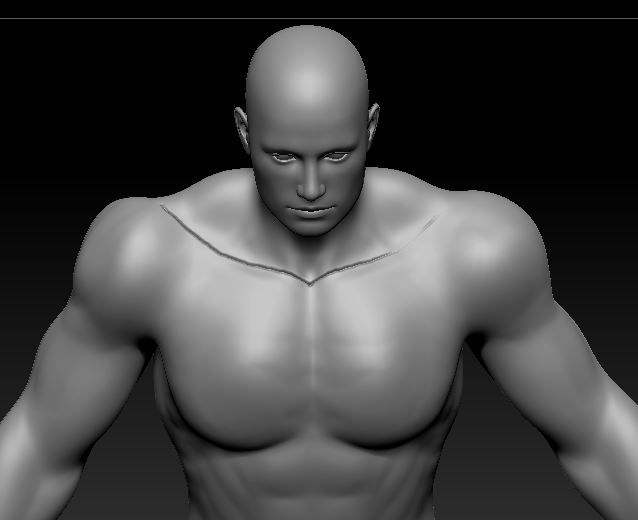
Any suggestions how I could create the lines in his body armor? I was thinking slash brush but if there was an easier method I would appreciate the suggestions!

Thanks!
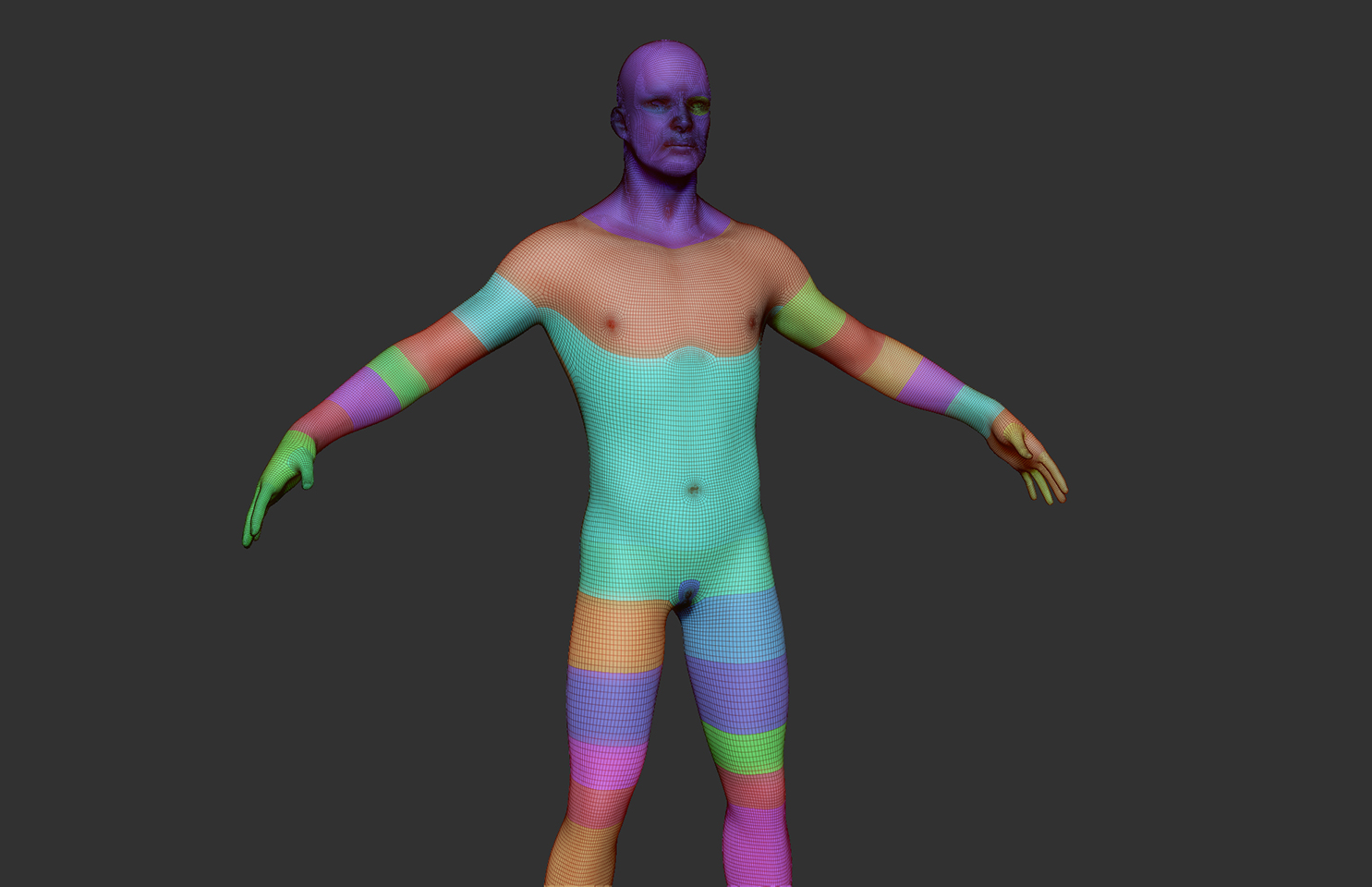
There are probably tons of ways to do that. Off the top of my thumping Sunday morning head, masking and Deformation>Inflate in the minus direction. Or Use the Groups Loops options. Or possibly Noisemaker, using one of the presets at a large scale. Or Alphas. Or like you said, sculpt with one of the brushes.
Someone else I’ll be along with more suggestions soon.

Thanks for the suggestions

I am seeing how to play around with the Noise Maker. I think this method might work.

Are there any good noise makers I can use for what I am trying to accomplish?

I’ve tried to add a texture as an Alpha but it comes out too transparent like…

I’d probly just use panel loops:


I found a good brush to use to accomplish grooved metal for Colossus. I want to use the Dam Standard brush however when I use Symmetry one side is not as fine as the other? I tried messing with Mouse Average but I get the same affect. I also increased the intensity seemed better but would like the stroke to be equal depth. I looked at the depth properties and seems fine to me. Here is a pic to see what I am talking about.

Look at the right side of where I applied the brush.

Any suggestions?

Thanks

Attachments

Capture.JPG

With symmetry turned on, and default settings for dam standard, I can’t duplicate that problem – I get a consistent stroke.

col-dam.jpg

Make sure your model is centered and symmetrical… you can use unify to center it.