ZBrushCentral

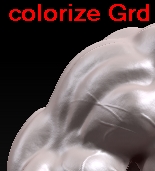
colorize grd problem

I opened from projects soldier sss to test it.
It got colorize and grd on.

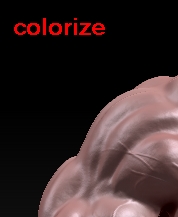
No I created my own model as new project applied same material as this soldier and when I turn on colorize it look the same as soldier but when turning grd on it’s different.

I have no idea why it’s like that. The material and colors are the same on my model as on soldier, what’s causing the difference when grd is on?

[colorize.jpg]colorizegrd.jpg
do you mean grid…as in the floor? or polyframe? polyframe has colors so that is probably what you’re seeing. you can change the amount of this in the preferences menu

I just tried to do the same as you have done, and what I get is this…

with Colorize off, my model looks the same as DemoSoldier. As soon as I click Colorize on, he goes pale like in your second example. The Grd seems to have no effect for me.

To keep the colors after clicking Colorize, I simply went to Color menu and clicked “FillObject”. Make sure you have RGB and M (or MRGB) selected when you do the FillObject.

Now, he will look like DemoSoldier and you can start painting in other details.

I found out what was wrong ! LAYERS ! I filled object on second layer and not the first one.