Hi there,
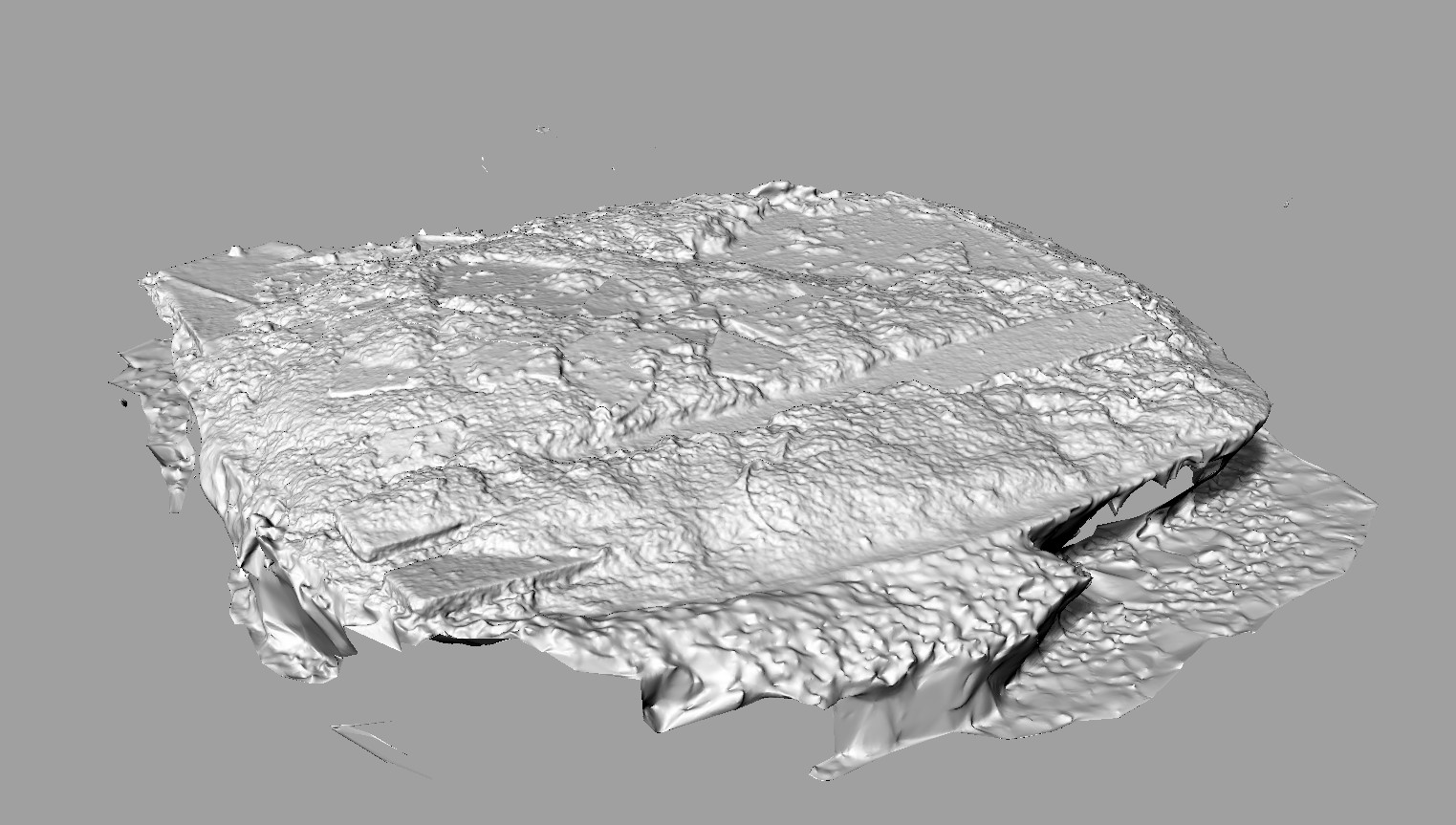
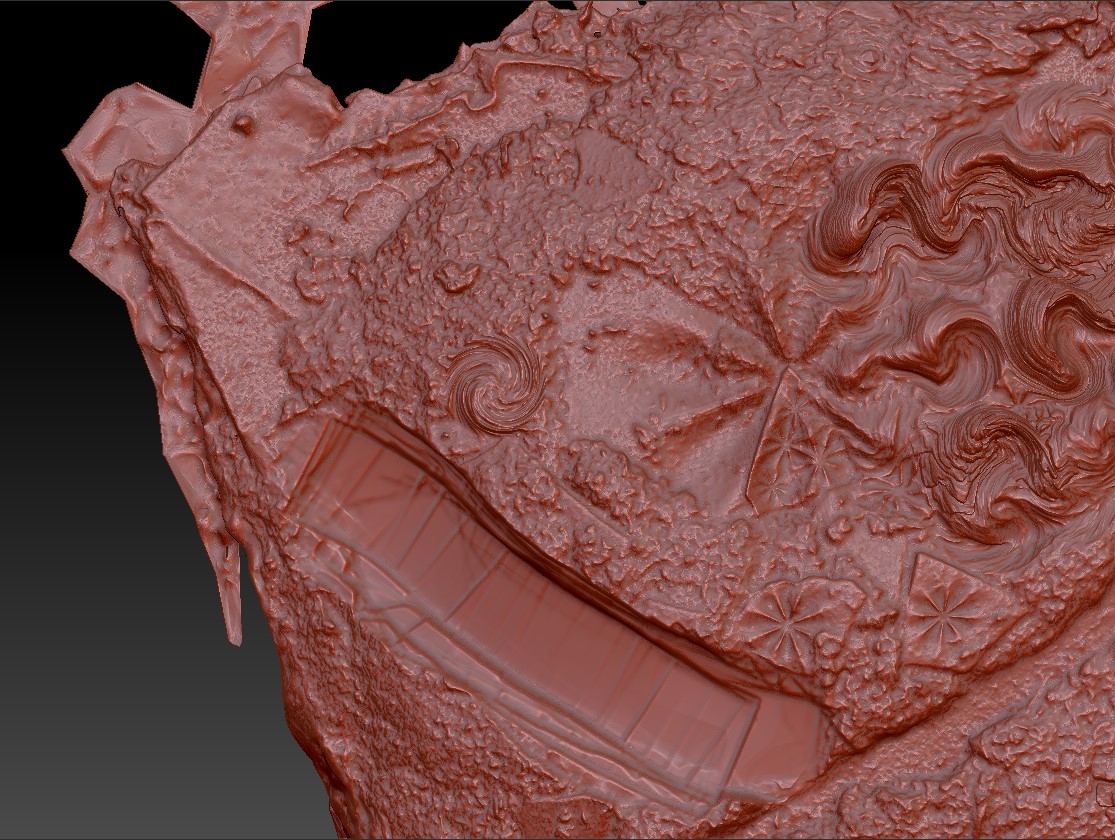
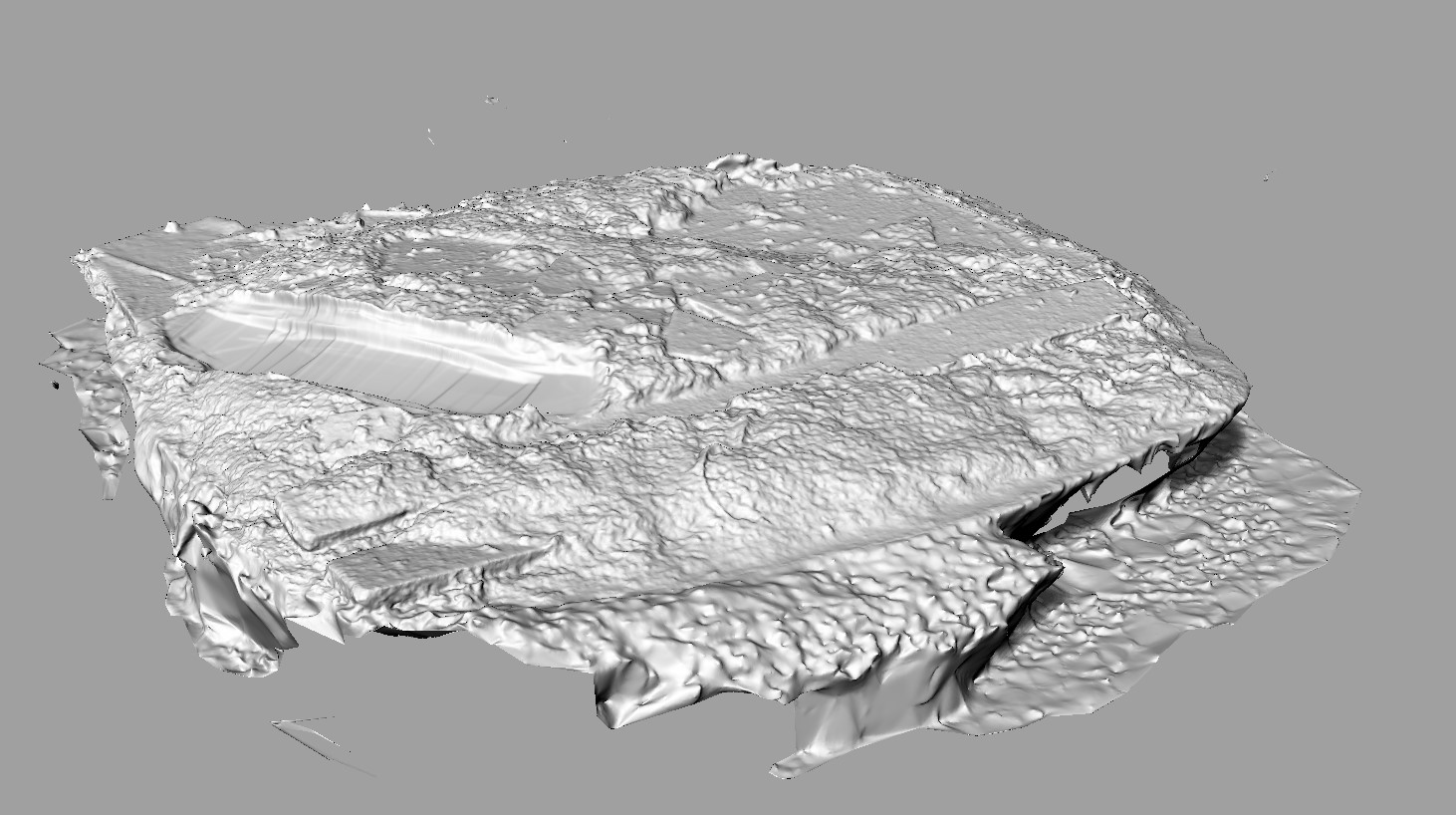
I’m pursuing an experimental workflow where I want to CNC carve isolated areas of digital sculpting back into the original object that generated the mesh I’m sculpting on.
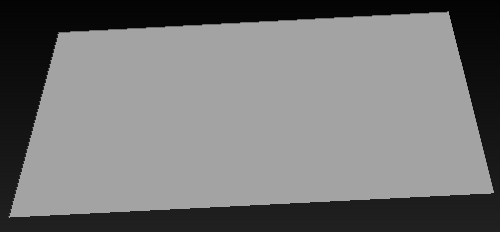
There are a lot of workflows out there for manipulating a scan, and then CNCing that into a blank workpiece. But since my workpiece is an existing irregular surface, I need to be able to separate the original scan from the deformations I produce
This is where I’m stuck:
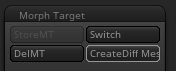
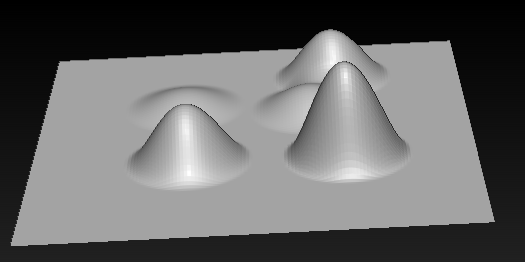
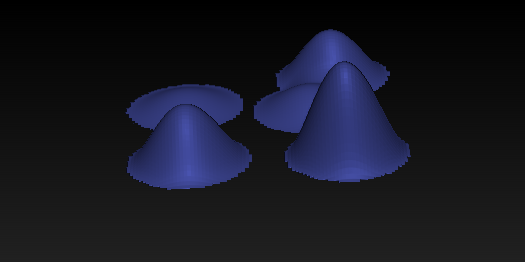
I want ALL of my deformations, and ONLY the deformed areas (NOT the original topology of the mesh) to belong to a separate layer so I can export it as a separate mesh, and I do not want to manually select regions. I want it to be automatic or part of the sculpting process. This way I can easily generate toolpaths for it.
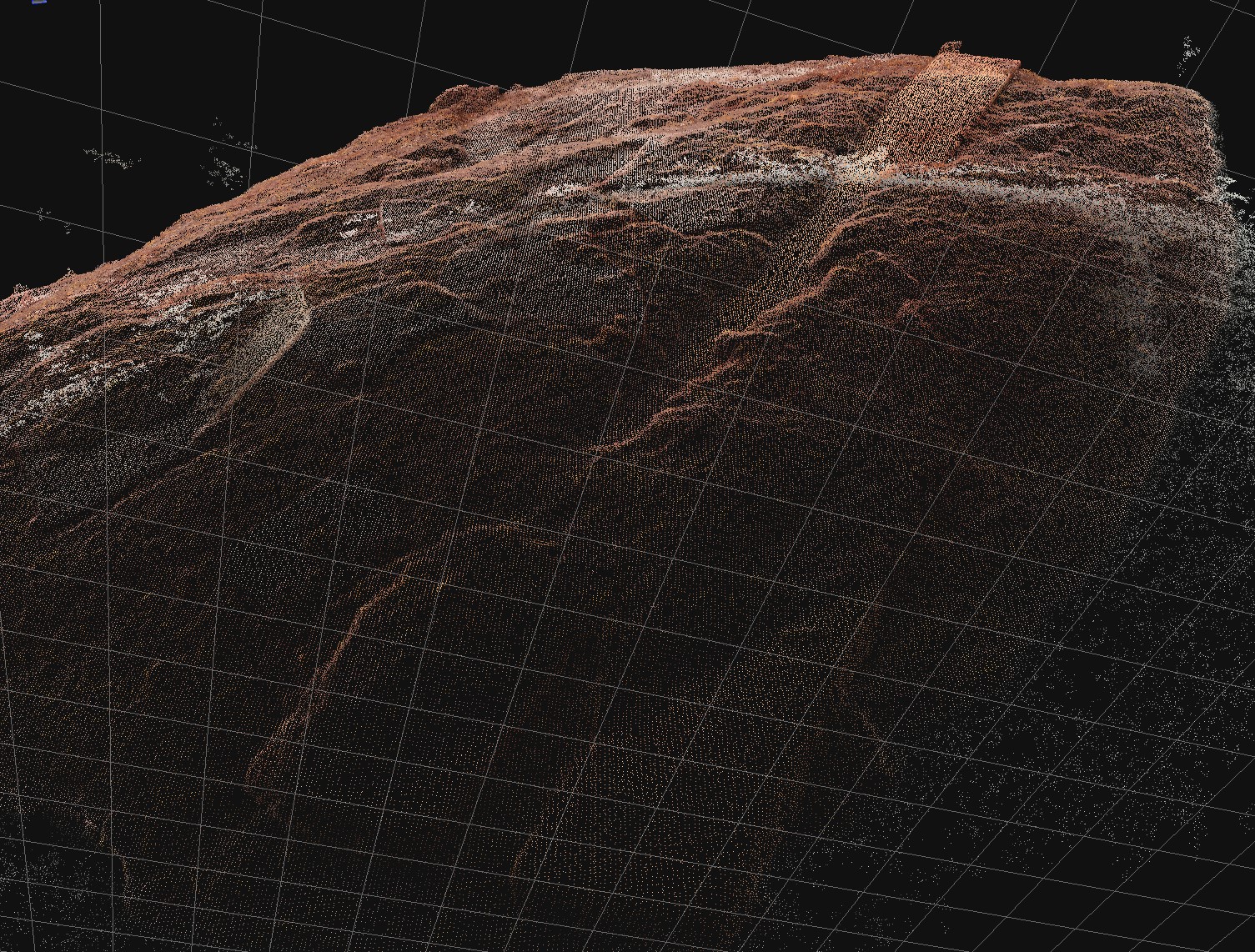
I’ve tried to do a boolean difference command in Rhino and it crashed the application. I’m working with a mesh that is 2 million points. Perhaps there is something I’m missing here? Does ZBrush have any tools that would help this process? Any tips/recommends highly appreciated, thank you.


Attachments