ZBrushCentral

Cloning to a model from a photo?

Can anyone tell me how to clone from a photo onto a tool (It’s a head) please? I found a video on youtube that shows what I want to do, but I think he is usong a different version zbrush because some of the steps he mentions I just cant figure out or find;

http://youtu.be/vTh0wSjF71U

Thanks in advance.

In ZBrush 4, simply use SpotLight. It is explained in detail in the New Features PDF found in your ZBrush 4\Documentation folder. Also, this video series: http://www.pixologic.com/zclassroom/homeroom/tutorial.php?lesson=spotlight

Thanks aurick I will read up on that later.

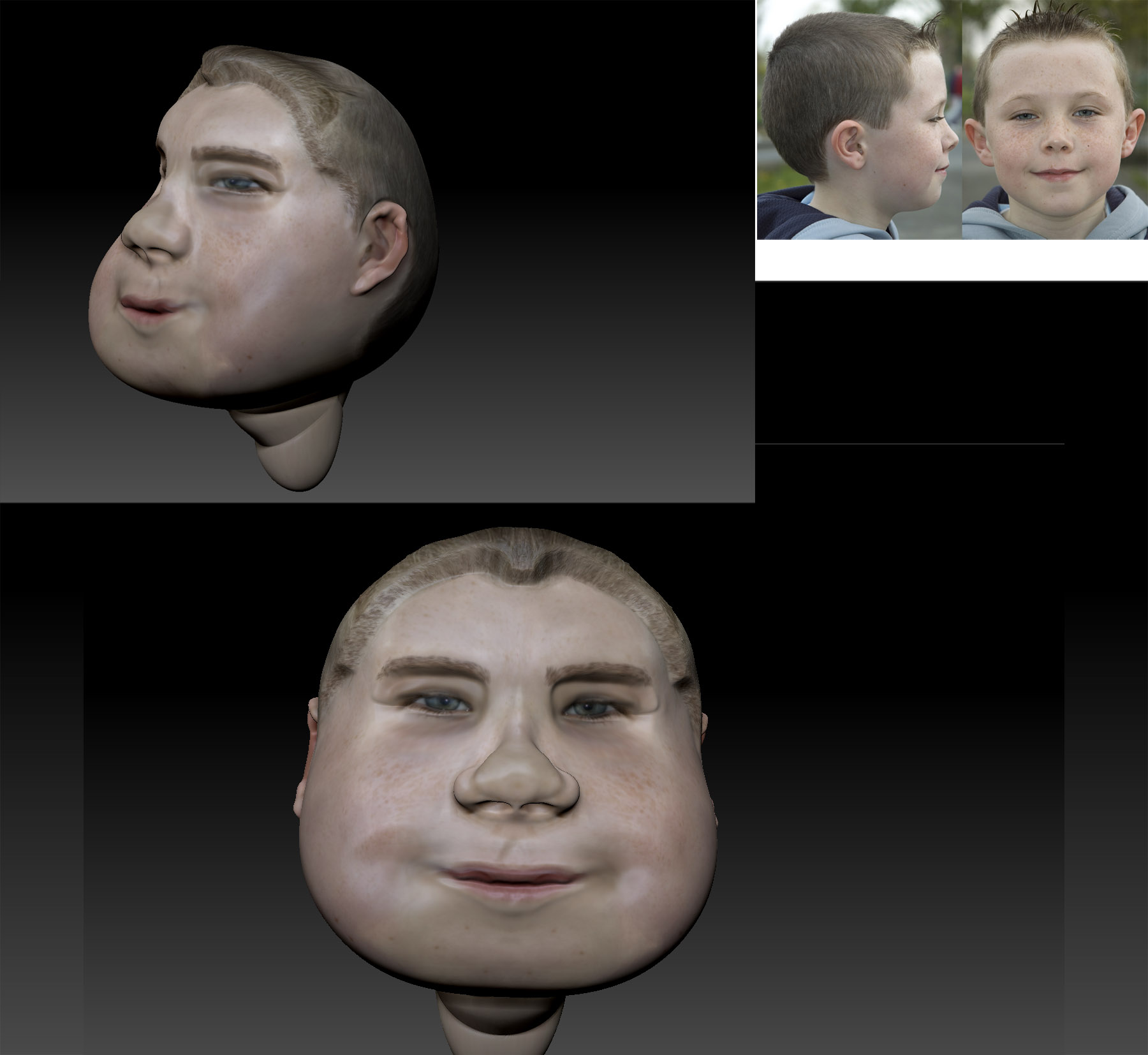
Wow that Spotlight is really cool. I had a quick play with it and made a fat caricature of me from a photo of when I was about 7 or 8. I think I will be having fun with this.

[attach=268914]dillsterheadtest.jpg[/attach]

Attachments

dillsterheadtest.jpg