ZBrushCentral

Clipping Brushes cause many Problems

For a long time now i tried to figure out the problem with the clipping Brushes.
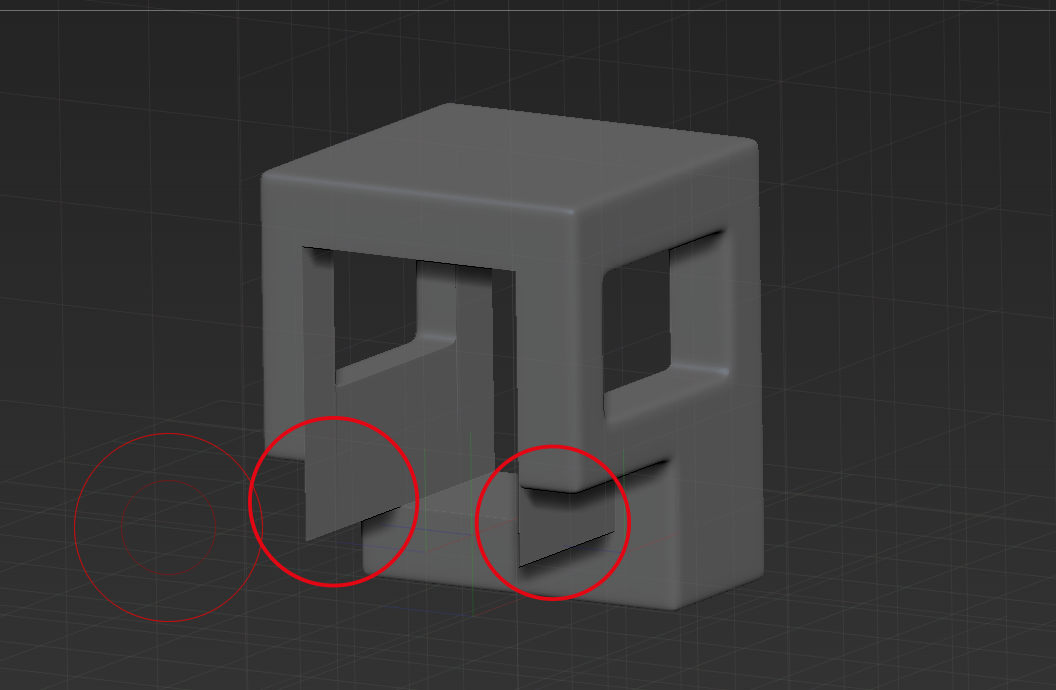
When I use them they do not function in the way they should do and they do sometimes add additional geometry to the meshes.

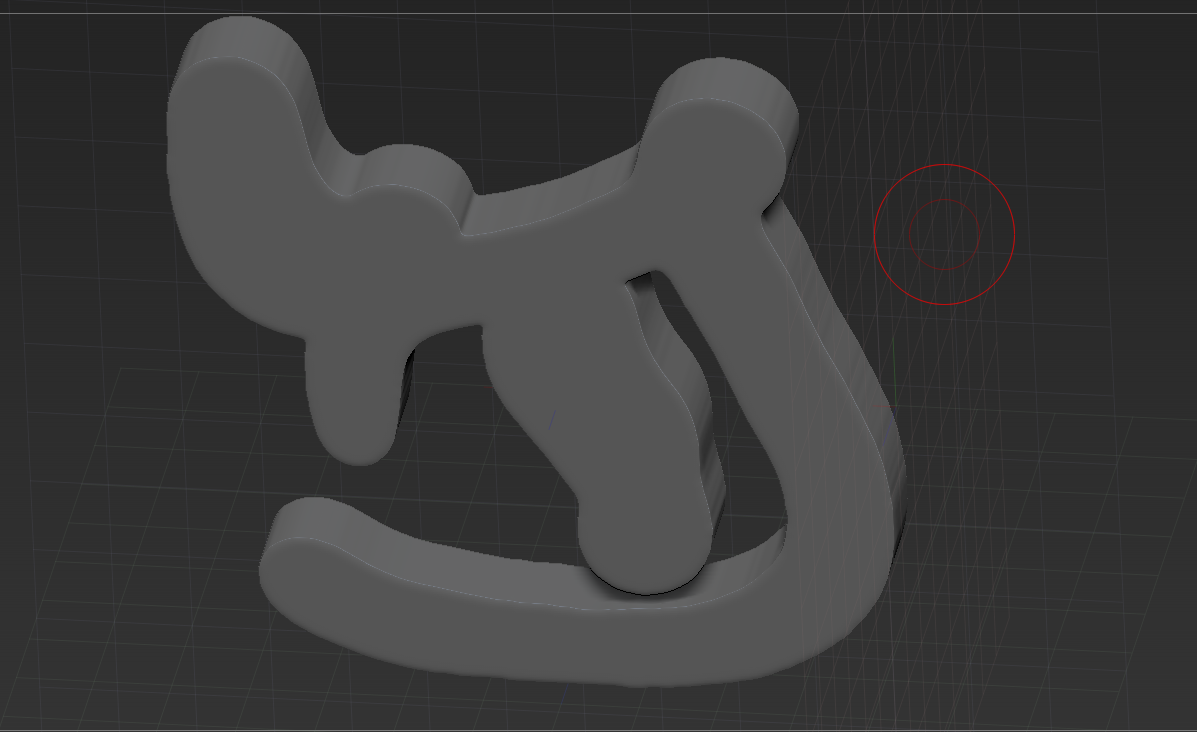
Example 1 after I used the Clip Rectangle Tool from the backside to sharpen the edges of the whole of this object:

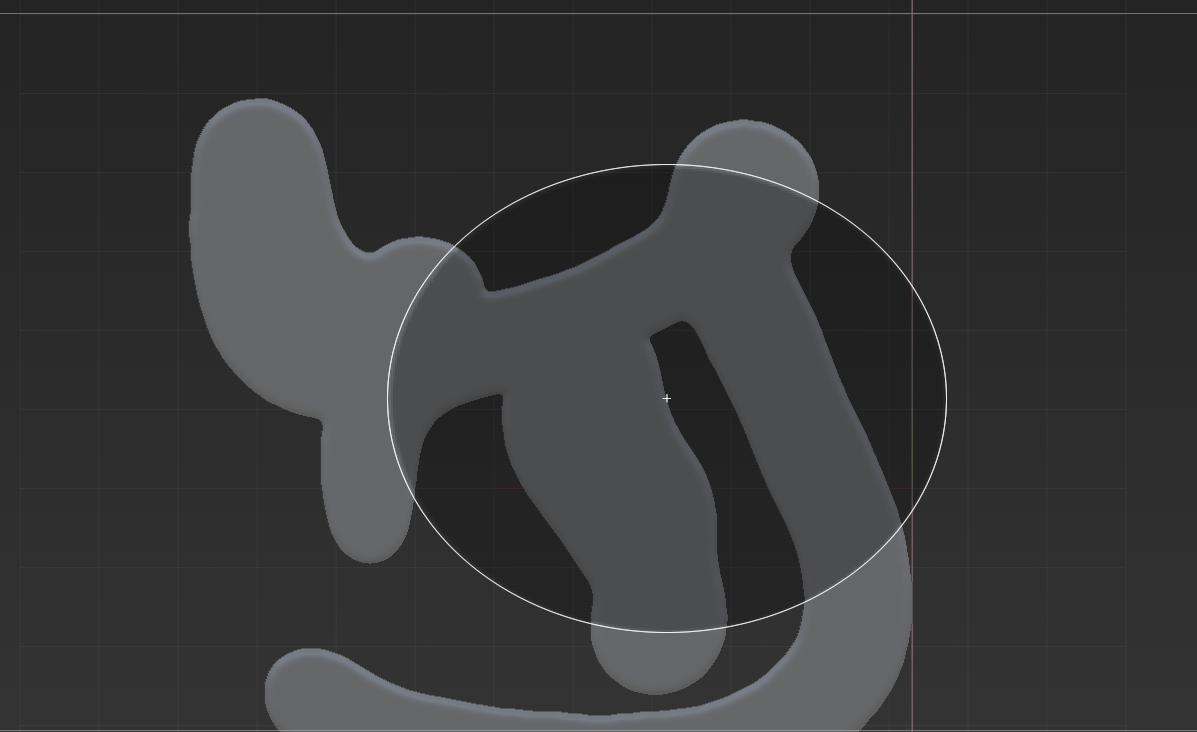
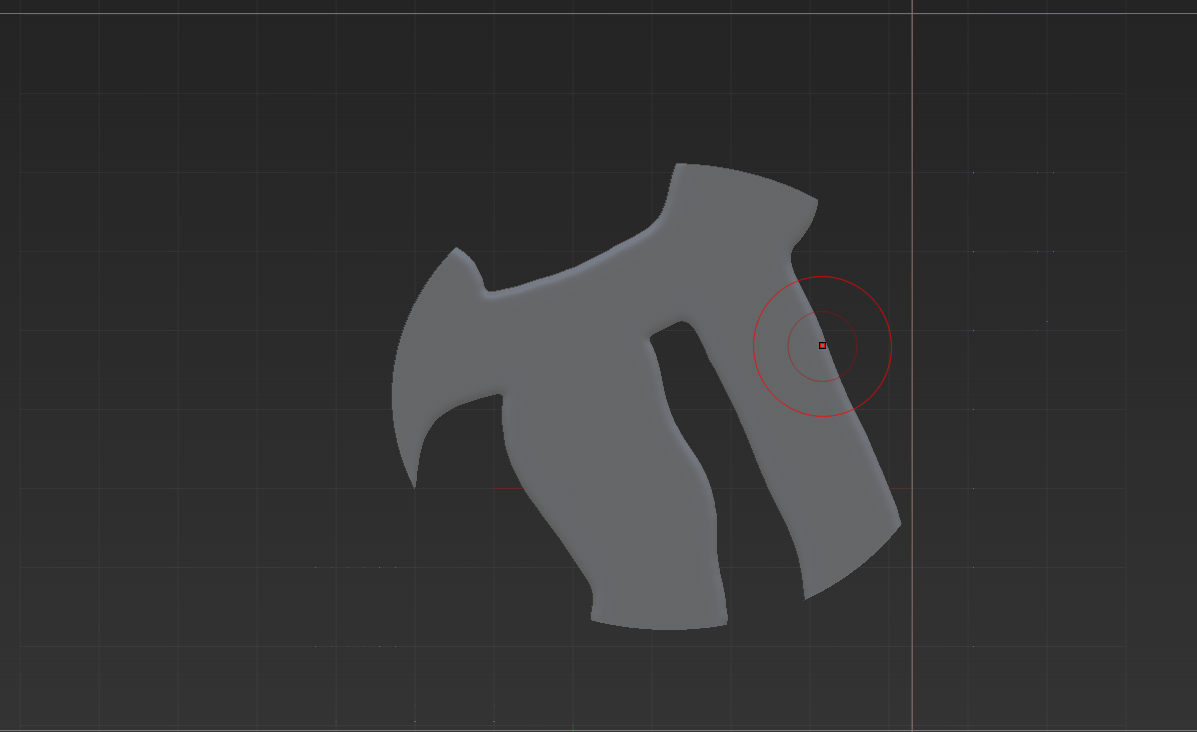
A better example in the following.

Please imagine in the second image i did not use the alt button, i only needed it for the screenshot…

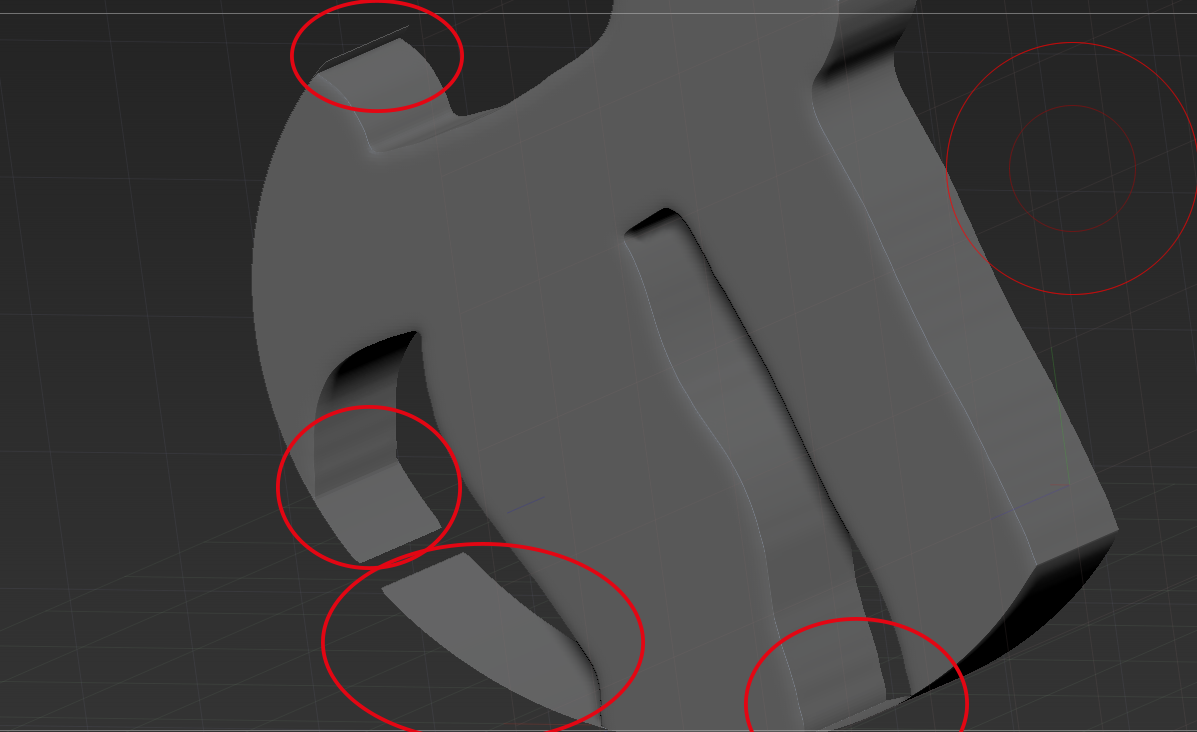
I always have these artefacts with the clipping tools…

I dont have a solution for this.

I know that there are alternatives like dynamesh etc. pp…

But i want to solve this problem

Many thanks for those who help

Attachments
zbrush.png

Unbenannt-1.png

Unbenannt-2.png

Unbenannt-3.png

Unbenannt-4.png

The clipping tool is not a cutting tool but rather a pushing tool. It will push the geometry to the boundaries given without deleting any. This mean that if there is geometry and you push it to areas where there is none a fine layer of geometry will appear. The you only thing you can do is to avoid these situations, making it a less flexible tool, but there is not options in this tool for that case. It will work perfect when you are pushing geometry against geometry but not against an empty space.

Trim tool will not give you this problem, as it is a real cutting tool that will delete the geometry and will replace the holes with new geometry. But there is a limitation, the way that Trim tool fills the hole geometry doesn’t like very curved surfaces and will create problems if you use it for that.

There is macro that reduces the problem of the trim tool. It is not a prefect solution but an evident improvement:
http://www.zbrushcentral.com/showthread.php?186293-a-simple-plugin-Deep-Trim&highlight=DEEP+TRIM

You could use also Boolean operations with dynamesh. Because the second piece would define the holes shapes it would create less problems but obviously you would not able to draw freely the shape to cut. In this case a sphere shape cutting a star:

Image 2476.jpg
Probably would be easy to achieve the cuts that you wanted to do using a Boolean with insert mesh of a cube and a cylinder. But obviously you need to use dynamesh that will change drastically the topology. The only alternative in your case is Trim tool.

Thanks for this answer, helps understand the tool a lot better.