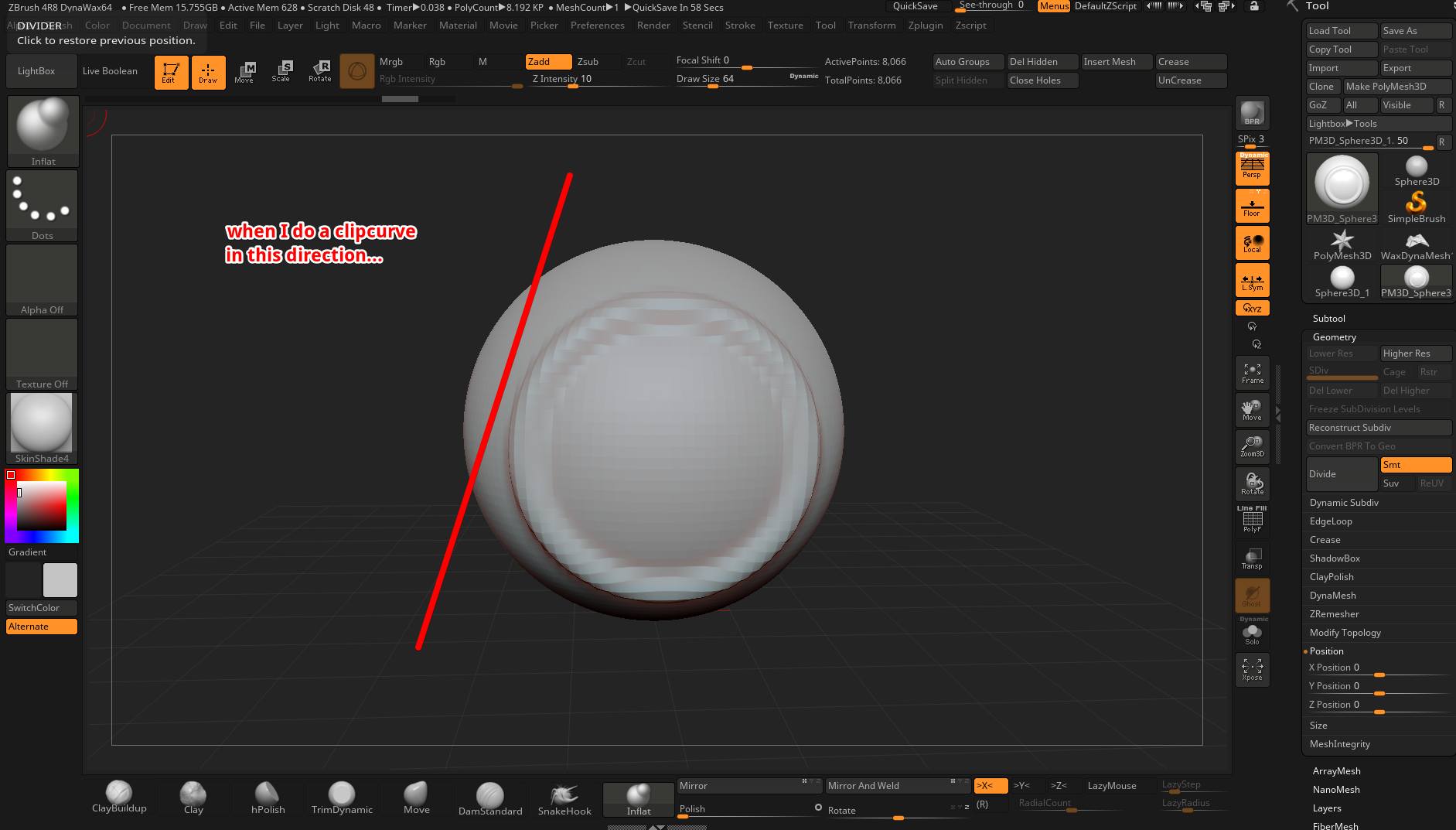
When I do a clip curve as indicated below…
It does this weird result.
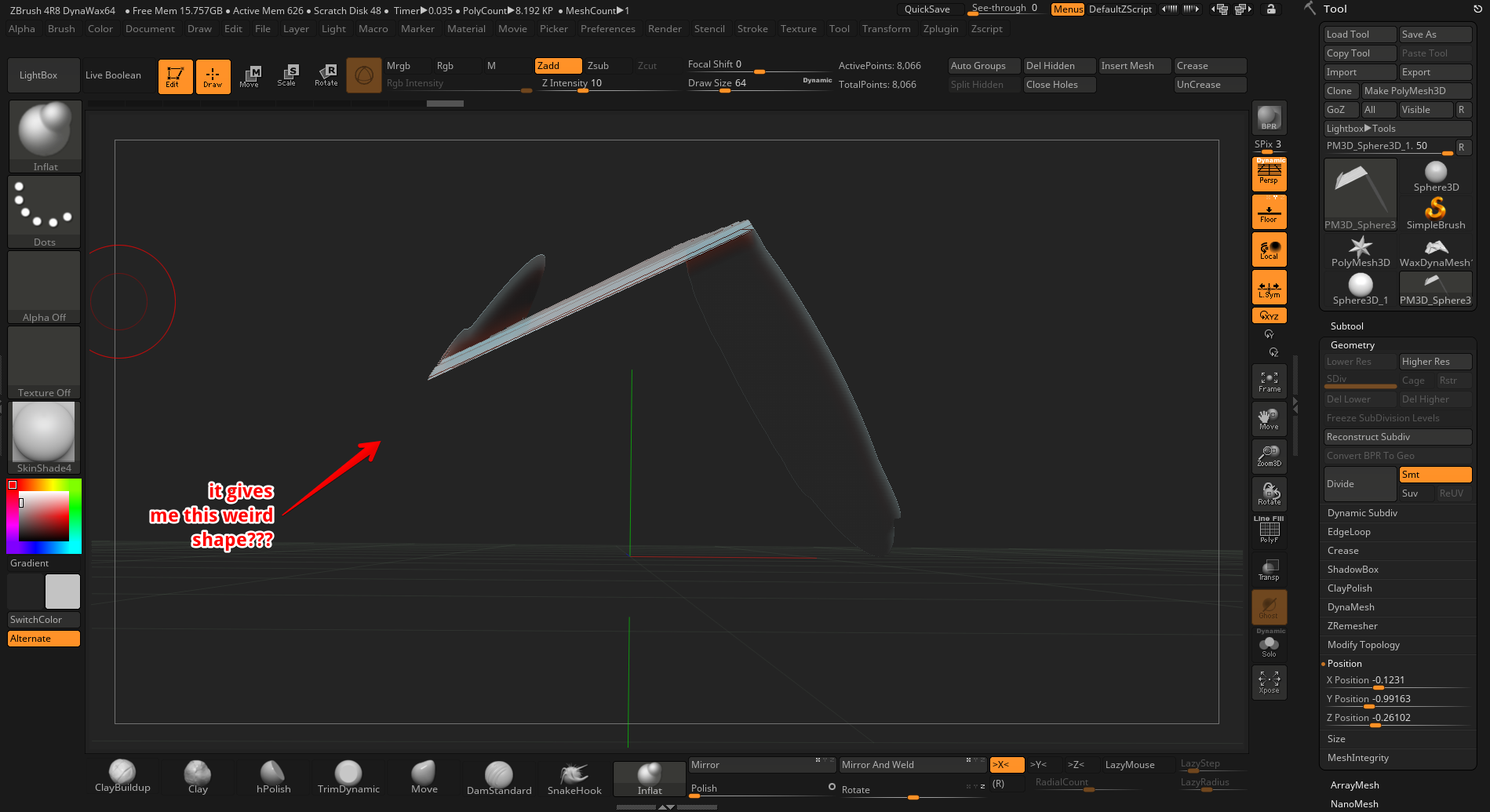
I’ve tried in several direction and angles and it’s all the same…what option do I have on that does this?
Attachments
When I do a clip curve as indicated below…
It does this weird result.
I’ve tried in several direction and angles and it’s all the same…what option do I have on that does this?
Few points:
clip brush is a “flatten” brush. It will flatten any geometry underneath the stroke. If some geometry overhangs the plane you’re flattening to, it will produce an overhanging plane. Plan your stroke accordingly, or use trim brush to actually remove geometry in the situations that tool works.
The clip brush responds to symmetry setting, so if mirror symmetry is activated it will be flattening from both sides.
Make sure any masking is cleared, and the object’s geometry is evenly distributed and not stretched or distorted.