Hello,
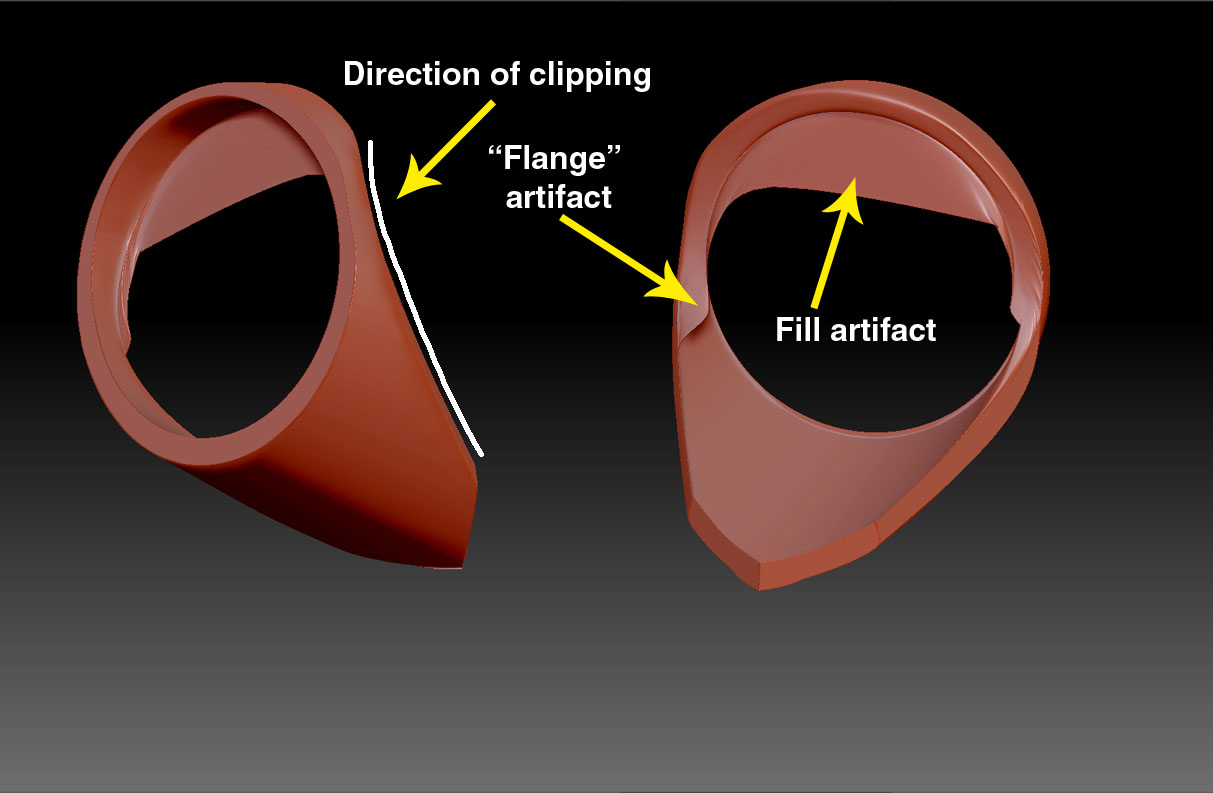
I have been using the clip curve brush to shape up a hollow cylinder, but after trimming away the areas I do not want, the curve has a very thin artfact left, like a right angled flange, as I want a hard edge I don’t want to use the smooth brush as this thins down the geometry, also I am getting a ‘fill’ across the hollow part of the cylinder, which although will be hidden by another sub tool, doesn’t look very tidy! I have to keep going back to another 3d programme to clean up. If I use Dynamesh it makes the model ‘softer’ in appearance. Any ideas anyone?
Attachments