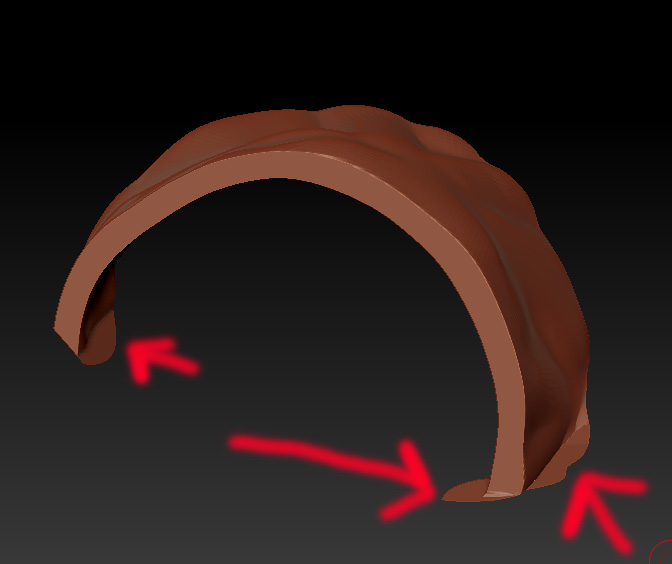
I’ve had good luck with a couple of things:
First you can try clipping those remnants back by using clip curve perpendicular to the remnant and it will clip back to the corner.
Or you can mask the area of a remnant, invert the mask, and use clip curve by bending it to fit more precisely. I found that sometimes clipping across a masked area will cause some masked part opposite the clip to deform slightly. To fix that, after masking, hit sharpen mask one time before you clip.
On areas where the sourounding geometry is flat and the artifact is perpendicular to the edge the Planar Flatten brush will clean up the edge.
I’ve also had success using ReMesh All then Project All followed by a small amount of polish i.e. 1; in many cases those artifacts don’t show up.
Ultimately, no matter what, clipping pushes alot of geometry into very small areas so smoothing and polishing etc. is more dificult. Remeshing and projection gives me a better base mesh to further sculpt. Depending on the part I’m trying to create I may remesh and project a couple of times before getting a piece the way I want it.
I hope this helps