How do I clean up the unused meshes in the 3D palette? Every time I do a retopo I get these star meshes. I’d like to remove them.
Sean
Attachments
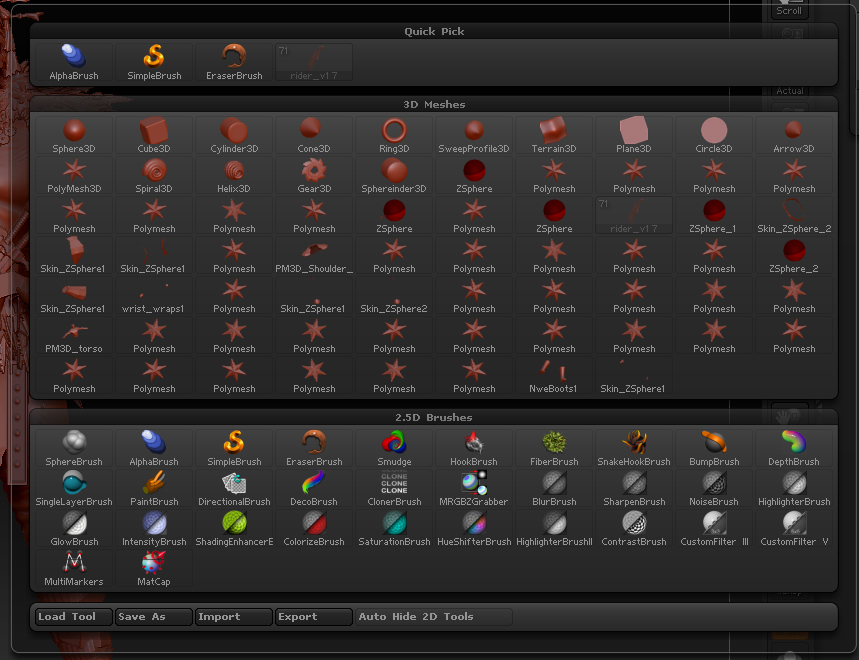
How do I clean up the unused meshes in the 3D palette? Every time I do a retopo I get these star meshes. I’d like to remove them.
Sean
You can select them and press Tool>SubTool>Delete.
I found a faster way to get rid of all the meshes. Just select the tool you want to keep and save the Ztool out and when you import the tool back into a new project all the other meshes will be gone.
Sean