ZBrushCentral

Clean masks?

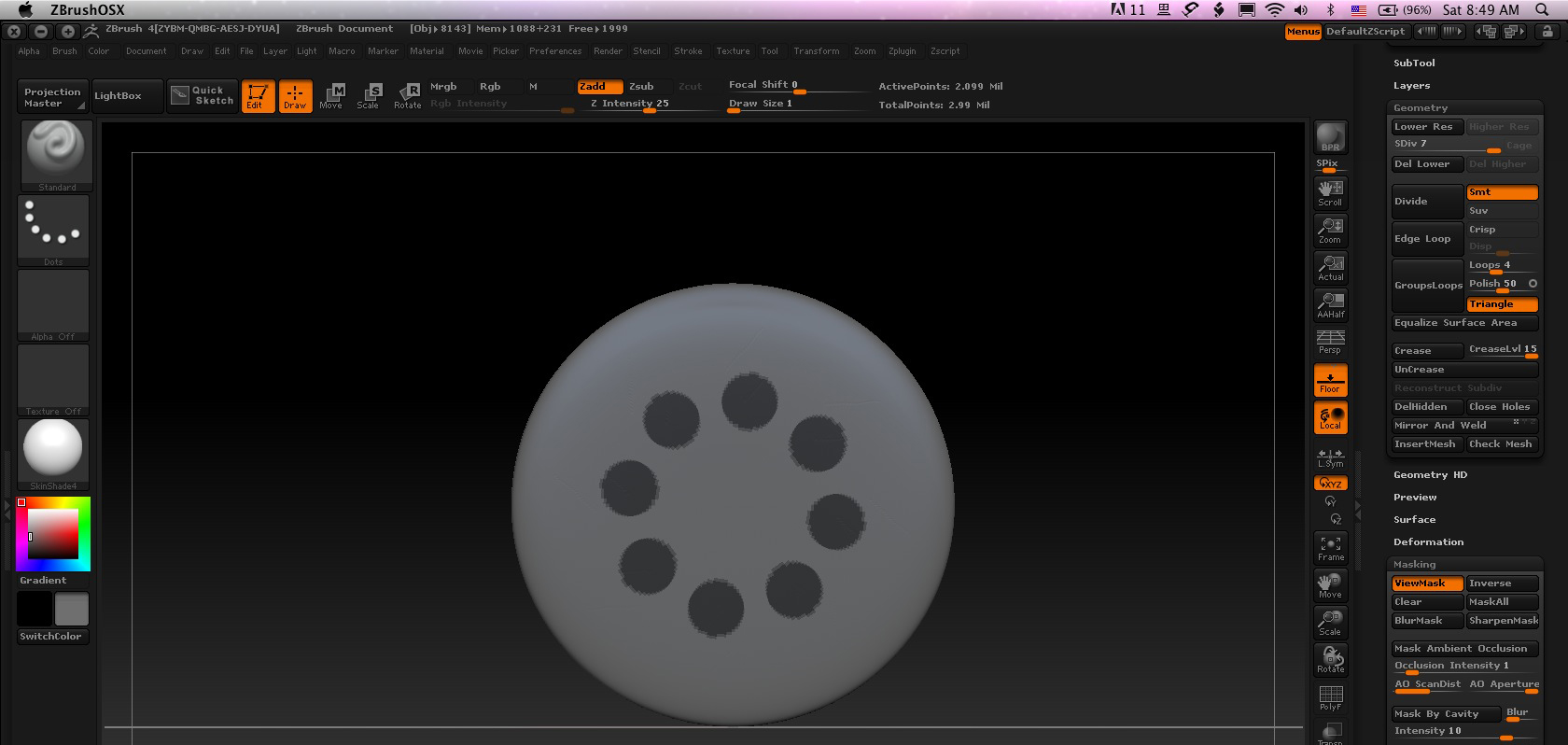
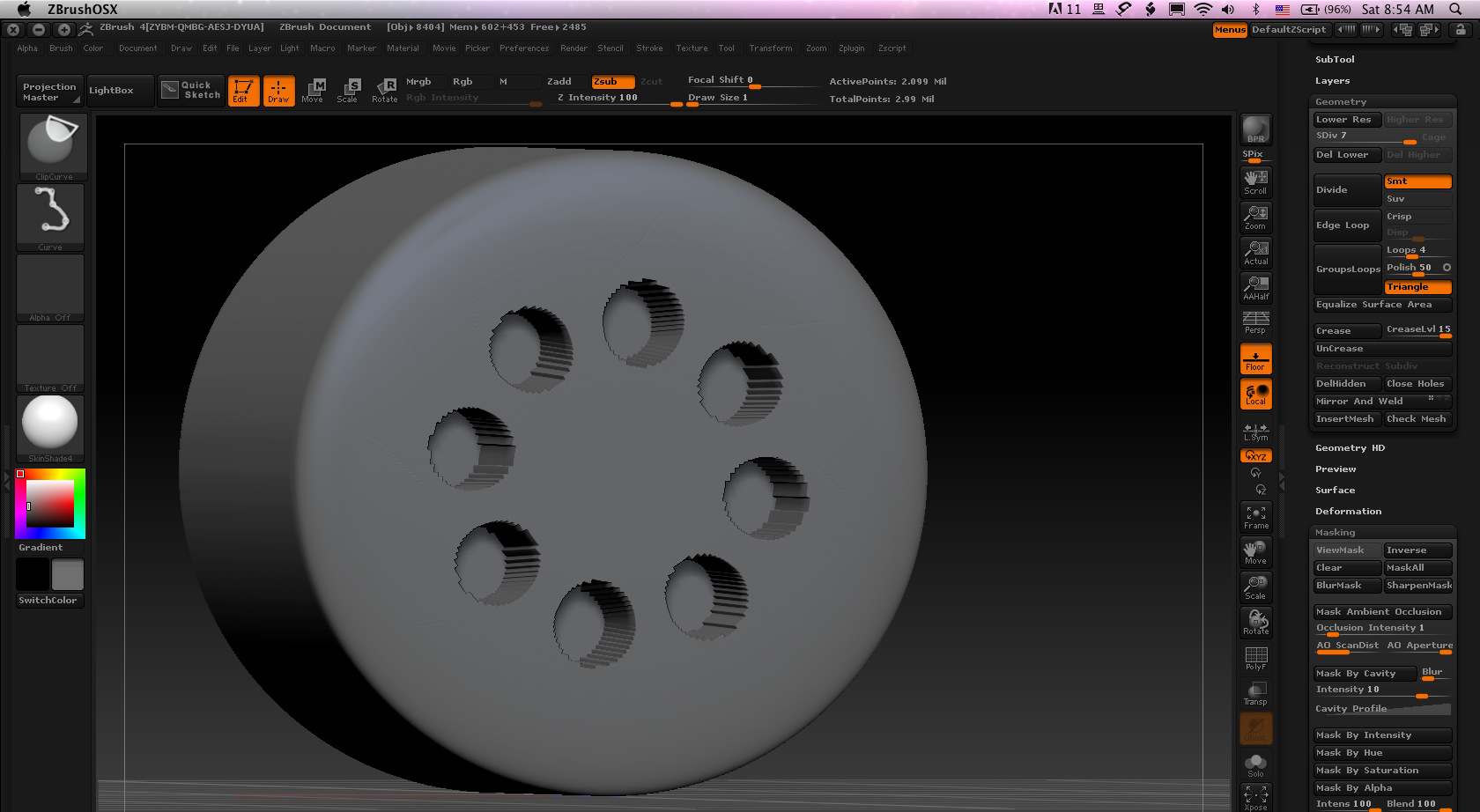
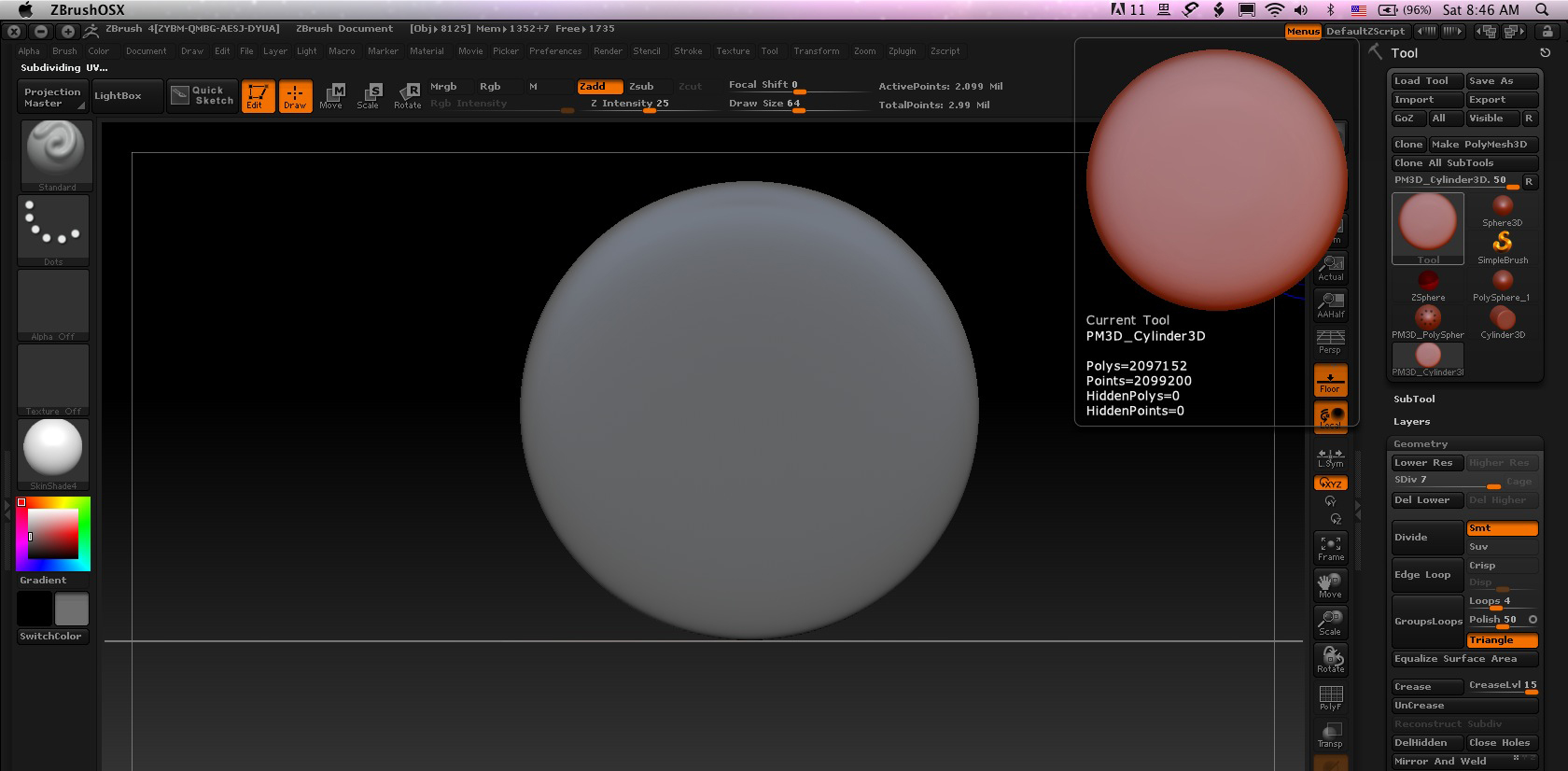
Hey guys, I’m not sure what I’m doing wrong here so maybe someone can help. I was just testing out the new masking and clipping features, but I can’t seem to get a nice clean mask onto the end of this cylinder, even at over 2 million polygons. Here’s all I was doing:

  1. With radial symmetry on, drew out a mask of the circles.
  2. inverted the mask.
  3. drew a straight line down about 1/4 of the way through the cylinder with the trim curve brush to pull back the “holes.”

The masking is all pixelated and not what I was expecting. Any ideas?
1.jpeg

Attachments

2.jpeg

3.jpeg

Looks like you need to divide your geometry more times…

2m is more than enough. It’s the mask that is the problem.

you’d think 2 million+ would be enough to produce a clean result.

1.-In the example you show:you used the primitive(cylinder3d) and then convert to Polymesh3d? The way that poly are constructed in the primitive dont help to much to a very clean mesh.
2.-So, i think the problem is not the 2 million but the geometry it self
3.-Try to construct the same geometric figure you want in shadowbox using the lazy mouse and backtrack to get crips line…(pag.35.Whats New …guide)
ps:this is a theoretical aproach… still waiting my email:D

It would be enough if the polygons were evenly distributed but with the parametric cylinder they are not - the ends are a lot less dense than the side (just draw a mask on the side to see the difference).

If you initialize the cylinder with a lower VDivide value before creating the polymesh when you subdivide the polygons will be more even. Turn on polyframes so you can see what’s happening (Shift+F).

Hi Marcus! Hope you are fine!

Hi Mario, I’m fine thanks and hope you are too.