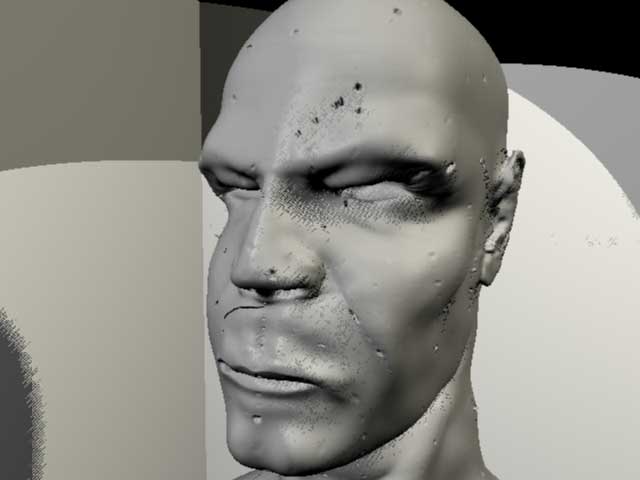
Ever seen this before ?
After some successful displacment maps & nice renders in Maya, my displacement maps now looks like this (sample section):
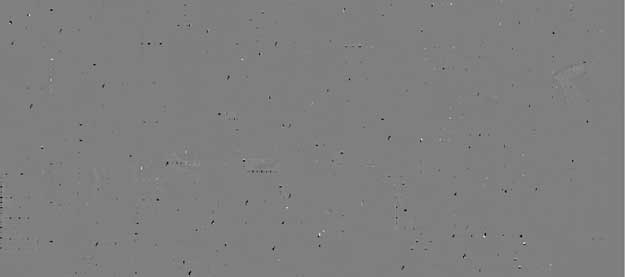
This is my general process:
- base mesh modelled in Maya, then exported as .obj
- imported into ZBrush, begin sculpting
- sculpting finished, create 2048 Texture then press GUV Tiles
- export model as .obj
- choose “R32” in MD2 Export Options, then “Create All”
At this point my renders were coming out perfect after setting up the displacement within Maya. All that was left was texturing…
- Went back to my saved ZTool. Created a 4096 texture, applied GUVTiles, painted texture, then exported the new OBJ & Displacement map. Now these wierd disp maps are being generated. :evil:
Attachments