I’ve tried changing just the subtool material many times, but invariably both the subtool and main tool are filled.
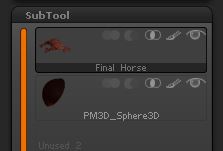
In the first attached image, my main tool is selected in the subtool palette.
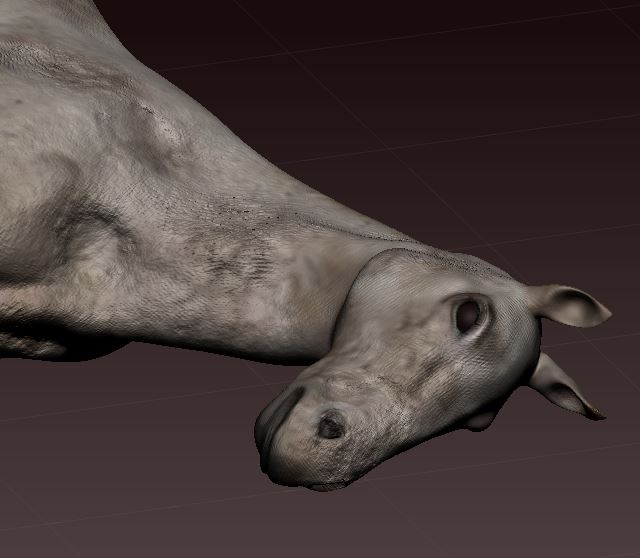
The second image shows the horse using a BasicMaterial.
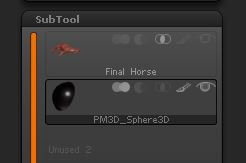
The third image shows I’ve selected my subtool (horse’s eye) and turned off the visibility of the main tool in the subtool palette. (Note the thumbnail still shows Mat Cap Wax of the main tool despite any material changes). I then go to Subtool Master and fill in the material JellyBean, checking the Material box accordingly.
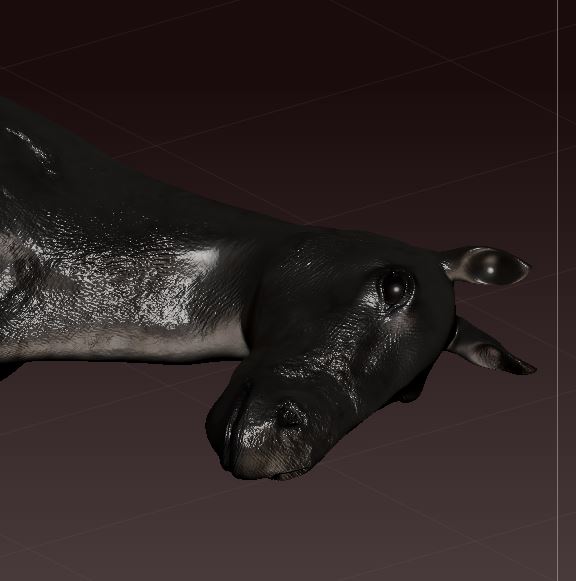
The fourth image shows both the horse and its eye have been filled and not just the eye or subtool.
Is there a solution to this dilemma?
Attachments