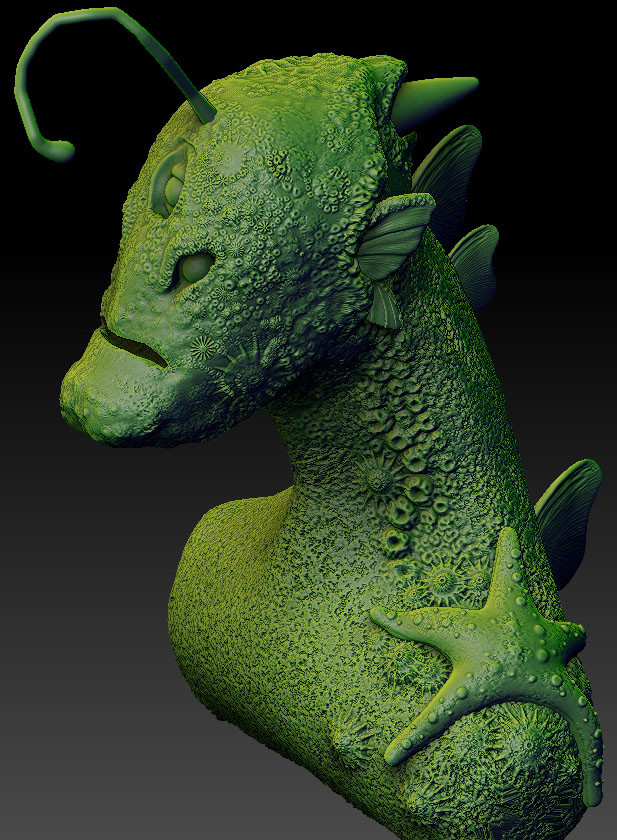
Hi all. Ive just finished up my model for a university porject and im now looking to start painting it. Ive been watching the digital tutors series and picking up some pointers before i start.
First off i wanted to make some of my subtools a different material to others. Such as the Eyes, Fins and Ears of my model a Toy Plastic with White. And my main Body mesh a matt white. I change the Eyes, Fins and Ears using the subtool master and Fill with Color and Material. That works fine, but its when i go to select the main body that i realise everything has been chagned. This is really anoying me as im following exactly what the guy in the video is doing but not getting the same outcome.
Some of my subtools are a different subdivison. I think the highest is sub8 and the lowest is sub4 and none on the eyes. not sure if that would make a difference.
If anyone has any ideas on what to do please get in contact with me ASAP 
Attachments