ZBrushCentral

Changes To Micromesh Work Flow in 4R3

For users (like myself) who are using Micro Mesh for the first time in 4R3, be advised that the info page for R2b is now confusingly out of date. There is no longer a “Select Micro Mesh” button and the replacement button is no longer in the Display Properties panel. The 4R3 equivalent button is simply called “MicroMesh” and is now located in the Geometry panel.

The one drawback to Pixologic’s continual improvement and revision of ZBrush is that online documents are often out of date and do more to confuse new users than to assist them. I finally figured out how to use Micro Mesh by closing all of the online docs and poking around on my own. I hope that this helps other users who are new to Micro Mesh.

Happy ZBrushing!
There’s a video showing use of micromesh with the 4R3 announcement

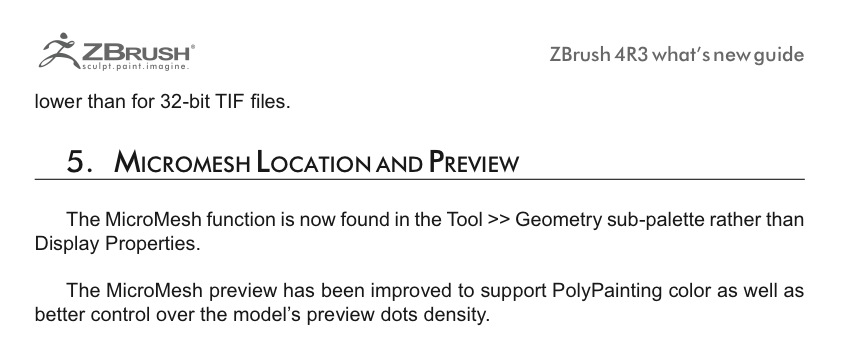
Also the change in location is highlighted on page 51 of the ‘ZBrush_R3_what’s_new.pdf’ that came with the upgrade and is in your documentation folder
Screen Shot 2012-03-01 at 14.22.51.jpg

Thanks Richard. My intention was not to criticize Pixologic but to get this info out for users who were looking for it.

Thanks for providing more resources.

Thanks, this helped me find it.

Thanks so much for posting this. The built-in help for Render->Draw MicroMesh still refers to the old location of the button, which made me think I was in a wrong mode or something. I can finally complete the tutorial I was going through.