Hi Guys,
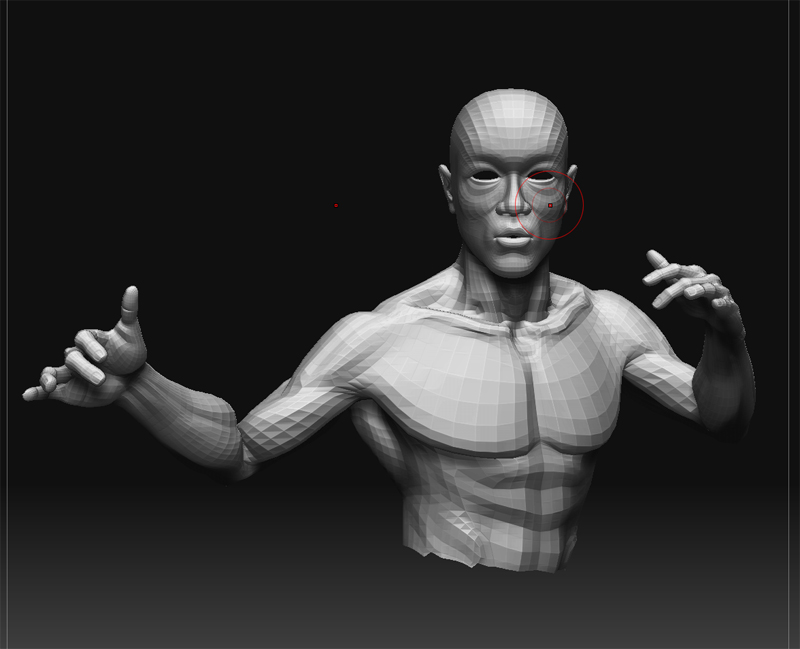
I’m pretty new to zbrush, and this is the first time I’m using it for a character. I have modeled my character and posed it in maya. The head is perfectly lined up with the x axis in hopes that I can use symmetry for just his face. Once I imported my model into zbrush I noticed that the symmetry is based on the center of the object and not the local. Is there any way to change this? Any help would be much appreciated.
Regards,
Mike
Attachments