Hi there,
I have a question to something that’s been bugging me for a while now and I can’t seem to find the solution, if there is one.
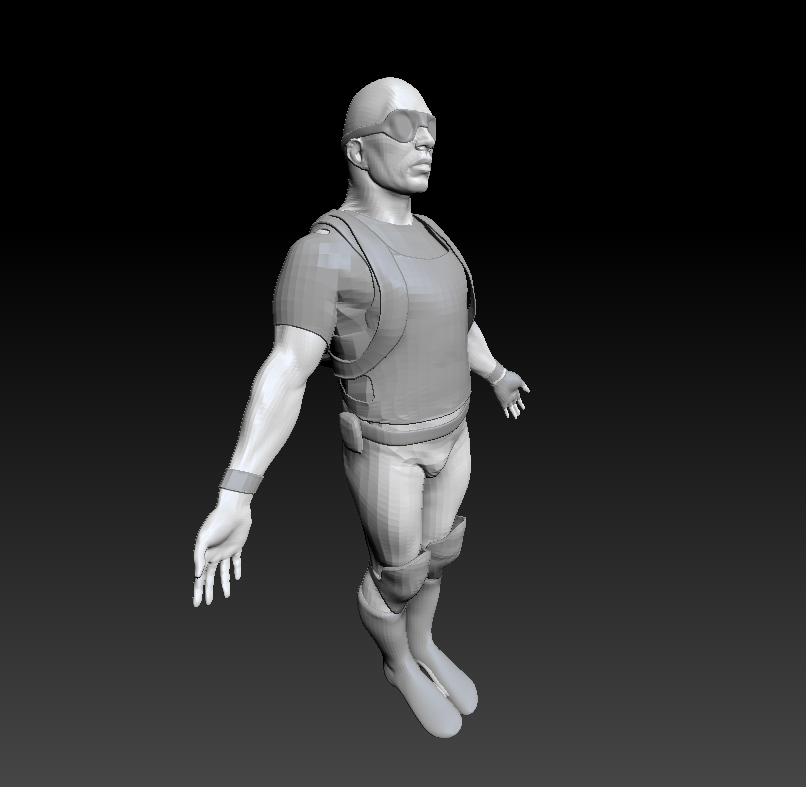
So, I have my model set up in a certain perspective I want to render it in (I just used the demo soldier for demonstration). Then, when I add my background thingy for rendering purposes (1st image), the perspective seems to change.
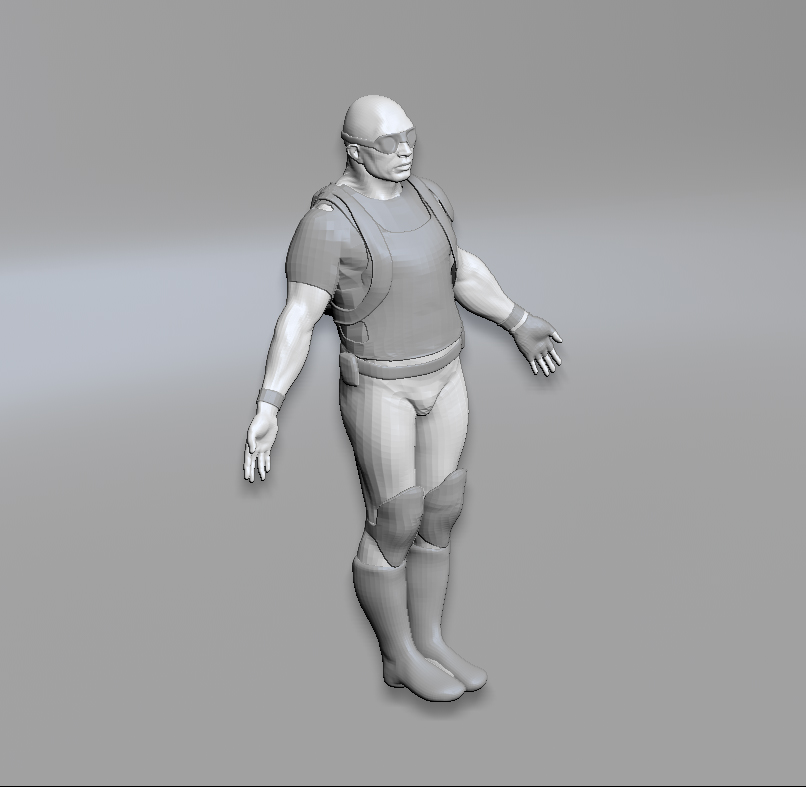
To make the effect more apparent, I set the FocalAngle to 180.
Without the big background subtool (2nd image), the demo soldier looks quite distorted due to the high FocalAngle. With the background though (3rd image), it seems like the FocalAngle has gotten way down and it kind of looks similar to the orthographic view.
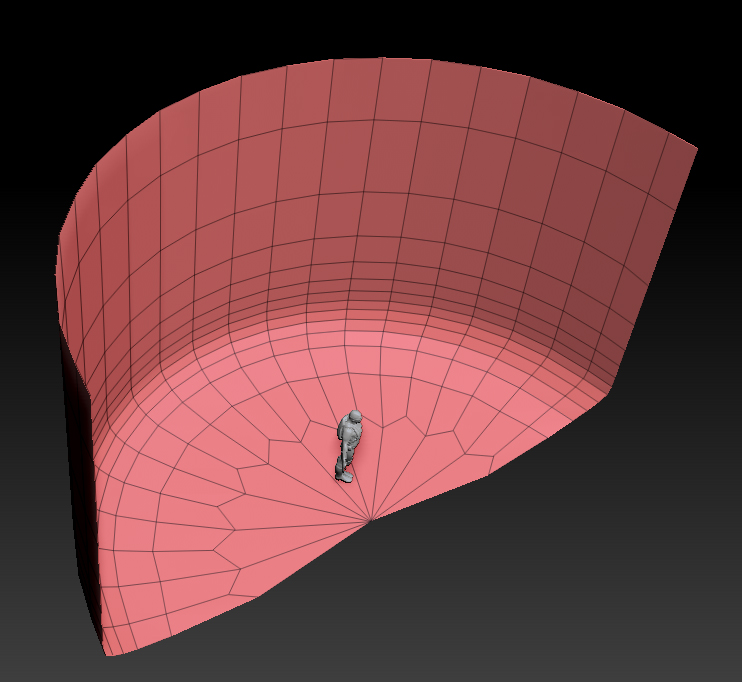
So, does anyone know a way around this? Or maybe there is just something you can change in the settings? I’m a bit lost here…
Attachments