I’m new to 3D building and to ZBrush. I’m trying to create a non-organic model to export for Second Life (I’m restricted to using 3D primatives other than the ZSphere; and can’t modify primatives by adding/subtracting verticies/edges). Thursday and Friday I went through the videos on the Zbrush website to try to get familiar with ZBrush. Saturday I got and viewed two video tutorial DVDs to get familiar with workflow using ZBrush.
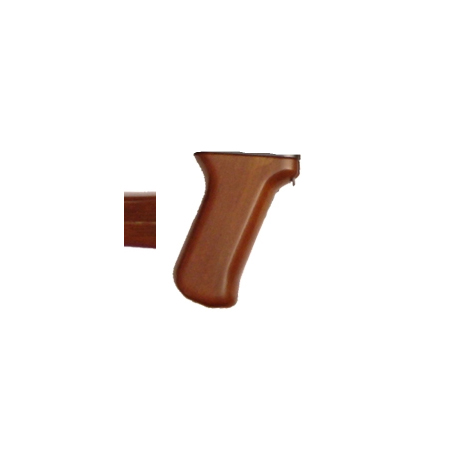
The model has 5 parts that are sheared and curved, that are giving me a problem trying to build. I included a photo of one of the simpler sections (a top view (showing approximate width) is on the left and the side view is on the right). I was going to build build each part to save and append as a subtool. I started with a Cube3d primative. I tried to use the deformation and mask tools and was not able to shape the part to match the photo. Shear gave some unusual shapes and the mask edges started to get jagged when I rotated the cube.
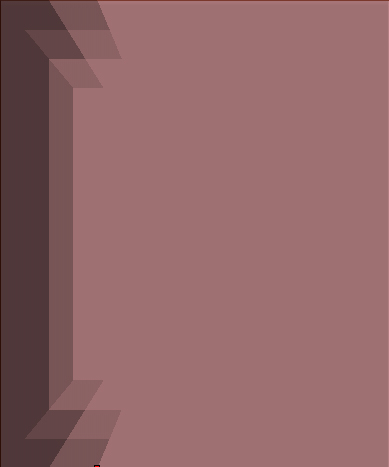
I went to the ZBrush practical guide, searched for shear and found it with the scale tool (it didn’t show any examples), tried the scale buttons on the right and top of the work space. I tried to apply a mask on a flat surface of the polymesh cube with the sides aligned to the x,y,z axis (without smoothing or sharpening the mask) and now the mask is unevenly shaded rather than a single shade, as shown in the second photo. I don’t understand what am I doing wrong.
Attachments