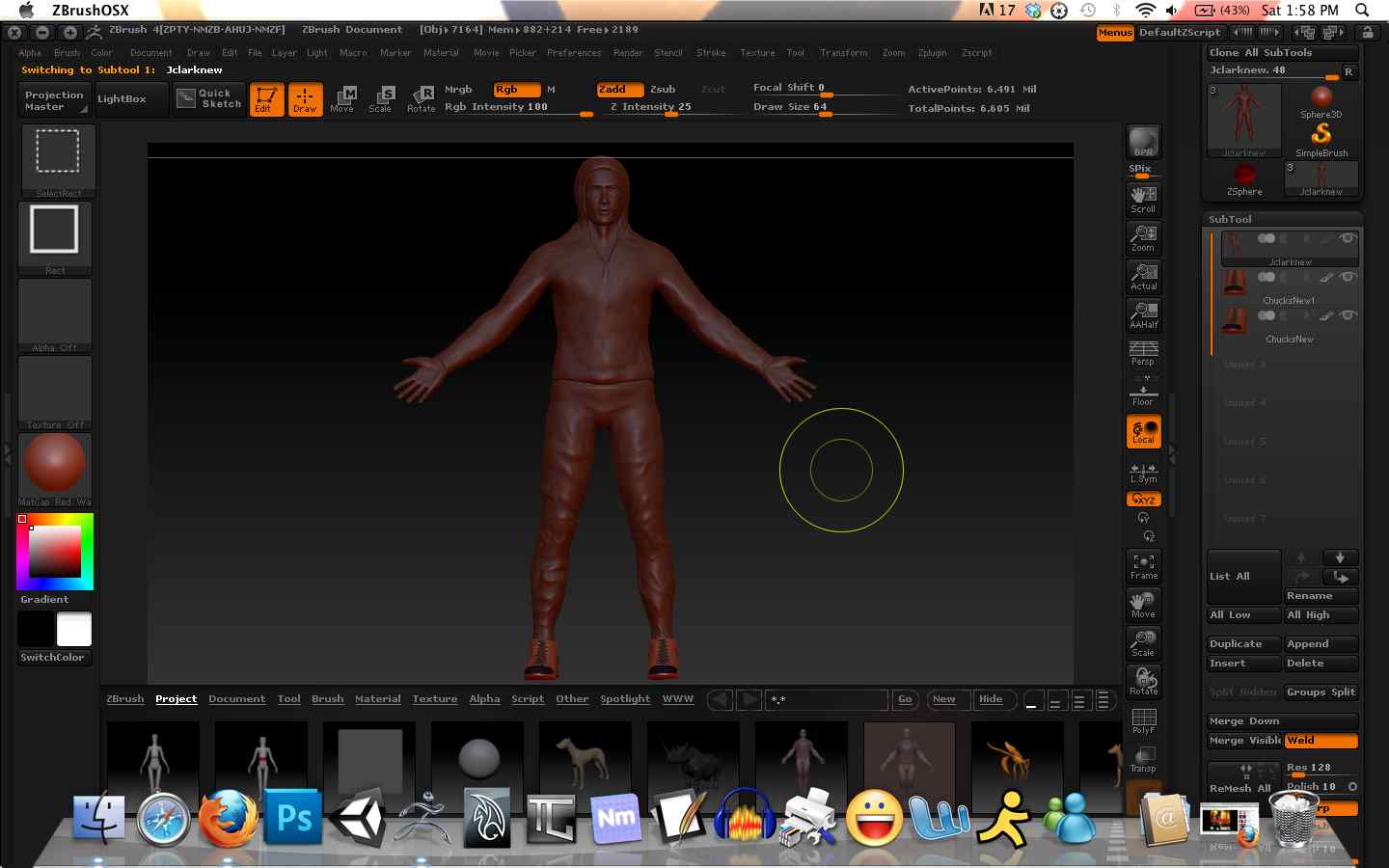
I have a character made up of 3 subtools, the body and then two sneakers. When I tried to merge all subtools into one mesh with “Merge Down”, once all the subtools were one mesh I can’t sculpt on what was the body subtool. I also tried “Merge” visible with the same result. All subtools have the same subdivision levels when merged, so I can’t think of anything else. I noticed this issue after I had duplicated the sneaker. (for the other foot) Even before I merge the subtools, I can no longer sculpt on the original mesh subtool, even when it is selected it shows not selected. I have a picture of what it looks like before I merged the subtools, and I believe the mesh looks the same with them merged anyways. Any thoughts?
Attachments