ZBrushCentral

Can't have texture from polypaint

Hello,

I began Zbrush recently, and after four days, i have my first character.

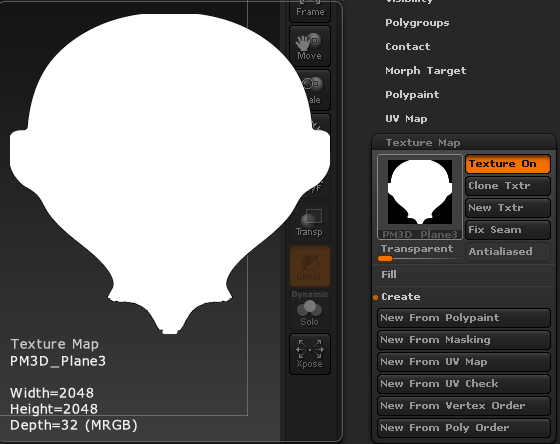
So i wanted to export it into Blender to rig and animate. I research on internet how bake texture from polypainting. For a lot of my subtools, i can have their texture with UV Map -> Uvp => Texture Map -> New from polypaint. But for the head, when i do that, the texture map is white.

I search on the web during a long time, but no way.

I tried with xnormal, but a white texture again.

=>

Attachments

fG294Ij[1].png

8GloRWj.png

Check the Polypaint palette and make sure that “Colorize” is ticked.

…also make sure RGB or MRGB is turned on before clicking “New from polypaint”.

Hi,<br><br>I check, even if colorize and MRGB (or RGB) are turned on. The material that i use have for white a “skin” color, so when i create the texture, it used the white but non the properties of the material. Also, the polypaint dissapears.

What version of ZBrush? Mac or Windows?

4R7, Windows


I tried with a new head model. This time, i have color, but my map don’t have all the polypaint…

H6F4bkW.png -> yJTVEnw.png -> OOVhmUO.png
Original Model -> Texture map from Polypaint -> Final result

ZBrush 4R7 P3?
How many points does the model have?

It kind of looks like to me like you don’t have your UV’s laid out correctly.

Can you post a screenshot of your mesh with a checkerboard texture applied to it?

Yes, I think you have planar UVs. If you use UV Master to create new UVs for the head all should be well.

Yes, i did with UV Master (i didn’t know before) and it works !

Thank you for your time guys ! :smiley: