Hi guys, I have an issue here trying to map my high resolution details to my low level mesh. I tried the instructions below , but to no avail.
While at your model’s highest resolution level, import the low resolution version of your resurfaced model. ZBrush will ask if you’d like to transfer details. Click “Yes”. The imported mesh will automatically subdivide and the high-res details will be transferred. At this stage you have the capability to refine the projection – an important capability that wasn’t possible with ZMapper – or even continue sculpting the mesh. When satisfied, proceed with the usual process of creating displacement, normal and color maps.
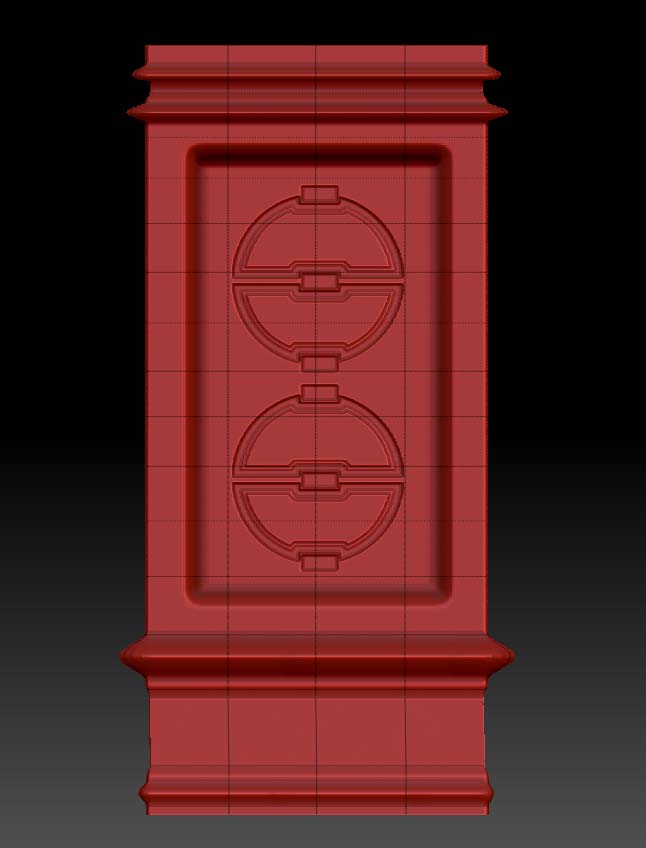
So I did a simple test by creating a high resolution hard surface model below :
See first image below :
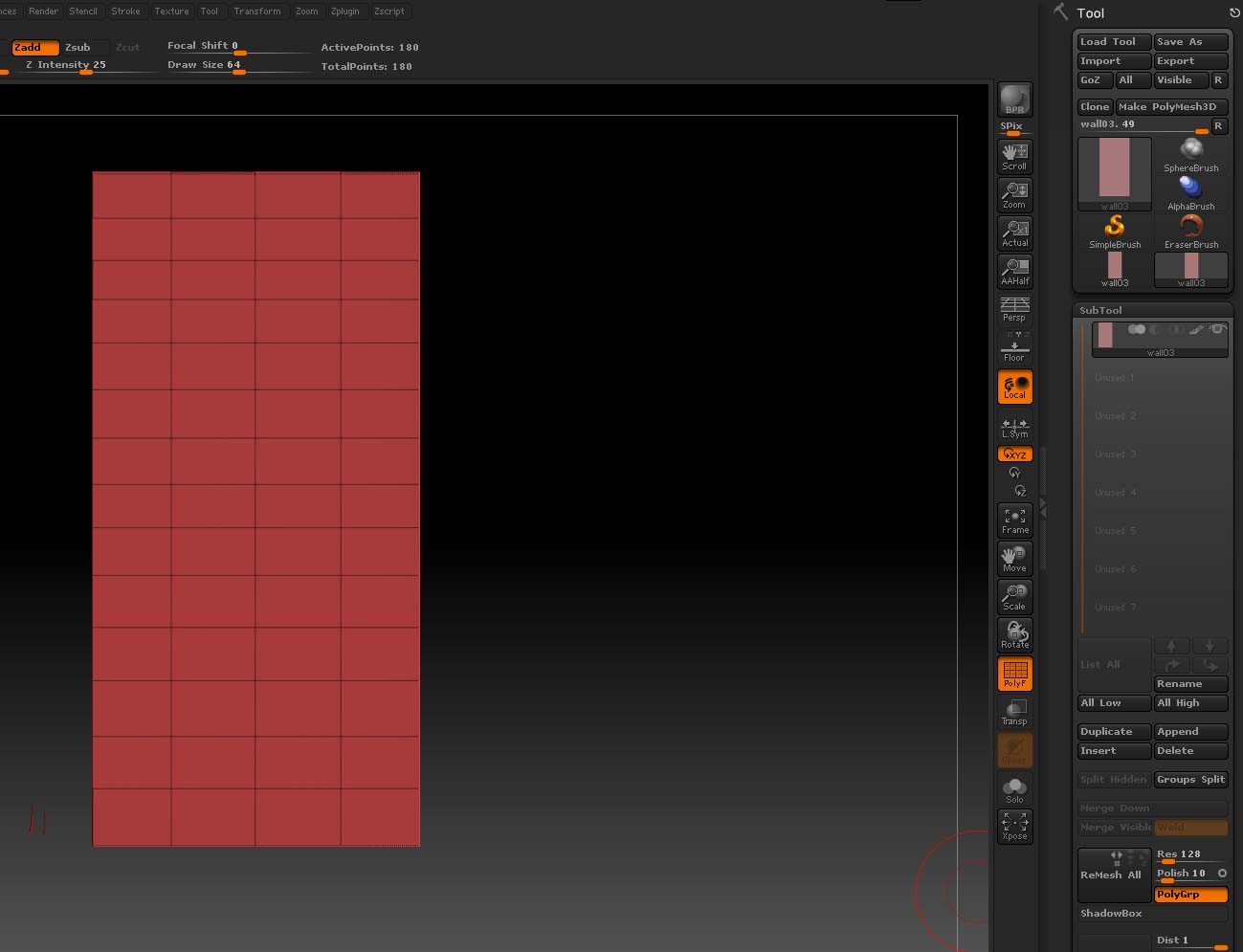
then subsequently, I imported the low res mesh that I used before sculpting to hi-res. I was prompted to transfer details from high res to low mesh, I did just that, but I don’t see any thing happens after that. Can someone just enlighten me where I have done wrong. Much appreciated !
Attachments