Helo there everyone ,
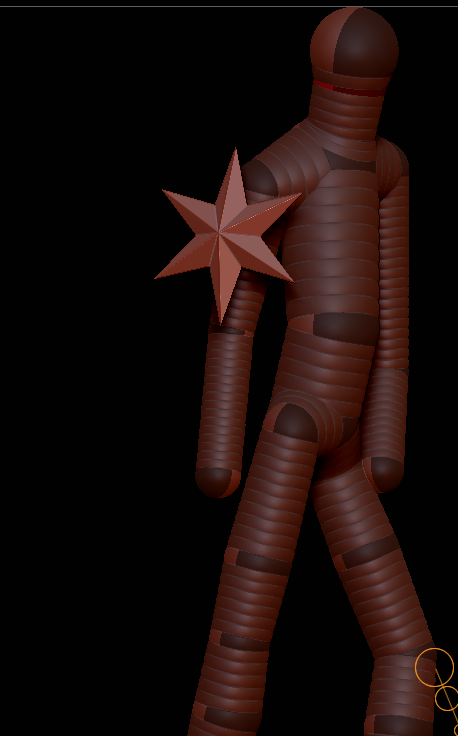
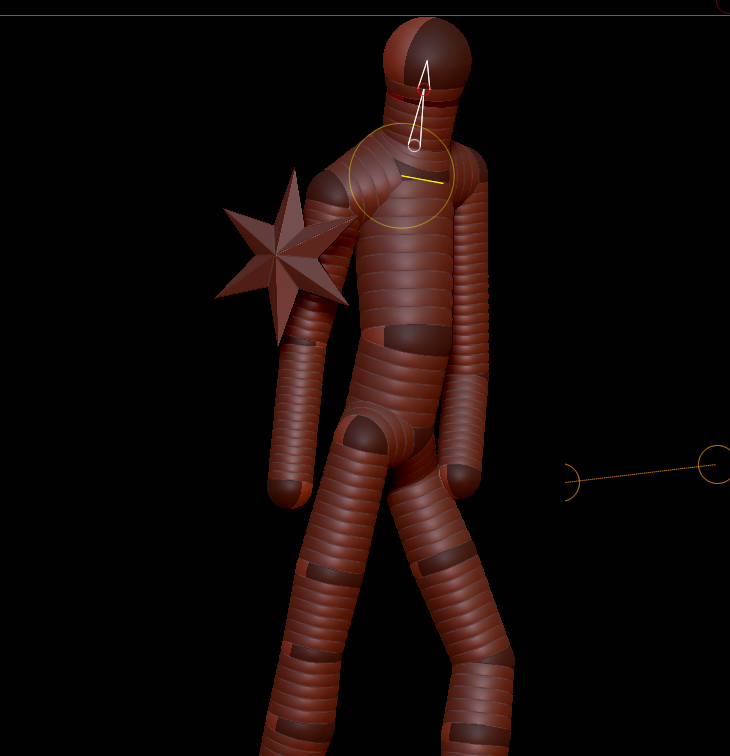
I really want to solve this one but just can’t , i made a zsphere guy ;
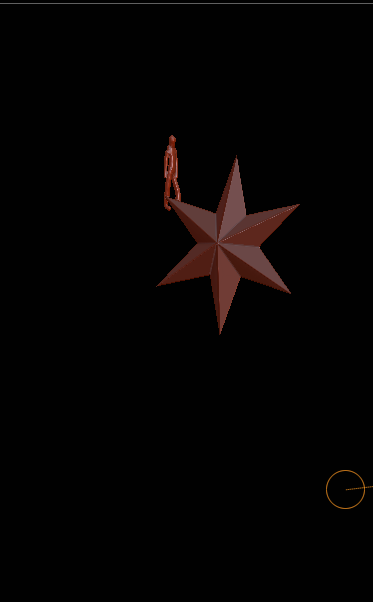
but when i load him in as a subtool , i cannot scale hime as a whole guy in the sphere mode, but i can do it within preview mode , but when i go back to sphere mode , he hasn’t transformed like the preview mode ,
it would be nice to have the possibility to still change the zsphere model on it’s correct setting; and put it in the right position , so i can transform according to the original subtool.
anyway , i hope the question is clear …
if not picture this plane subtool , append 20 little prefab zsphere guys,
put them in the richt position on the plane , let them fight with each other , sculpt , …
Thx anyway

A peacefull mind brings peacefullness…
peace Zbrush people
Attachments