Hi friends!
Attachments
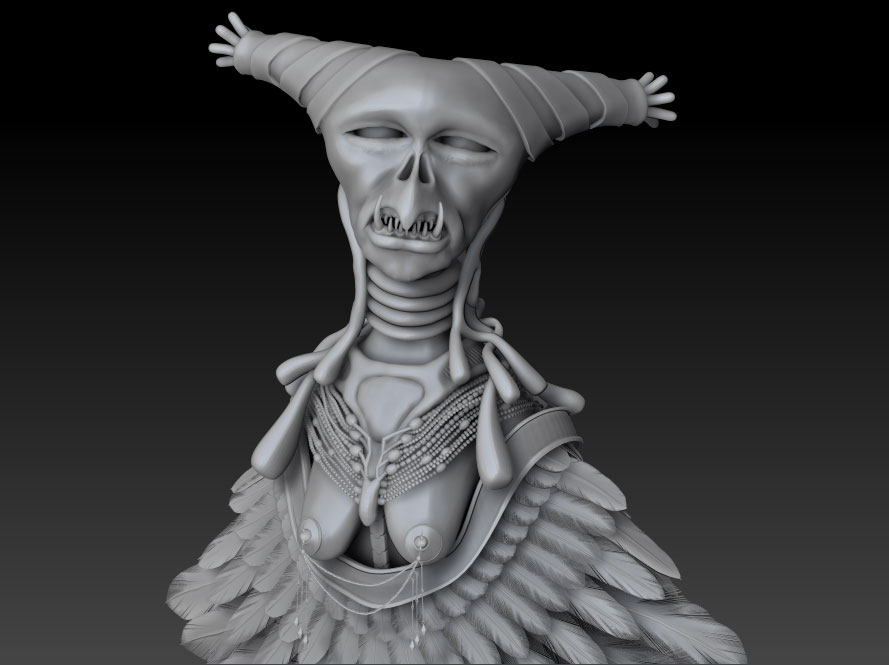
Hi friends!
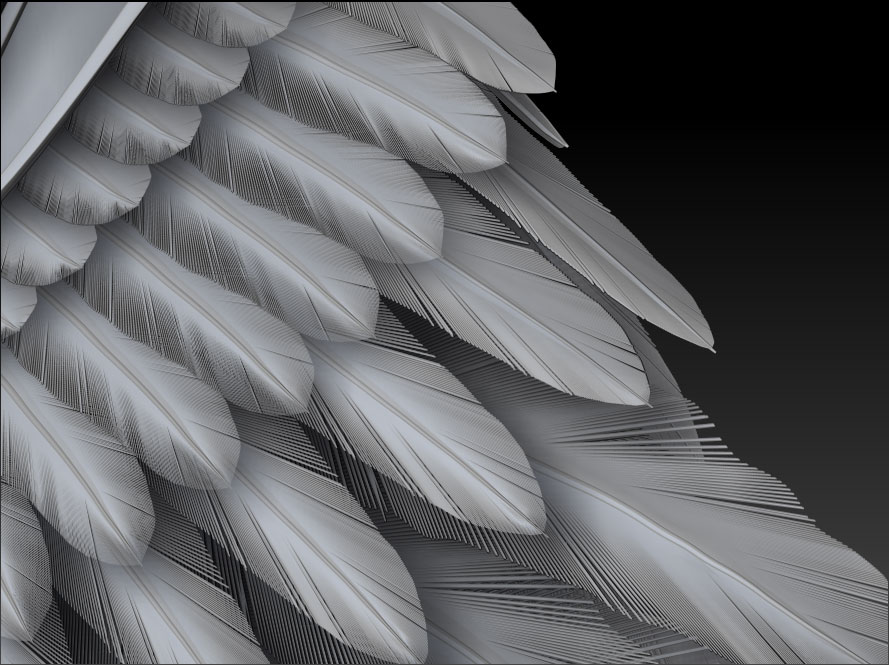
Honestly I have no idea but your feathers are amazing!
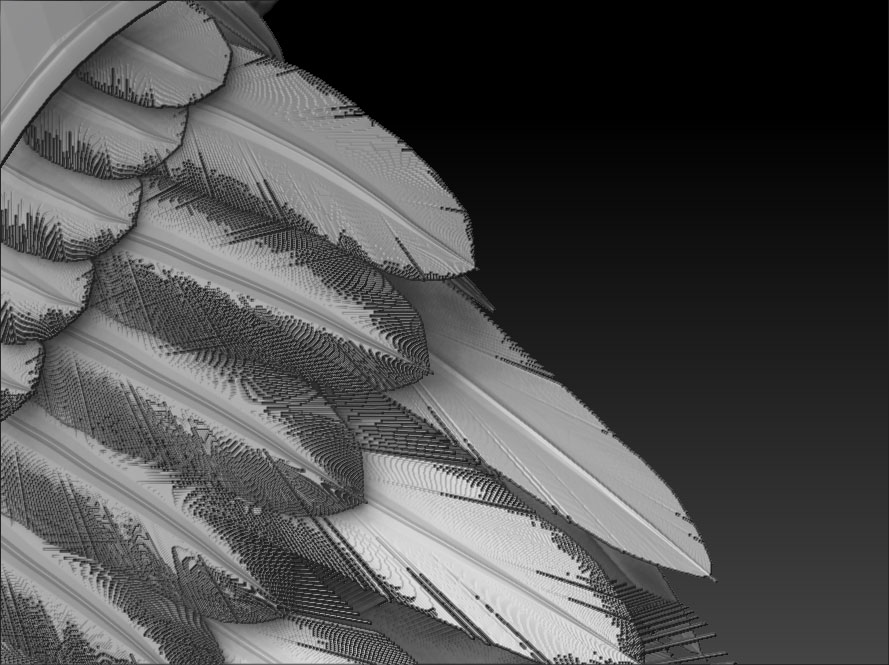
What material are you using? I’ve tried to reproduce the issue but so far haven’t been able to. Whatever, unless you need to use a material that only shows its effects with a Best render, BPR is going to give you the best result with a model of that level of detail. Its anti-aliasing options are much better for 3D models (using the SPix slider).
Thanks Marcus! I’m using skinshader4 for now and I also try other materials such as matcap skin04 & reflected but got the same problem as mentioned with Best Render . I intended to use Best render coz It provides more correct shading than BPR. I tried to adjust some parameter in Anti-aliasing in render panel but no luck
  ! In the worst case, I have to render the feather coat in BPR then composite with the rest rendered in Best Mode :idea:. But I really hope that the next version of Zbrush, the BPR can render correct shading as Best render mode so We only use 1 render
@MealeaYing: I model the single feather based mesh in maya - extruding many feather fibers a long the feather spine then sculpt the shape in zbrush