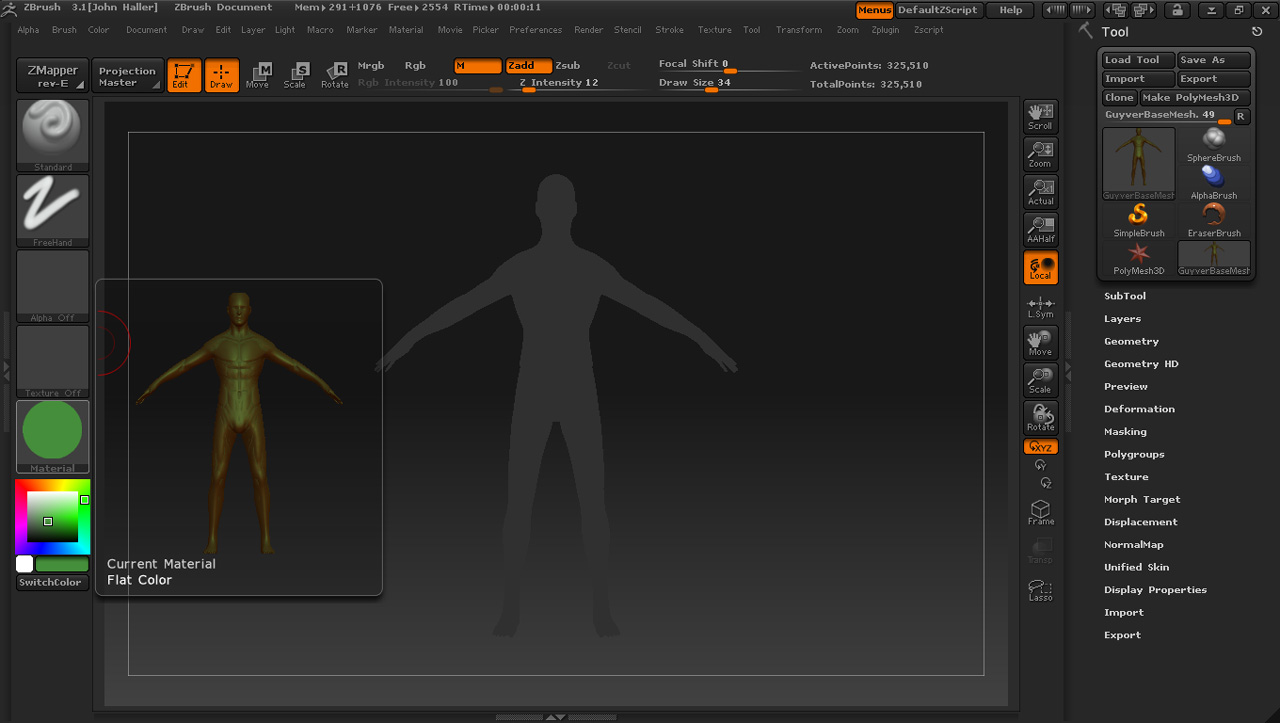
I have been trying everything I know and searching the forums. Does anyone have a solution for this problem. If you look at the attached image my model is not at all like the material editor says it should look.
The model’s material when I open it is white. Even when I fill the object with a new color and the MRGB or M is on my model never changes the material to the color I specified.
Applying a new material is worthless as it is always white or this silly flat grey color.
Attachments