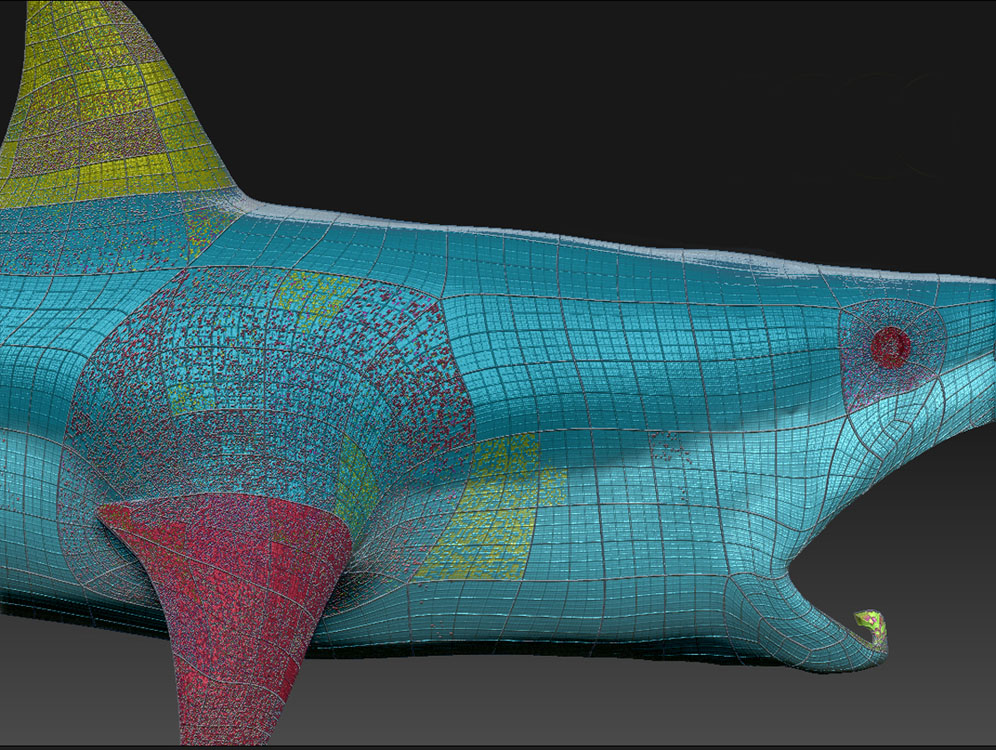
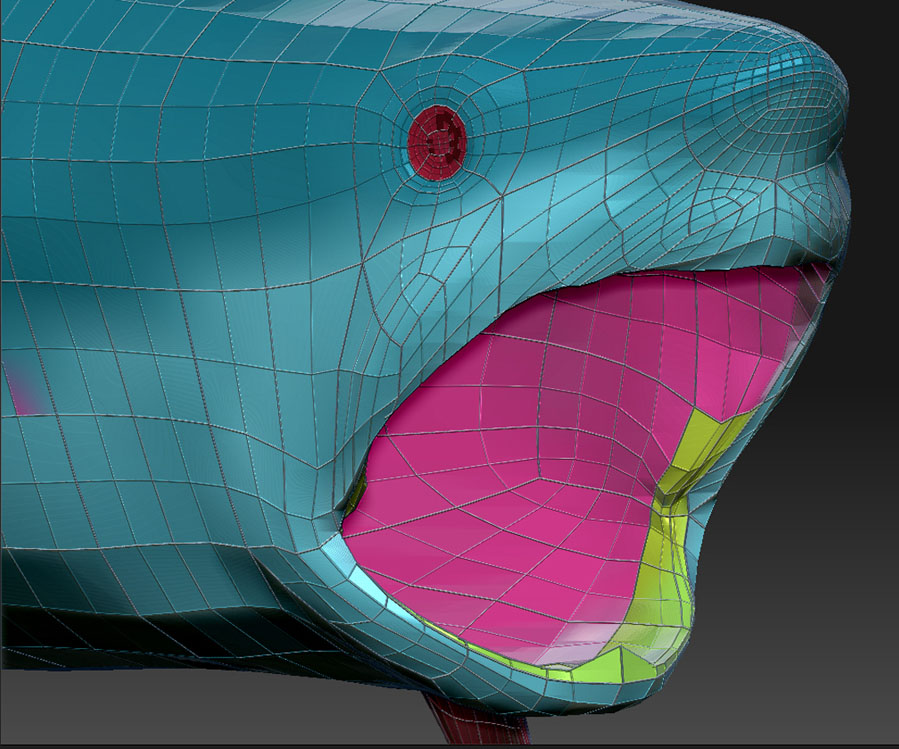
Is there a way to fix bad geometry in Zbrush? I have a model that I’m working on that I messed up early on. It looks really bad around the mouth, nose and cheek areas. I know why it’s bad and what to do next time, but can I do something within Zbrush to make it better without starting over?
Attachments